
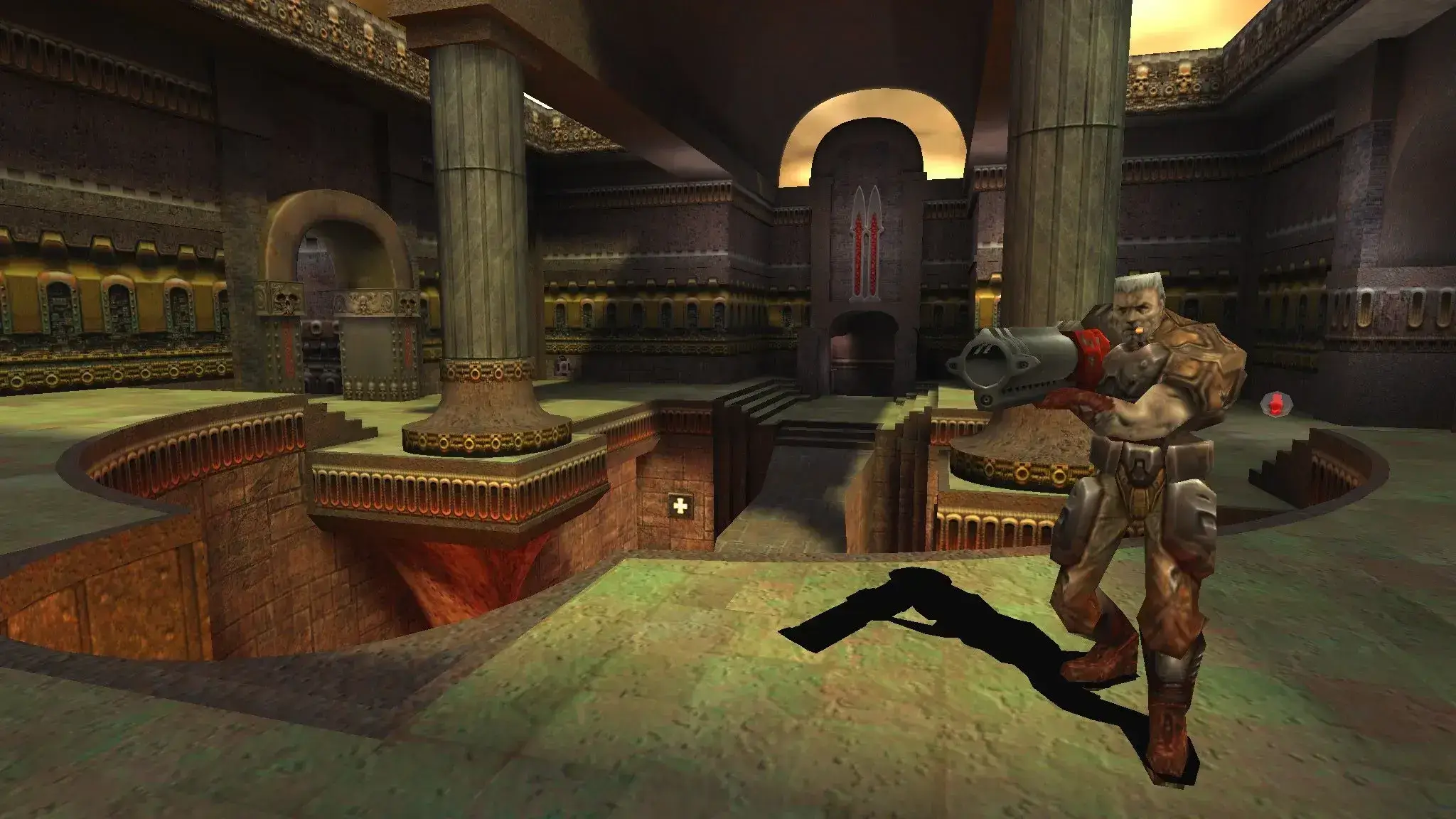
Quake 3 Arena has lots of great base maps, but sometimes you want something different. In this guide, I'll show you how to add custom maps to your Quake 3 Arena server.
Some websites that have custom Quake 3 Arena maps include:
Caution
Players must have cl_allowDownload 1 set to be able to join a server with custom maps or have Allow Downloading turned on under Setup → Options. This MUST also be set for any mods they play, so load the mod first, and then run the command or turn on Allow Downloading.
How to Add Maps
- 1Download the maps you want. These should be in a .pk3 format.
- 2Log in to Bropanel and select your Quake 3 Arena server.
- 3In the sidebar, go to
Files. - 4Navigate to the
baseq3folder. - 5Here, upload your custom map .pk3 file. You can drag and drop the file from your local computer, or use an FTP client to upload the file.
- 6Restart your server.
After you restart your server, you can then load the map straight from the server console. For example, if your custom map was called 2fastcomp003.pk3, you would type map 2fastcomp003 into the server console and press enter.
Once you have uploaded your maps, you will need to create a map cycle or levels config.