
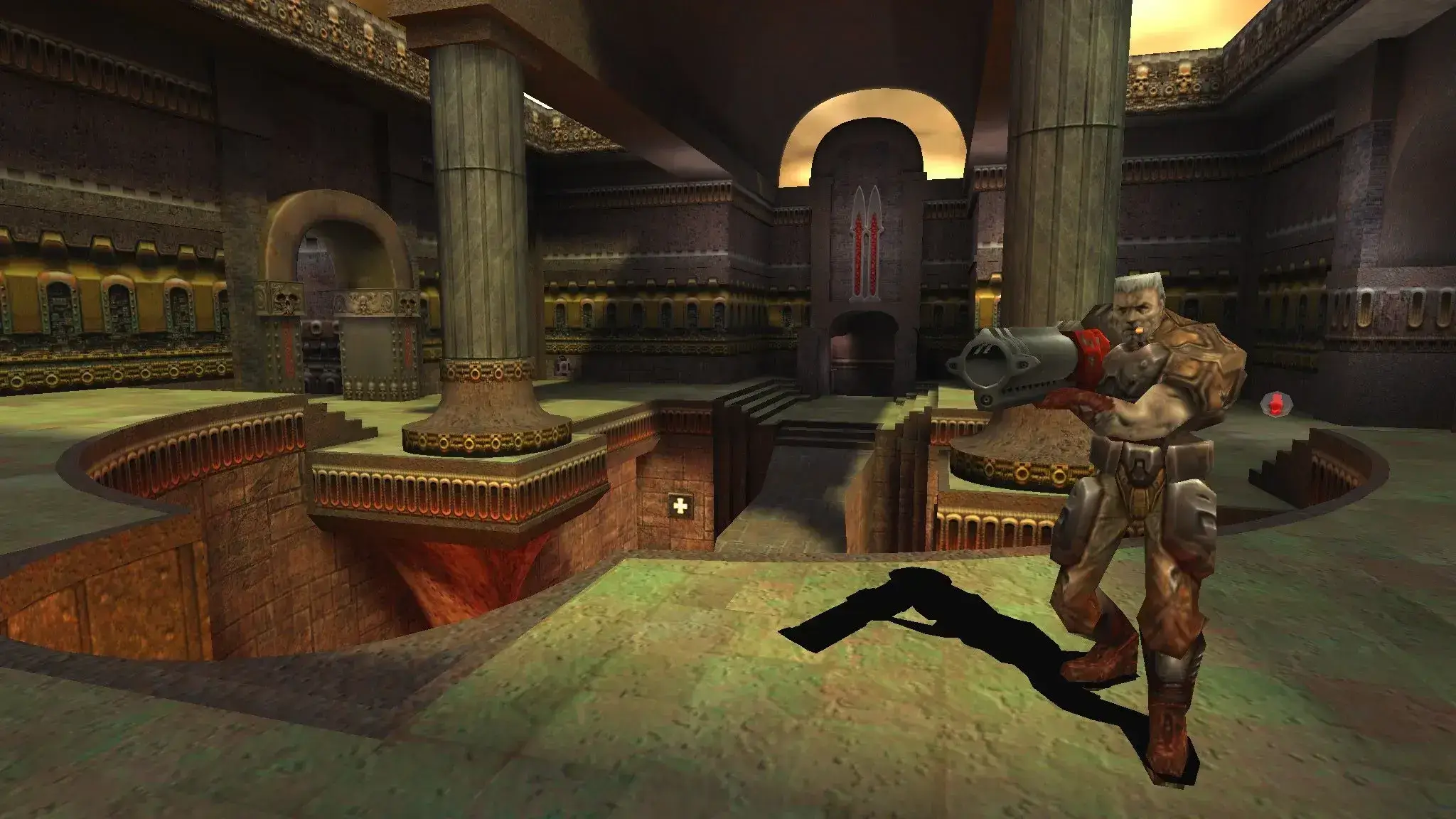
Here are common Quake 3 Arena server issues and how to fix them.
"User Interface Version Mismatch" Error in Quake 3 Arena
Encountering the error "User Interface is version 3, expected 6" or similar messages with different version numbers in Quake 3 Arena indicates a version mismatch in the .pak files between the server and client.
Essentially, both the server and client must use matching sets of .pak files to ensure compatibility (just old game things!).
At Game Host Bros, we recommend standardizing the .pak files used across your Quake 3 Arena game servers and clients. The most efficient way to do this is by utilizing the patch files provided by the ioquake3 project, known for enhanced stability and performance.
For Server Owners
- 1Download the latest patch data from ioquake3 at ioquake3 Patch Data.
- 2Log in to Bropanel.
- 3Select your Quake 3 Arena server.
- 4In the sidebar, go to
Files. - 5Navigate to the
baseq3folder. - 6Upload the new .pak file you've obtained from ioquake3.
For Game Clients (Players)
- 1Ensure you've also downloaded the same ioquake3 patch files from the link provided above.
- 2Locate the Quake 3 Arena installation directory on your PC. The default path is usually within your "Program Files" folder.
- 3Just like the server-side process, go to the "baseq3" folder.
- 4Replace the existing .pak files with the freshly downloaded ones from ioquake3. Make sure these match the ones you've uploaded to your server.
Synchronizing the .pak files between your server and client eliminates the discrepancies that cause the unsettling "User Interface version" errors.