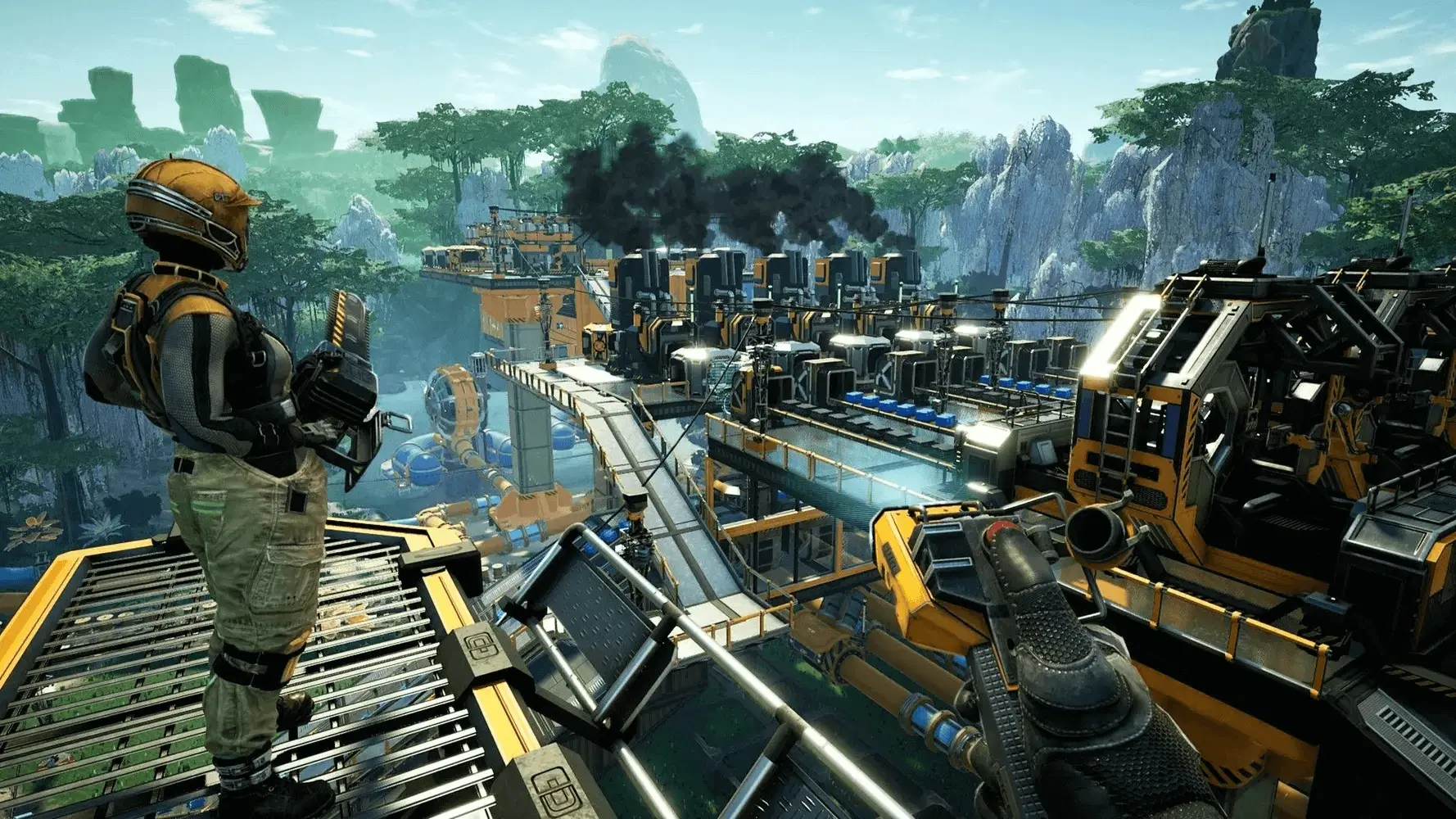
Here's how to enable Creative Mode on your Satisfactory server, unlocking settings such as No Build Cost, No Power, and Flight so you can build freely. This is done through the in-game Server Manager.
Caution
Enabling Creative Mode is a one-way action. You will not be able to switch back to the default version of the game unless you load a save that does not have Creative Mode enabled. Creative Mode also disables achievements, and all players in the session will have access to these settings.
Enabling Creative Mode
- 1Open Satisfactory, click
Server Manageron the main menu, and select your server. If you haven't added it yet, follow our connect to your server guide. - 2Go to the
Create Gametab, enter aSession Name, then clickCreative Mode. - 3Click
Confirmon theEnable Creative Mode?prompt. - 4Adjust the Creative Mode settings as desired.
- 5Click
Back, then clickStart Gameto create your world.