
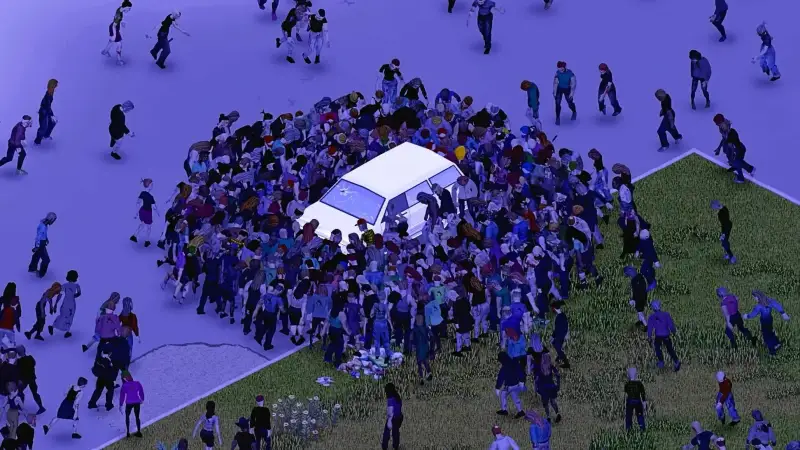
Project Zomboid Server Hosting
Your server stays online 24/7. Friends join while you sleep. No port forwarding. No PC left running all night.
- B42 supported!
- 1-Click Steam Workshop Mod Installer
- Host up to 100 players at no extra charge
- Powerful hardware
Location
Location
Location
Pick the exact RAM, CPU, storage and location you need. Full control.
Run your
PZ server
from one place
No SSH. No 3am forum threads. Every plan includes the full Game Host Bros panel and every feature below.
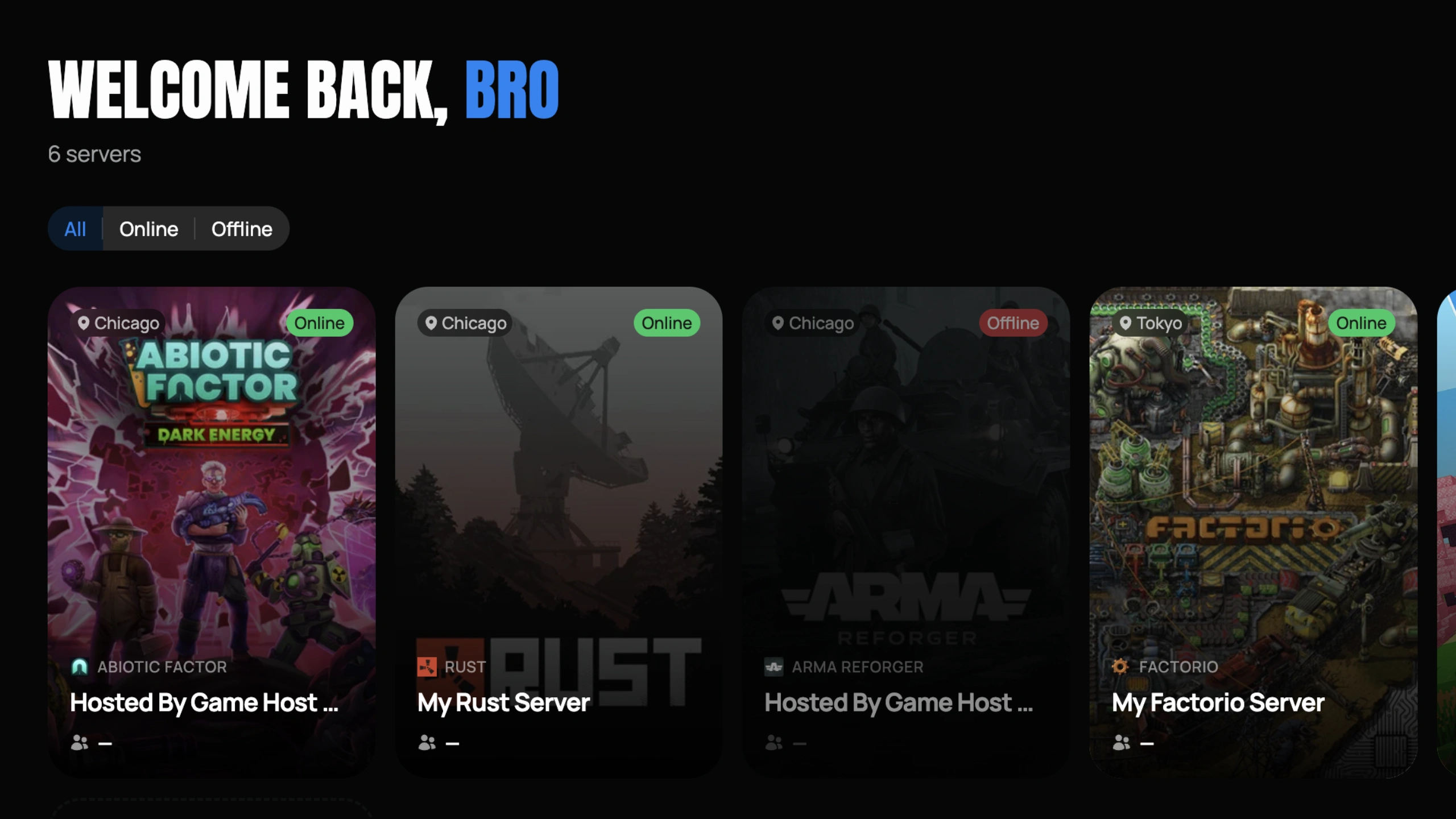
Mission Control
See all your PZ servers, switch instantly, change settings, monitor performance.
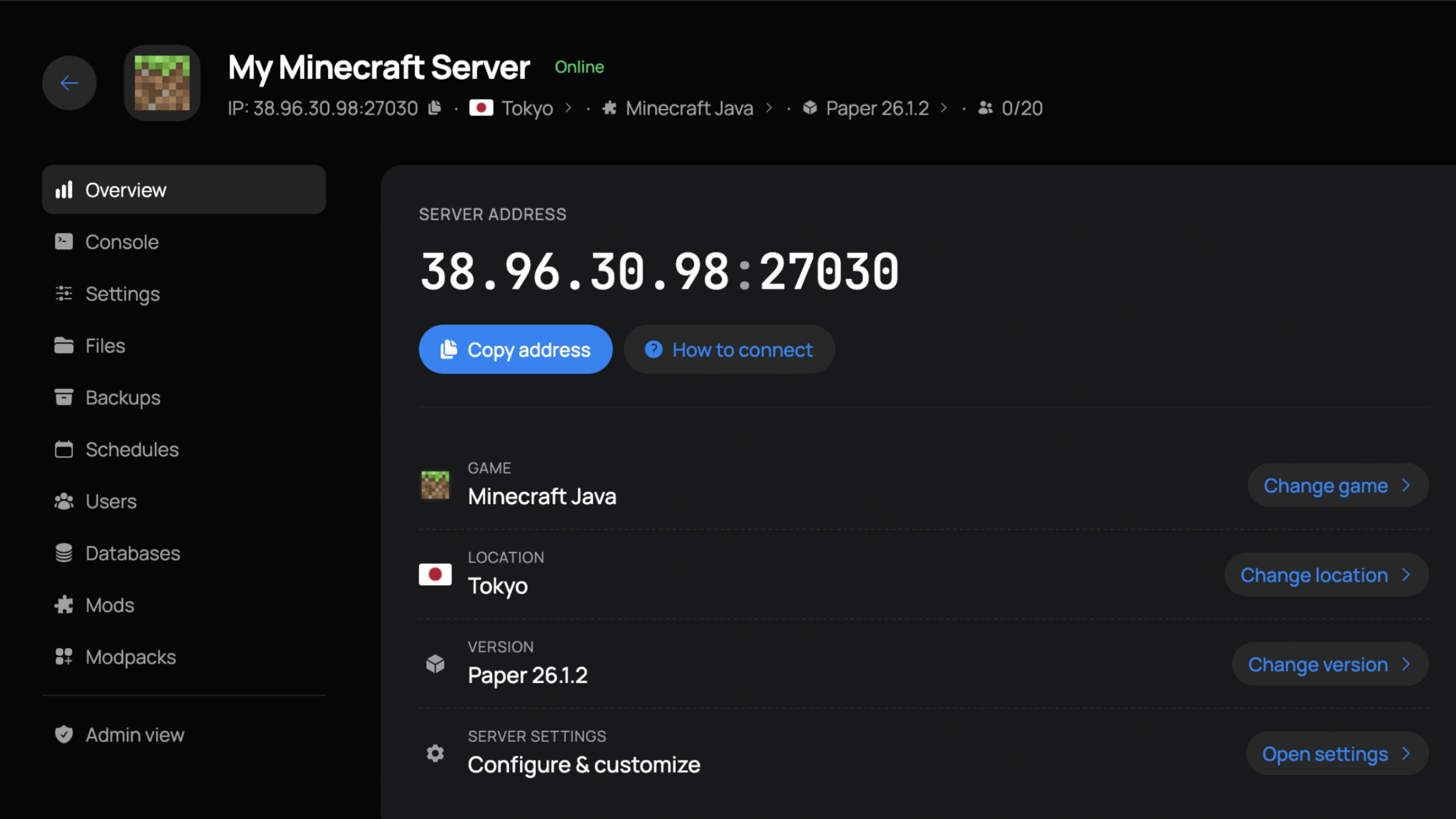
Server Control
IP, location, version, and settings front and center. Copy the connect address or jump to any tab in one click.
Easy Interface
Our panel is easy for first time users, yet powerful enough for seasoned server owners.
Instant Setup
Your server builds itself at checkout. Ready to join in under 60 seconds.
Swap Games
Change your server to any other game we host straight from the panel. No new order needed.
Change Location
Move your server to any in-stock location in a few clicks and keep your ping low.
DDoS Protection
We block attacks before they reach your server. Included free.
Live Console
Real-time console with instant feedback on every command.
File Manager
Edit configs, upload mods, and manage files directly in the browser.
1-Click Mods
Install plugins and mod frameworks directly from the panel.
Sub-Users
Add staff with custom roles and granular permissions.
Auto Backups
Daily automatic backups with one-click restore.
Hear it from
the players
Sourced from around the web.
The service is designed to take the hard stuff, make it easy, and if you get stuck they provide the best support.
Over the years I've tried quite a few different hosts, and none have been as good as GHB.
A top tier hosting company with newly updated hardware I wouldn't go anywhere else
They are incredible and easy to get ahold of at anypoint you need them
Their latest control panel update is excellent it's much more user-friendly and easier to manage
We use game host bros and honestly theyve been amazing! so reponsive and helpfull all the time
Master your
PZ server
Step-by-step guides for installing mods, configuring your world, adding admins, and every other tweak our support team gets asked about.
How To Add Admins On Your Project Zomboid Server
Enhance your Project Zomboid dedicated server by adding admins with our step-by-step guide. Learn how to assign admin privileges effortlessly.
Read the guideGlobal
deployments
Pick the location closest to your squad and keep your ping low. Locations marked restocking are sold out while we add more capacity.
 Los AngelesDallasAshburnRestockingNew YorkMiamiPortlandRestockingChicago
 Montreal
 London
 GravelinesParis
 Frankfurt
 Tokyo
Tokyo Singapore
Frequently
asked
Answers to the most common questions about Project Zomboid hosting.
About
PZ
Project Zomboid is an isometric zombie survival game developed by The Indie Stone that simulates a realistic apocalypse in Knox County. Players scavenge for supplies, build and fortify safe houses, farm food, craft items, manage their character's health and mood, and fight through an ever-growing zombie population. The game features deep mechanics including skill progression, nutrition tracking, vehicle maintenance, and a sandbox settings system that lets you tune every aspect of the apocalypse.
A dedicated Project Zomboid server lets your community share a persistent world where everyone can connect independently without relying on a host player. This is especially valuable for larger groups running roleplay communities, cooperative survival settlements, or PvP-enabled servers. With a dedicated server, you get full control over sandbox settings including zombie population, loot respawn rates, day length, player stats, and weather conditions.
Game Host Bros runs Project Zomboid servers on AMD Ryzen 9 9950X processors with NVMe storage across 14 global locations. We fully support B42, now the game's stable public build, and older builds are switchable from our panel. Steam Workshop mods can be installed in one click from our built-in mod browser, or added manually by editing Workshop IDs and Mod IDs into the pzserver.ini file for full control, and B42 multiplayer modding is supported with specific configuration steps documented in our guides. Server configuration is available through our panel for basics like server name, password, and version, while sandbox settings are fully customizable through pzserver_SandboxVars.lua. You can also set a custom welcome message, configure max players, and manage the server version. We host up to 100 players at no extra charge and offer free save transfers.
Project Zomboid is available on Steam and has a large modding community on the Workshop with mods covering new weapons, vehicles, map expansions, and quality-of-life improvements. B42 mod compatibility is still evolving, so check individual mod pages for support status. Full file manager access lets you edit all configuration files directly, and our troubleshooting guides cover common issues like sandbox settings not applying and corrupted save files.
Game Host Bros offers the best Project Zomboid server hosting from $15.99/mo. Whether you want to host a Project Zomboid server for a few friends or rent a dedicated server with B42 and up to 100 players, plans include instant setup, Steam Workshop mod support, and 14 global locations.
Spin up
PZ
Online in 60 seconds, DDoS protection included, and a 7-day money-back guarantee. Not locked in either. Switch to any other game we host at any time.