
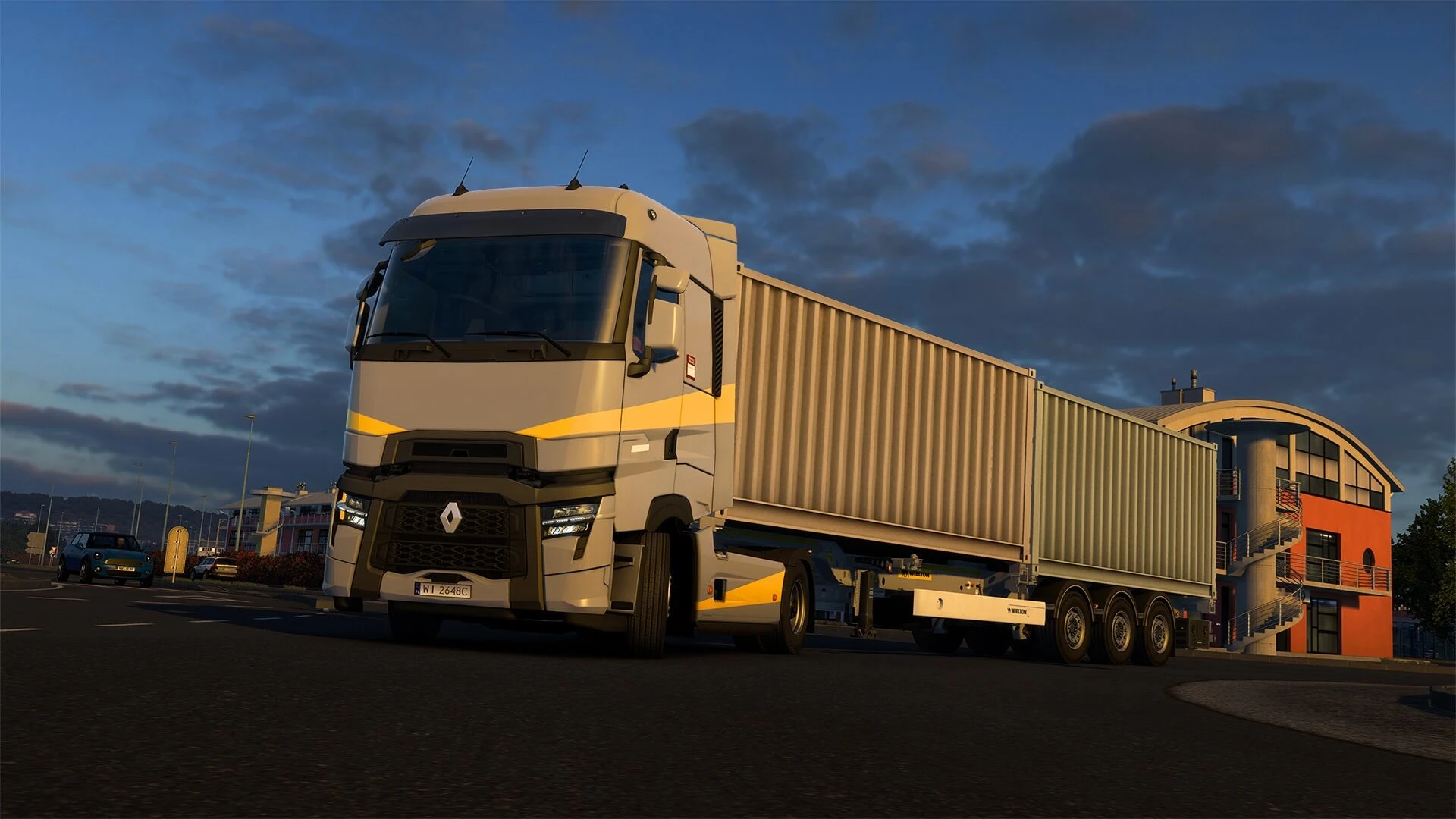
Console in Euro Truck Simulator 2 server is mainly used for uploading mods to servers, as it's required to export your enabled mods. Here's how to enable it.
Enabling Console in ETS 2
- 1Press
Windows Key + Rand enter this:%USERPROFILE%\Documents\Euro Truck Simulator 2 - 2Open
config.cfg - 3Change the existing
uset g_consoleanduset g_developerlines to1.- uset g_console "1"
- uset g_developer "1"
- 4Save the changes.
macOS File Location
- ~/Library/Application Support/Euro Truck Simulator 2
Linux File Location
- user/.local/share/Euro Truck Simulator 2/
To open the in-game console, press ~ on your keyboard.
Further in-depth console information can be found here.