
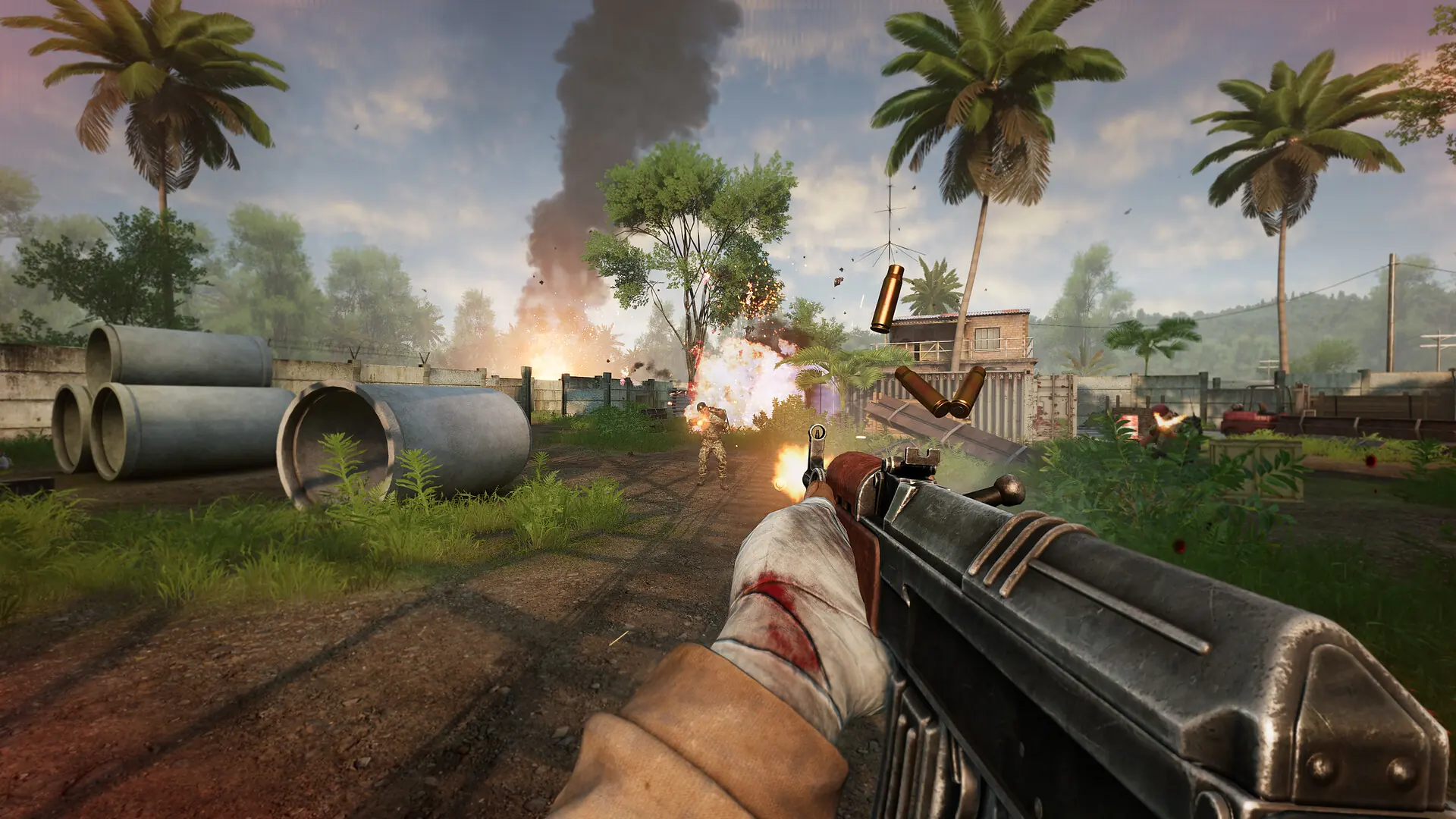
At Game Host Bros we include FastDL on every Military Conflict: Vietnam server so players can download custom files such as maps, materials and sounds quickly. Everything is automatic, and there is no configuration needed on your end beyond uploading your custom content.
How Does FastDL Work?
While it is all automatic, there are a few things worth knowing about our FastDL system:
- Custom content you put in your
/vietnamfolder is compressed and synced when your server starts. sv_downloadurlis added to yourserver.cfgfor you.- Files are only served to players once compression has finished.
- You can browse everything online by opening your FastDL URL, which you can get by typing
sv_downloadurlinto your console.
Here is a list of folders and file types in those folders we sync:
| Folder | Extensions |
|---|---|
| gfx | .tga, .bmp |
| maps | .bsp, .nav, .res, .txt |
| materials | .vmt, .vtf, .raw, .svg |
| models | .mdl, .vtx, .vvd, .phy |
| overviews | .bmp, .txt |
| particles | .pcf |
| resource | .txt, .res |
| sound | .mp3, .wav, .txt |
| sprites | .spr, .tga, .txt |
If what you require isn't listed, please reach out to a bro, and we will add what you require.
Using A Third-Party FastDL
If you would rather use an external FastDL, you can point your server at it with a second config that runs after server.cfg.
- 1Create a
fastdl.cfgin the same folder as yourserver.cfg. - 2Add the line
sv_downloadurl www.myfastdlurl.com. - 3Go back to your
server.cfgand add the lineexec fastdlto the bottom of the file. - 4Restart your server.