
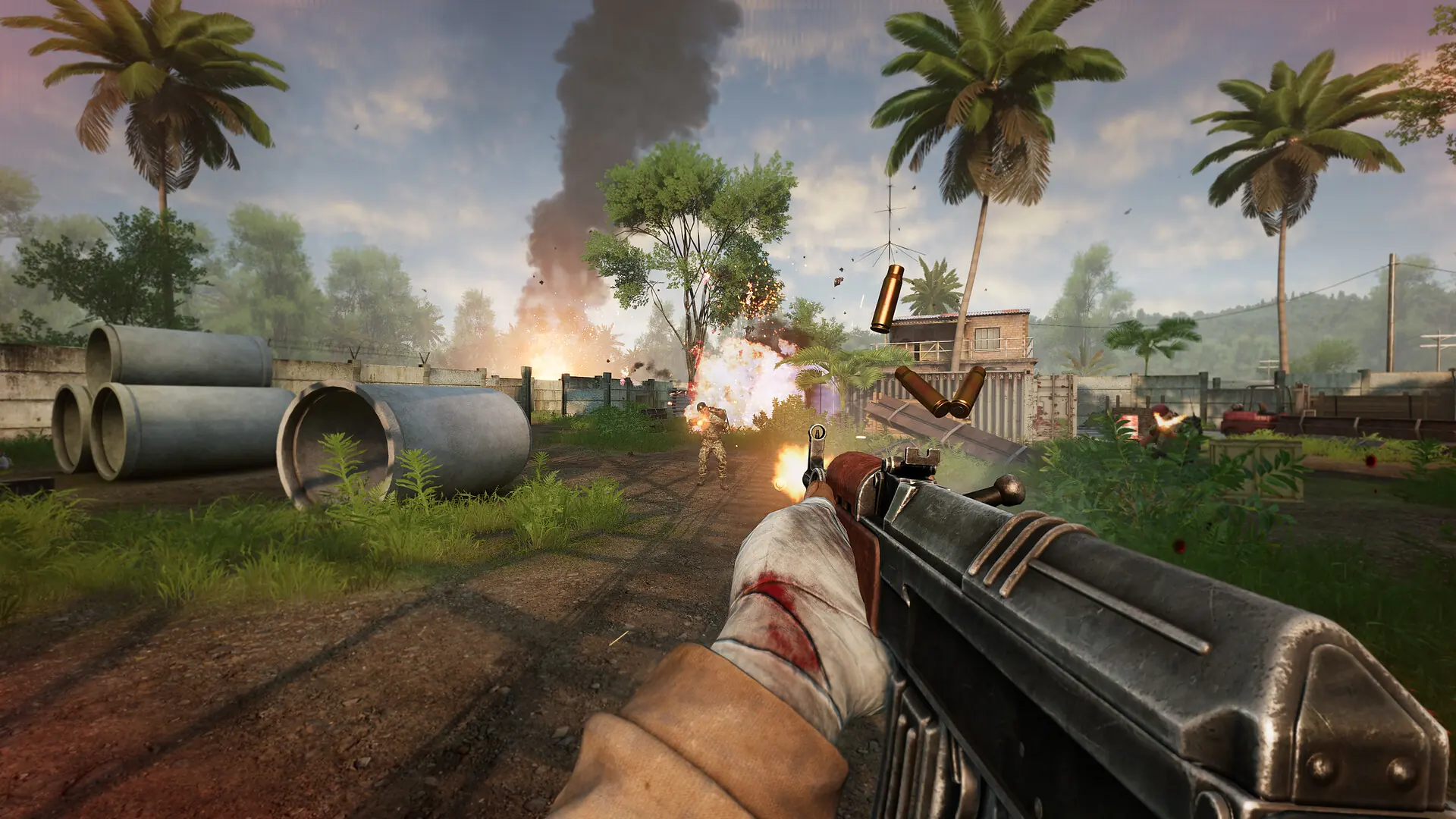
Your Military Conflict: Vietnam server takes its rules from two settings that work as a pair. Gametype sets the broad ruleset, and Gamemode sets which mode runs inside it. A new server starts on Classic and TeamDeathmatch.
Changing Your Game Mode
- 1Log in to Bropanel and select your server.
- 2In the sidebar, go to
Settings. - 3Edit
GametypeandGamemodeand enter the pair you want. - 4Click
Save & Restartto apply your changes.
Enter both values exactly as they are spelled below. They are case sensitive and contain no spaces, and only the pairings listed here will start.
Valid Game Type And Game Mode Pairs
| Gametype | Gamemode |
|---|---|
Classic | CaptureTheFlag |
Classic | Conquest |
Classic | Deathmatch |
Classic | Firefight |
Classic | GunGame |
Classic | GunGameDeathmatch |
Classic | KillConfirmed |
Classic | LastManStanding |
Classic | LastTeamStanding |
Classic | TeamDeathmatch |
DayOfVictory | Firefight |
DayOfVictory | TeamDeathmatch |
Fun | Fun |
PVE | CaptureTheFlag |
PVE | Conquest |
PVE | Skirmish |
PVE | TeamDeathmatch |
Zombies | Zombies |
Modes That Need Specific Maps
CaptureTheFlag only runs on maps built with flags, so pair it with a map that supports it or your server will not load the mode.
Zombies runs on its own set of maps rather than the standard rotation:
mcv_bridgemcv_mansionmcv_notre_dammcv_prisonmcv_ruinsmcv_tower