
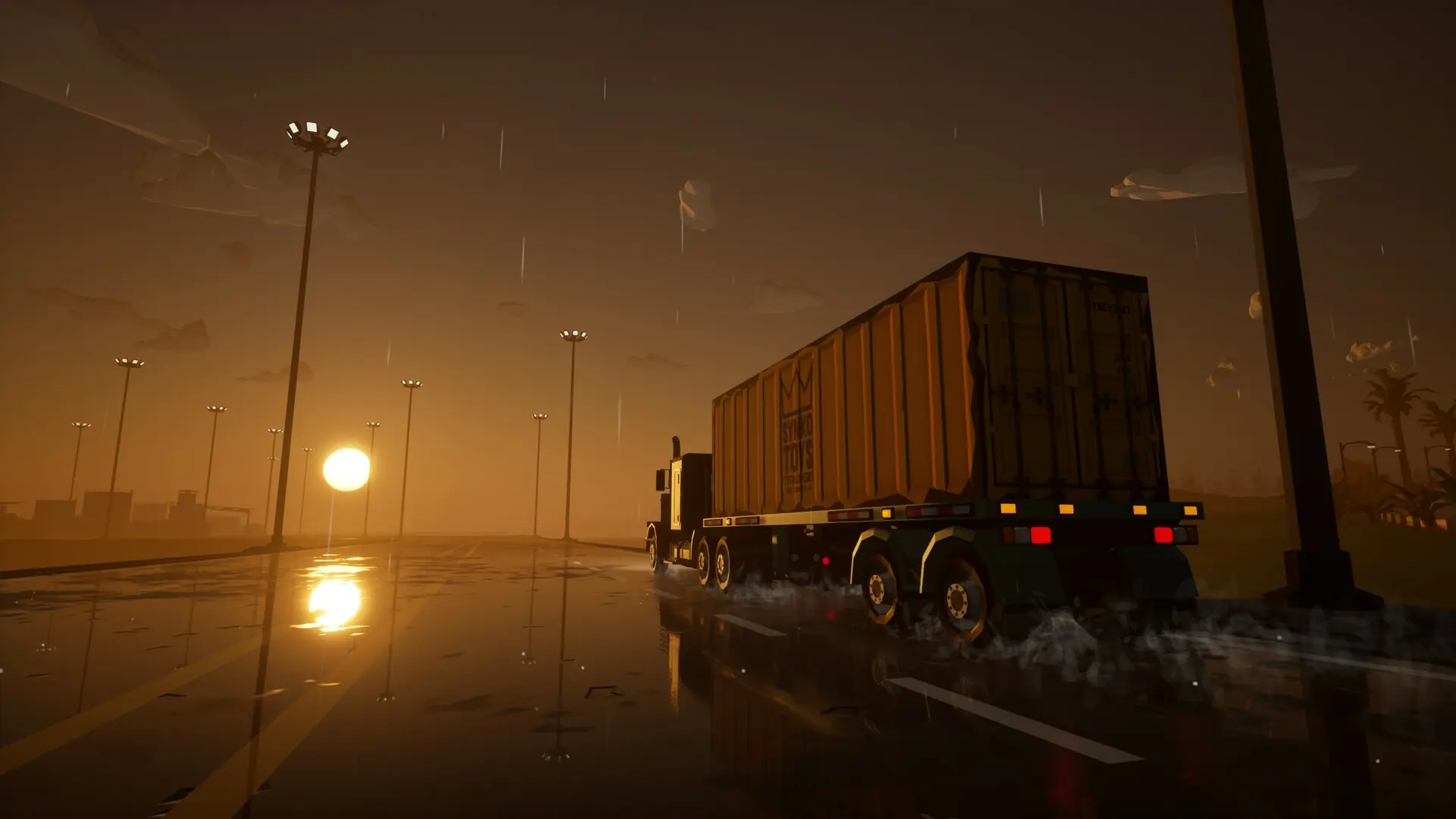
Here's how to set up a custom server message on your Motor Town server. The server message is shown to players right after they connect, which makes it the best place for your rules, your Discord link, and anything else new players should know.
Setting A Server Message
- 1Log in to Bropanel and select your server.
- 2In the sidebar, go to
Settings. - 3Under
Basic, editServer Messageand enter your message. - 4Click
Save & Restartto apply your changes.
Formatting Your Message
You can use \n to create line breaks in your server message. This allows you to format your message with multiple lines for better readability.
For example:
Welcome to the island!\nHosted by Game Host Bros\n\n- Respect other drivers\n- Keep the racing to the track\n- Have fun out there!
This will display as:
Welcome to the island!
Hosted by Game Host Bros

- Respect other drivers
- Keep the racing to the track
- Have fun out there!