
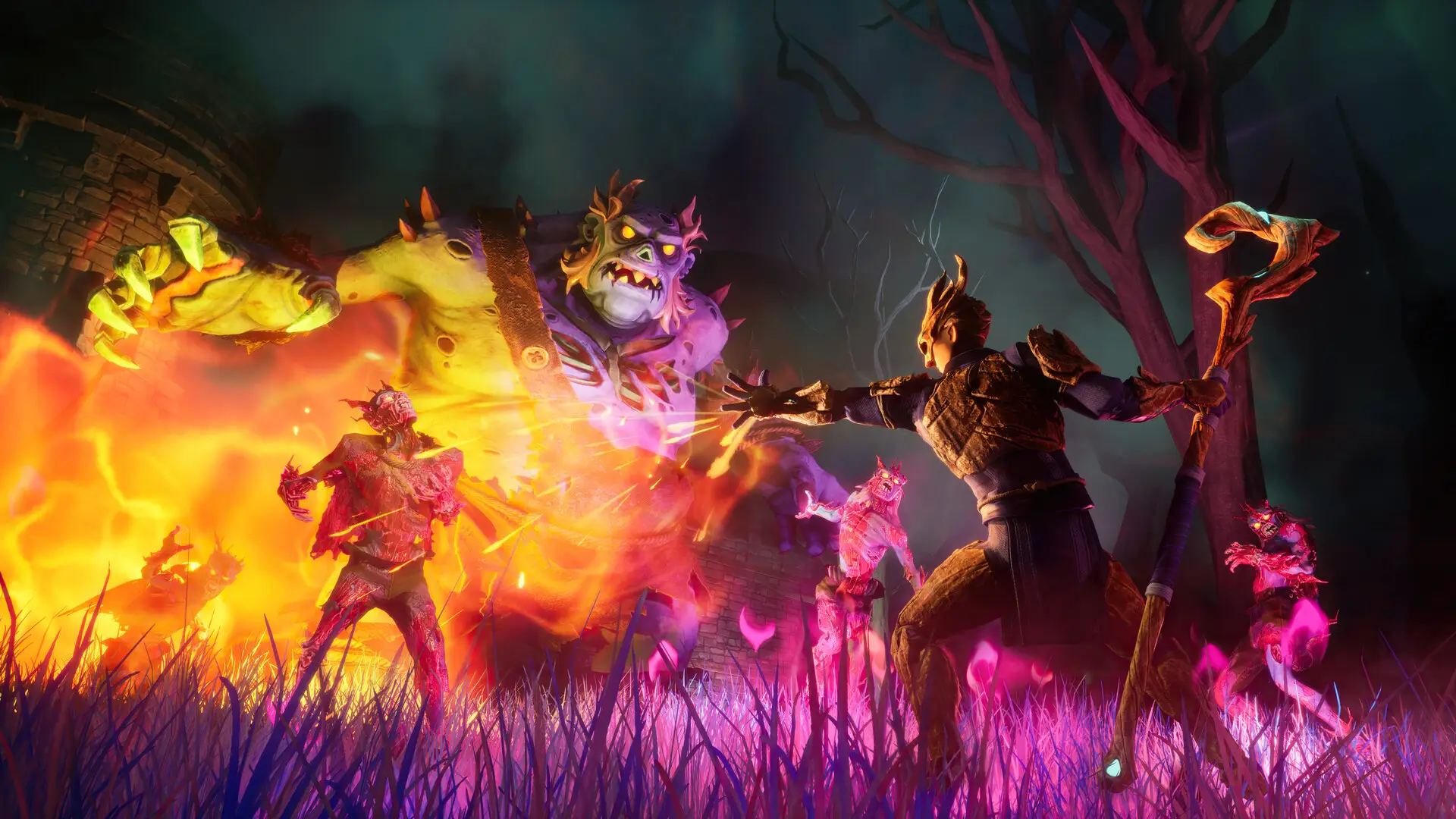
RuneScape Dragonwilds server settings are configured through the save file itself. To customize your world settings, you must first create a singleplayer save with your desired configuration and then upload it to your RuneScape Dragonwilds server.
Configuring Your World Settings
- 1Open RuneScape: Dragonwilds.
- 2Create a new singleplayer world.
- 3Configure the world settings to your liking before starting the game.
- 4Save and exit the world.
- 5Follow our Upload Save guide to upload your configured save to the server.
Note
There is currently no way to edit world settings directly on the server. All settings must be configured through a singleplayer save and then uploaded.