
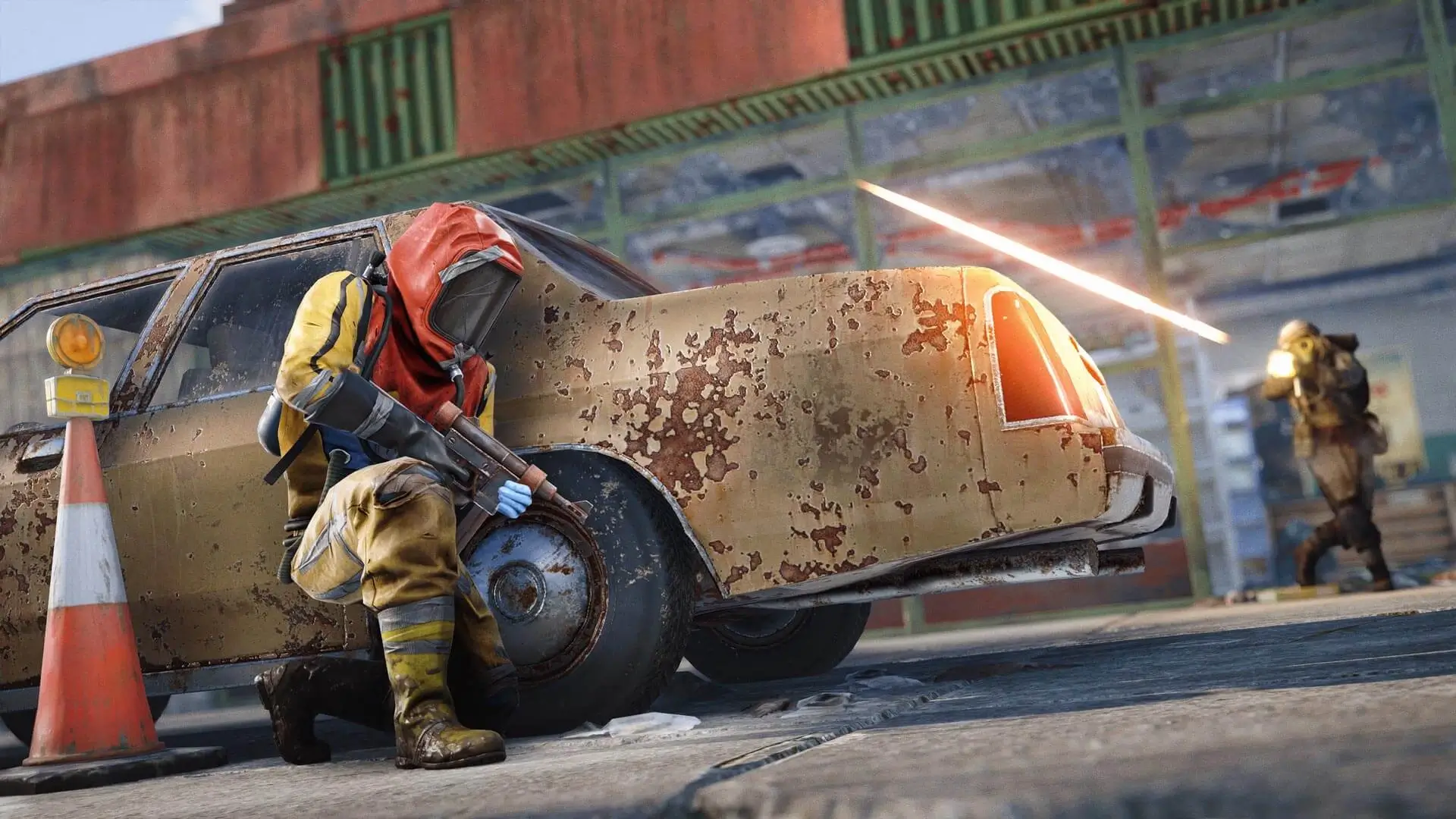
Wiping your server is a great way of keeping gameplay fresh, by performing cycled wipes - full wipes specifically, you're effectively establishing equal footing between new and veteran players.
Here are the most common ways to wipe your Rust server.
Note
Certain wipes are Forced wipes, these occur when Rust updates (Typically on the first Thursday of every month).
Blueprint (BP) Wipe
Wiping Blueprints will reset the blueprint progress for all players, this is a great wipe to keep the flow of newer players joining your server, while also encouraging your veterans to start playing again.
- 1Log in to Bropanel and
Stopyour server. - 2In the sidebar, go to
Files. - 3Navigate to
/server/rust/. - 4Delete all of the
player.blueprintfiles. - 5Start your server.
Files to Delete:
Map Wipe
Here's how to perform a map wipe, performing a map wipe will clear all structures created by players.
- 1Log in to Bropanel and
Stopyour server. - 2In the sidebar, go to
Files. - 3Navigate to
/server/rust/. - 4Delete all of the
.map,.savandplayer.statesfiles. - 5Start your server.
Files to Delete:
Full Wipe
This is the most common wipe, a full wipe (server wipe) refers to a wipe where all game data is erased, causing all players to have a fresh start, this equalizes the map, giving all players an equal opportunity to compete on wipe day.
- 1Log in to Bropanel and
Stopyour server. - 2In the sidebar, go to
Files. - 3Navigate to
/server/rust/. - 4Delete all of the files except
cfg. - 5Start your server.
Server Reinstallation
Caution
This should only be used as a last resort. If you keep having issues, then reach out to a bro. We're here to help you.
- 1Log in to Bropanel and
Stopyour server. - 2In the sidebar, go to
Settingsand clickReinstallin the top-right. - 3Select
Format and reset, then confirm and wait for the install to finish.