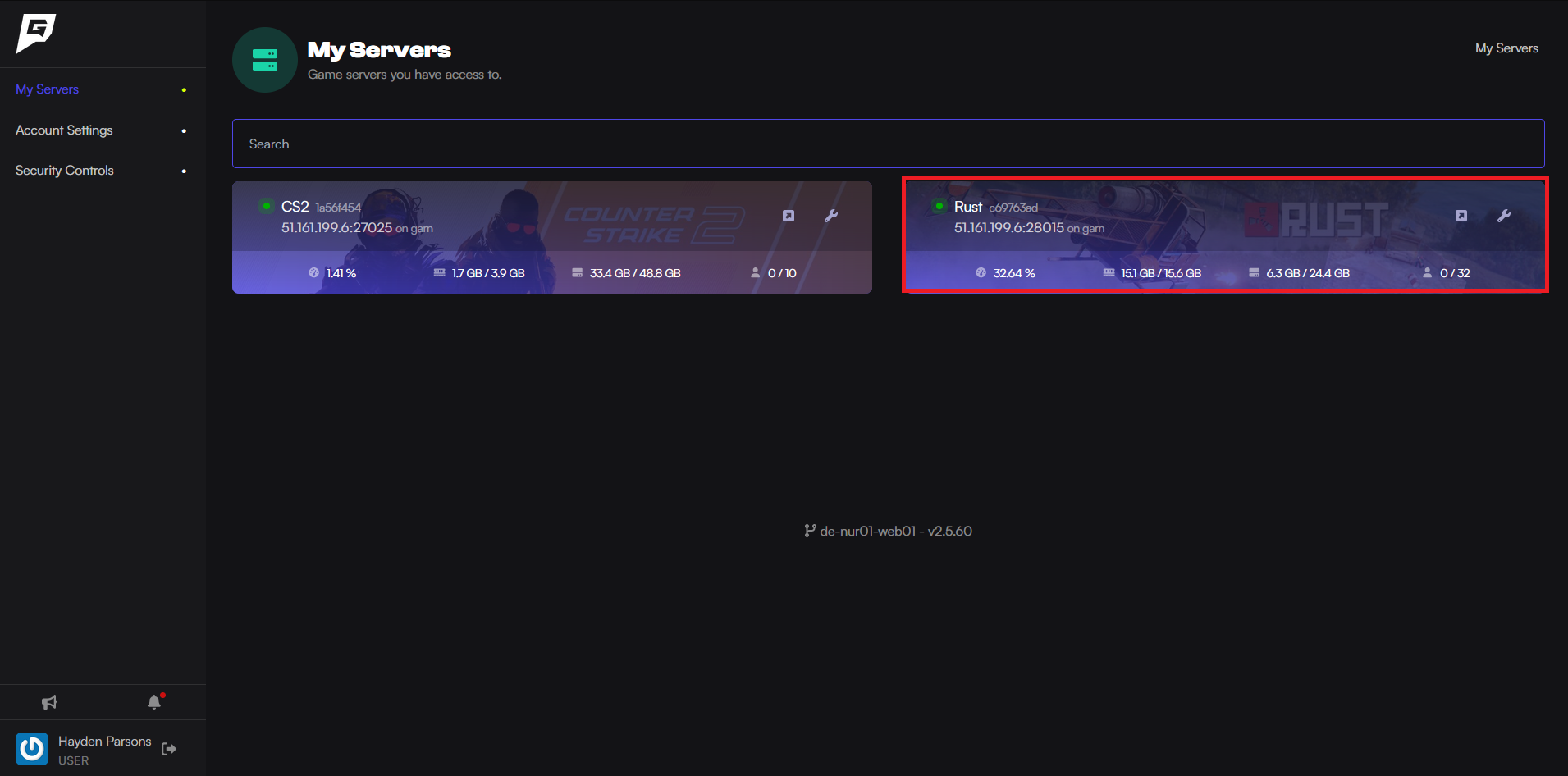
Here is how to add admins to your Rust server.
Before beginning this guide, you should have the SteamID64 of the user you want to add as an admin/moderator.

Here is how to add admins to your Rust server.
Before beginning this guide, you should have the SteamID64 of the user you want to add as an admin/moderator.