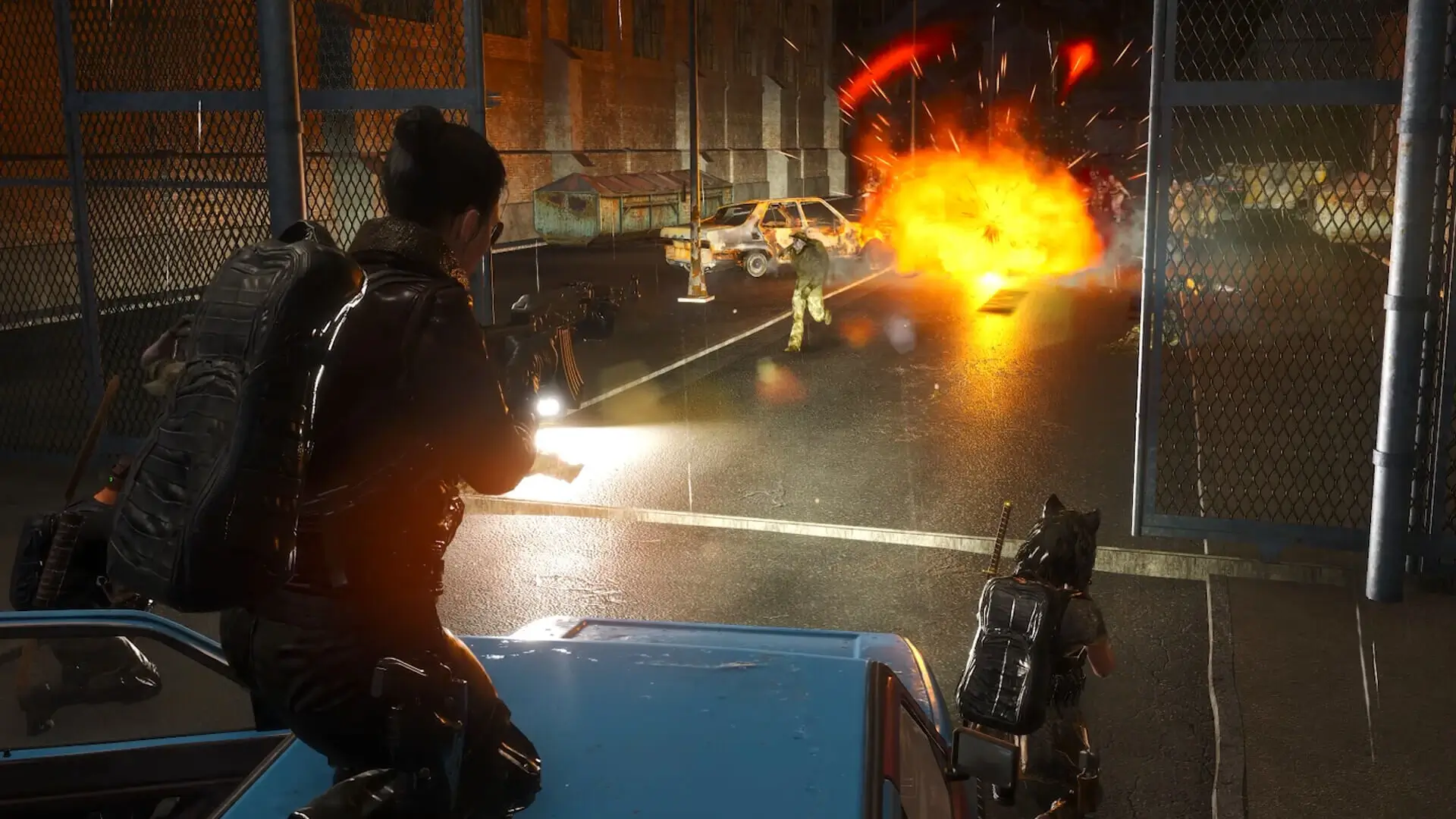
Every SCUM server is listed as either PvP or PvE. New servers start as PvP. The playstyle tells players what kind of server you run, but on its own it doesn't stop players from damaging each other. For a true PvE server, set the playstyle in our game panel and then turn off player damage in the in-game Server Settings menu.
Setting Your SCUM Server Playstyle
- 1Log in to Bropanel and select your server.
- 2In the sidebar, go to
Settings. - 3Set
[Basic] Server PlaystyletoPVPorPVE. - 4Click
Save & Restartto apply your changes.
Each time your server starts, this setting is written to scum.ServerPlaystyle in SCUM/Saved/Config/WindowsServer/ServerSettings.ini. Change it in the panel rather than in the file, or your edit will be replaced on the next start.
Note
The panel can only write [Basic] Server Playstyle, [Basic] Server Name, [Basic] Server Description, [Basic] Server Password, [Basic] Max Players and [Advanced] Max Ping Allowed once ServerSettings.ini exists. The game creates that file the first time your server starts, so on a brand-new server these settings take effect from the second start.
Turning Off Player Damage for PvE
Damage between players is controlled by SCUM's zone rules, which you change in-game. You need to be on ServerSettingsAdminUsers.ini to open the Server Settings menu. Our adding admins guide shows how.
- 1Connect to your SCUM server.
- 2Press
Escto open the menu and go toServer Settings. - 3Open the custom zones section and select the
Globalzone, which covers the whole map. - 4Block the player damage types you don't want, such as melee and projectile damage.
Fine-Tuning Your Rules
The rest of your gameplay rules are also managed through the in-game Server Settings menu. Our server configuration guide covers the menu and the ServerSettings.ini file.
Tip
Tell players what to expect by adding your rules to [Basic] Server Description in Settings. It is shown in the server browser and can be up to 64 characters.