
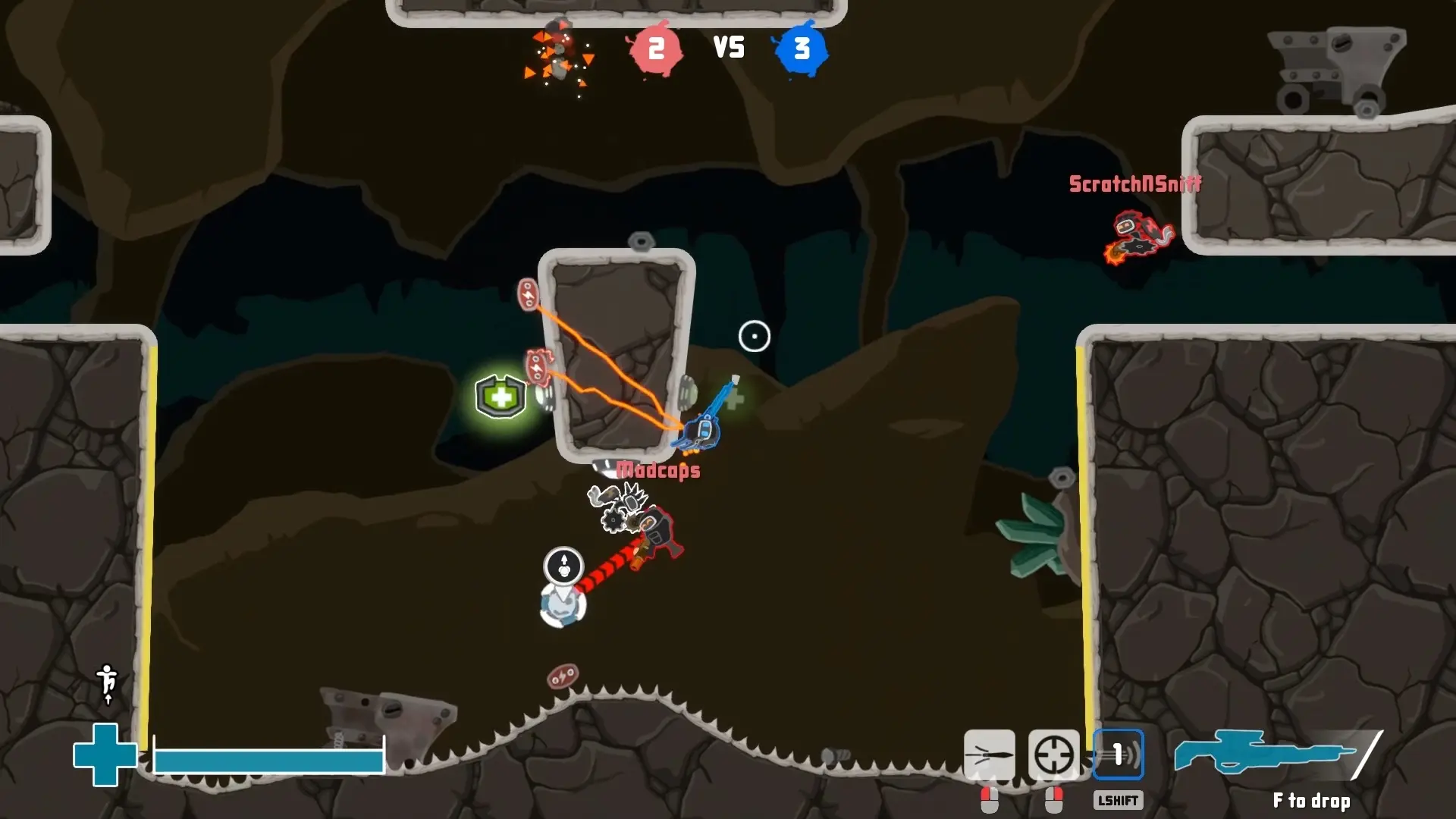
Your StickyBots server can play on any of the four online arenas: StationKappa, Nest, Olympus and Outpost. Here's how to choose one.
Changing the Map
- 1Log in to Bropanel and select your server.
- 2In the sidebar, go to
Settings. - 3Under
Gameplay, editMapand pick an arena. - 4Click
Save & Restartto apply your changes.
Your server starts on StationKappa unless you pick another map.