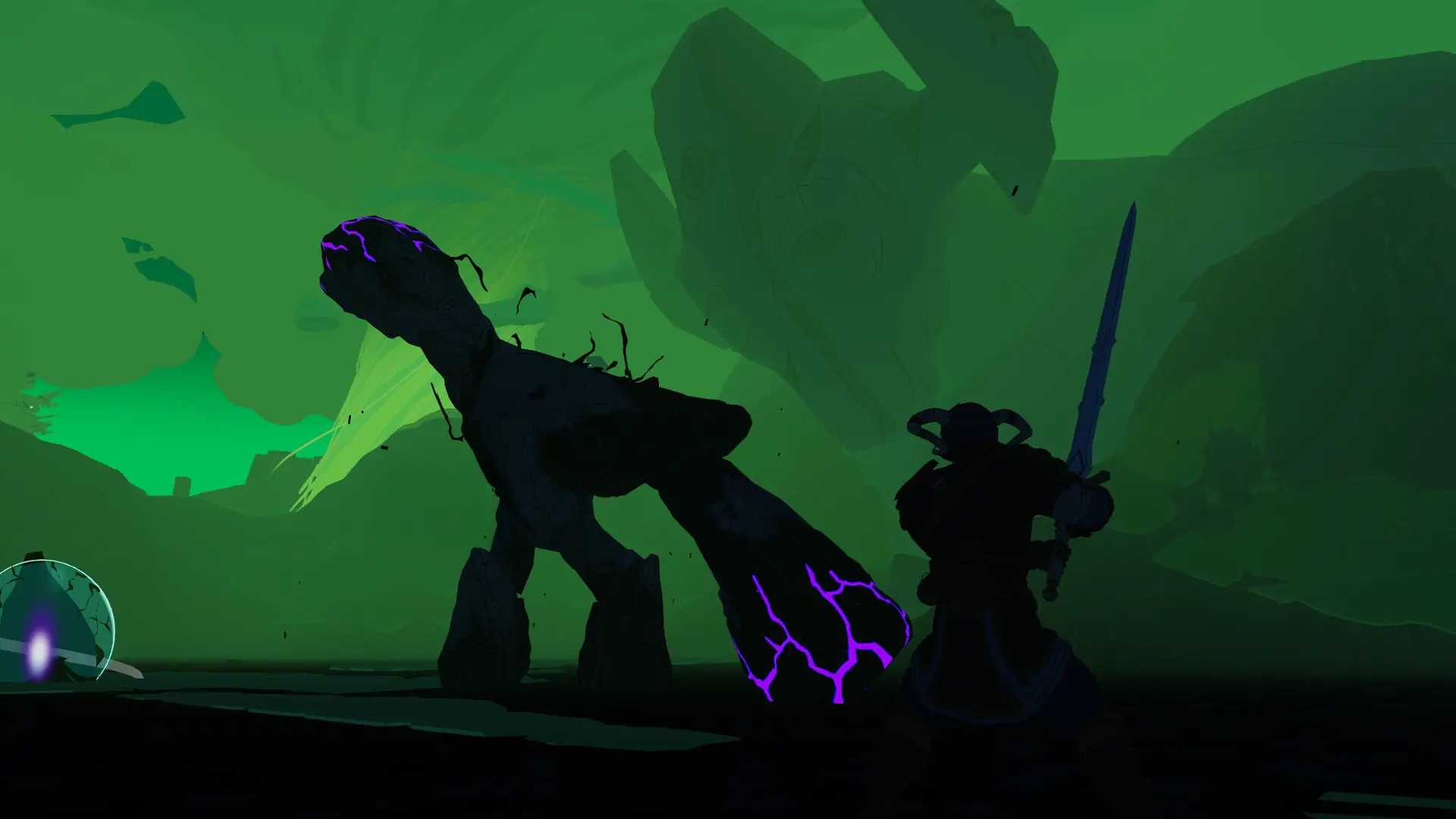
Here is how you can create a new world on your Stormforge server. Your current world stays in the Saves/Worlds folder, so you can switch back to it later.
Creating A New World
- Log in to Bropanel and select your server.
- In the sidebar, go to
Settings. - Under
World, clear theWorld Prefab IDfield. - Optionally, set a
NameandSeedfor the new world. - Click
Save & Restartto apply your changes.
Your server generates the new world when it starts, and fills in its World Prefab ID for you.