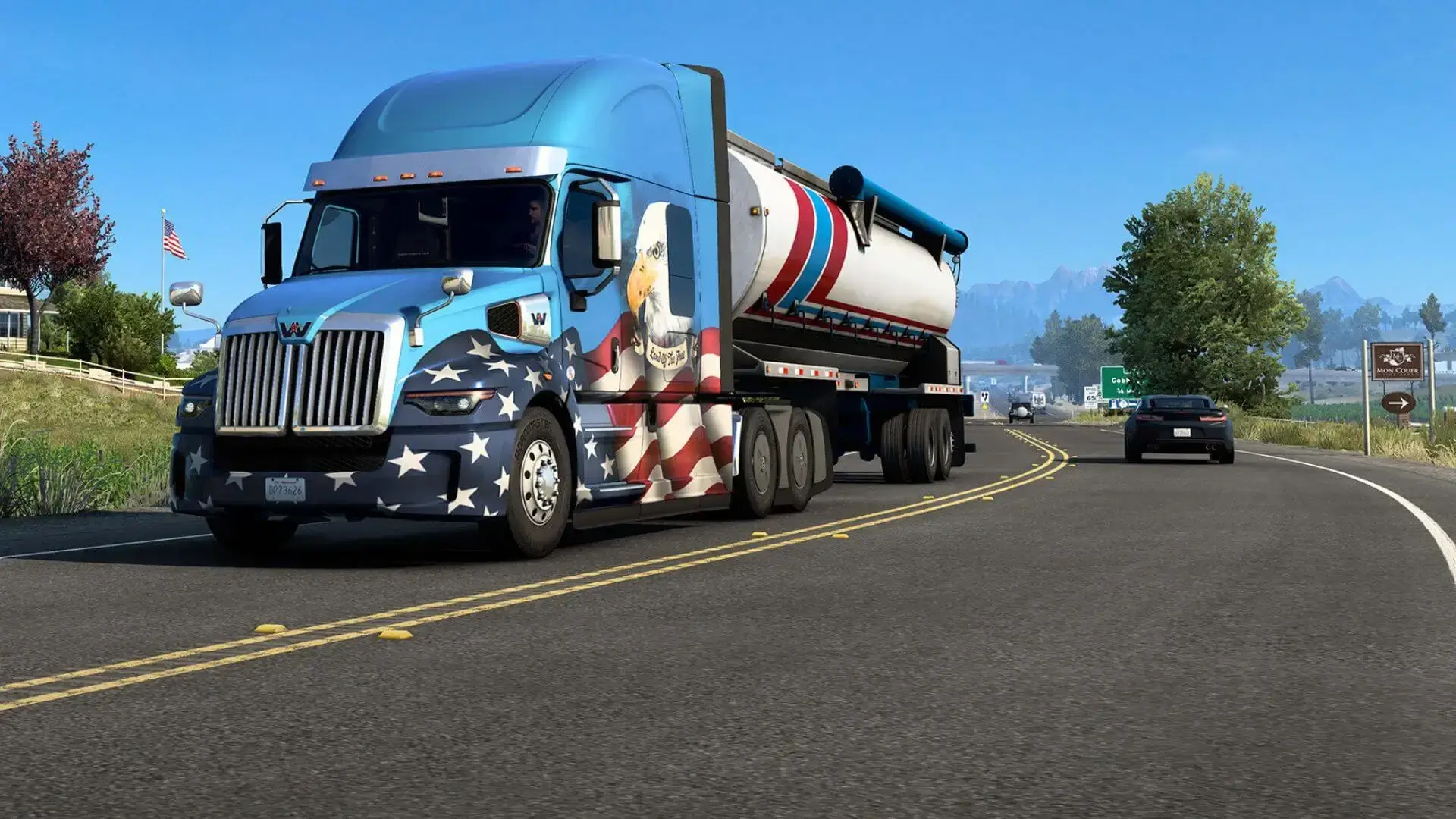
Moderators on your American Truck Simulator server can change the in-game time and turn off rain for the whole convoy using chat commands.
Before You Start
A dedicated server has no way to promote players while the convoy is running, so moderators are set in our game panel. Follow our adding moderators guide first. Players listed there are made moderators automatically when they join.
Using Moderator Commands
- 1Connect to your server with a moderator account.
- 2Open the chat box.
- 3Type one of the commands below and send it.
| Command | What it does |
|---|---|
/set_time <HH:MM> | Sets the time of day for the convoy, for example /set_time 14:30. |
/set_rain_factor <0 to 1> | Sets the rain factor. /set_rain_factor 0 turns rain off. |
/help | Lists the available commands. |
These commands come from SCS Software's dedicated server documentation.