
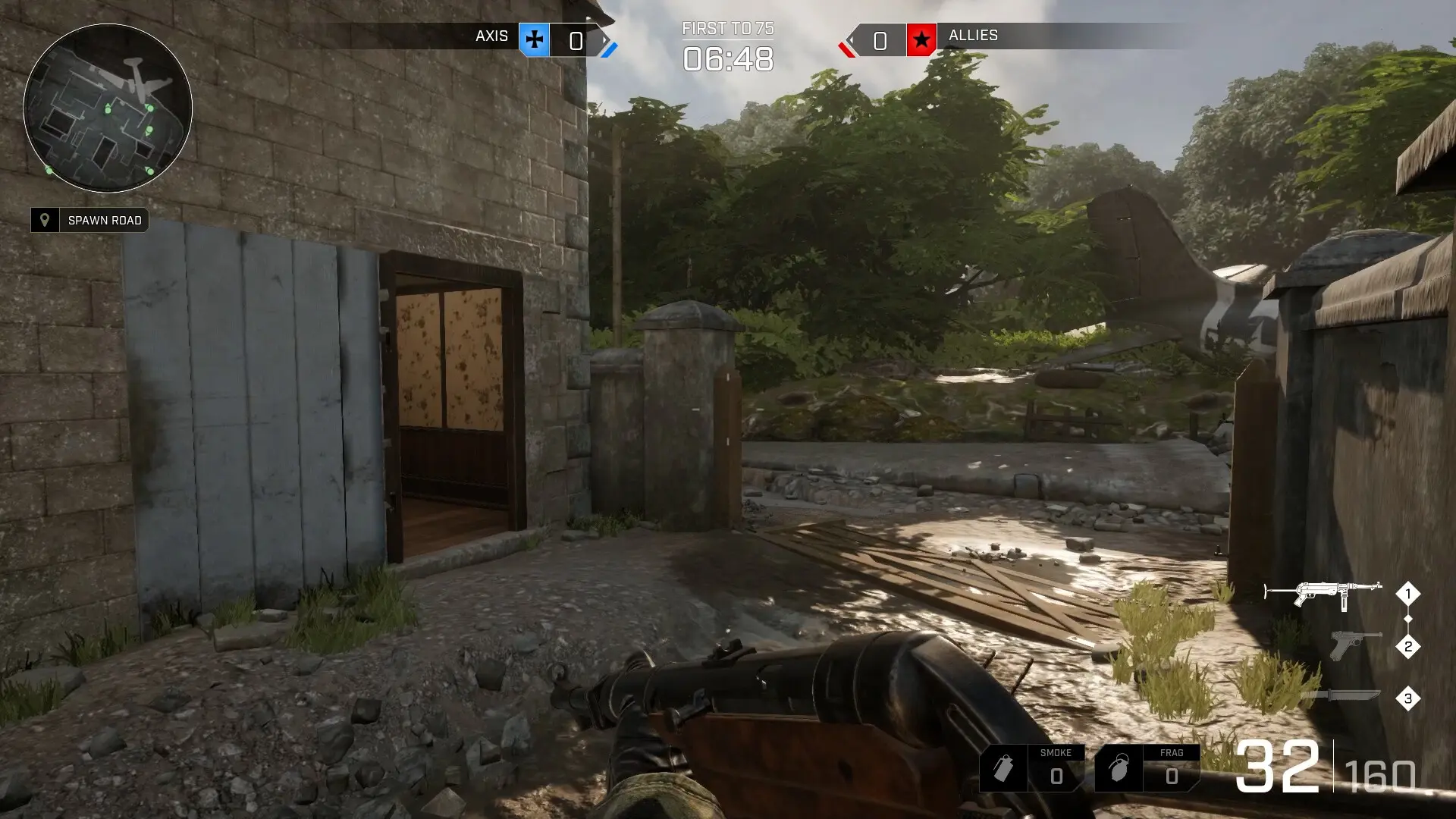
The admin password lets you log in from the in-game console and run server commands: change the map and mode, kick players, remove bots or pause the round. Your server already has a random admin password; here's how to set your own and use it.
Setting Your Admin Password
- 1Log in to Bropanel and select your server.
- 2In the sidebar, go to
Settings. - 3Under
Basic, editAdmin Password. - 4Click
Save & Restartto apply your changes.
The password must be at least 8 characters and can only use letters, numbers, dashes and underscores.
Turning On The Game Console
BATTALION: Legacy has no console key by default. Each admin does this once on their own computer:
- 1Close BATTALION: Legacy.
- 2Press
Windows + R, type%LOCALAPPDATA%\Battalion\Saved\Config\WindowsClientand pressEnter. - 3Open
Input.iniwith Notepad, or create it if it doesn't exist. - 4Add these two lines at the end and save the file:
[/script/engine.inputsettings] ConsoleKey=Tilde - 5Start the game again.
Logging In As Admin
- 1Join your server.
- 2Press
~to open the console. - 3Type
Server.Login yourpasswordwith yourAdmin Passwordand pressEnter.
You stay logged in until you leave the server. Type Server. in the console to see every admin command. Useful ones are Server.ChangeMap, Server.KickPlayerByName <name>, Server.KillBots and Server.Pause.