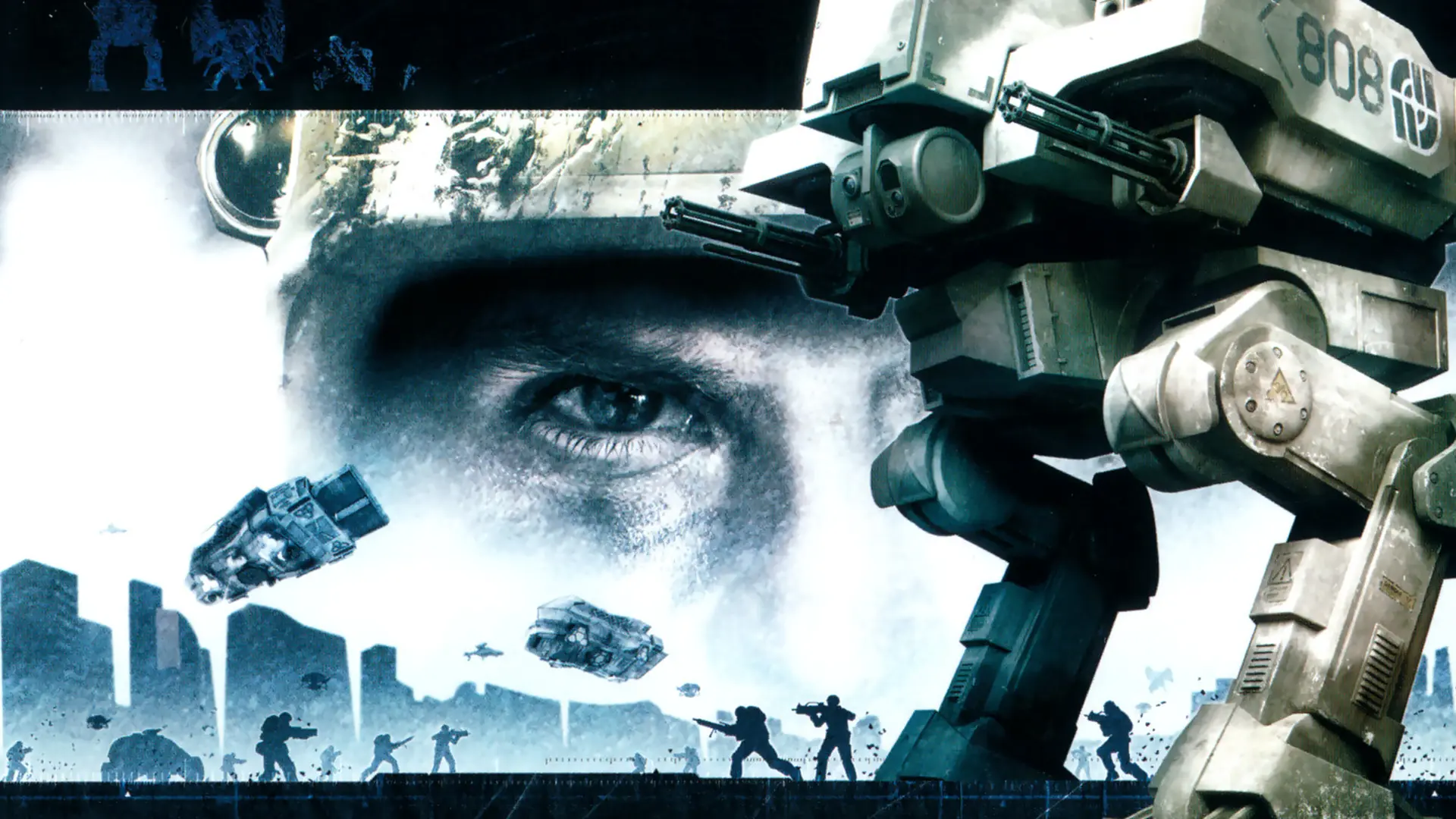
In Co-op your Battlefield 2142 server fills the map with bots. This setting decides how many soldiers are on the map, bots and players together.
Changing the Bot Count
- 1Log in to Bropanel and select your server.
- 2In the sidebar, go to
Settings. - 3Under
Gameplay, findCo-op Bot Countand enter the number of soldiers. - 4Click
Save & Restartto apply your changes.
Bots fill the empty places and leave one for one as players join, so the server never goes over its player limit. Set it to 0 to turn bots off. The default is 16, which fills the 16 player Co-op maps.