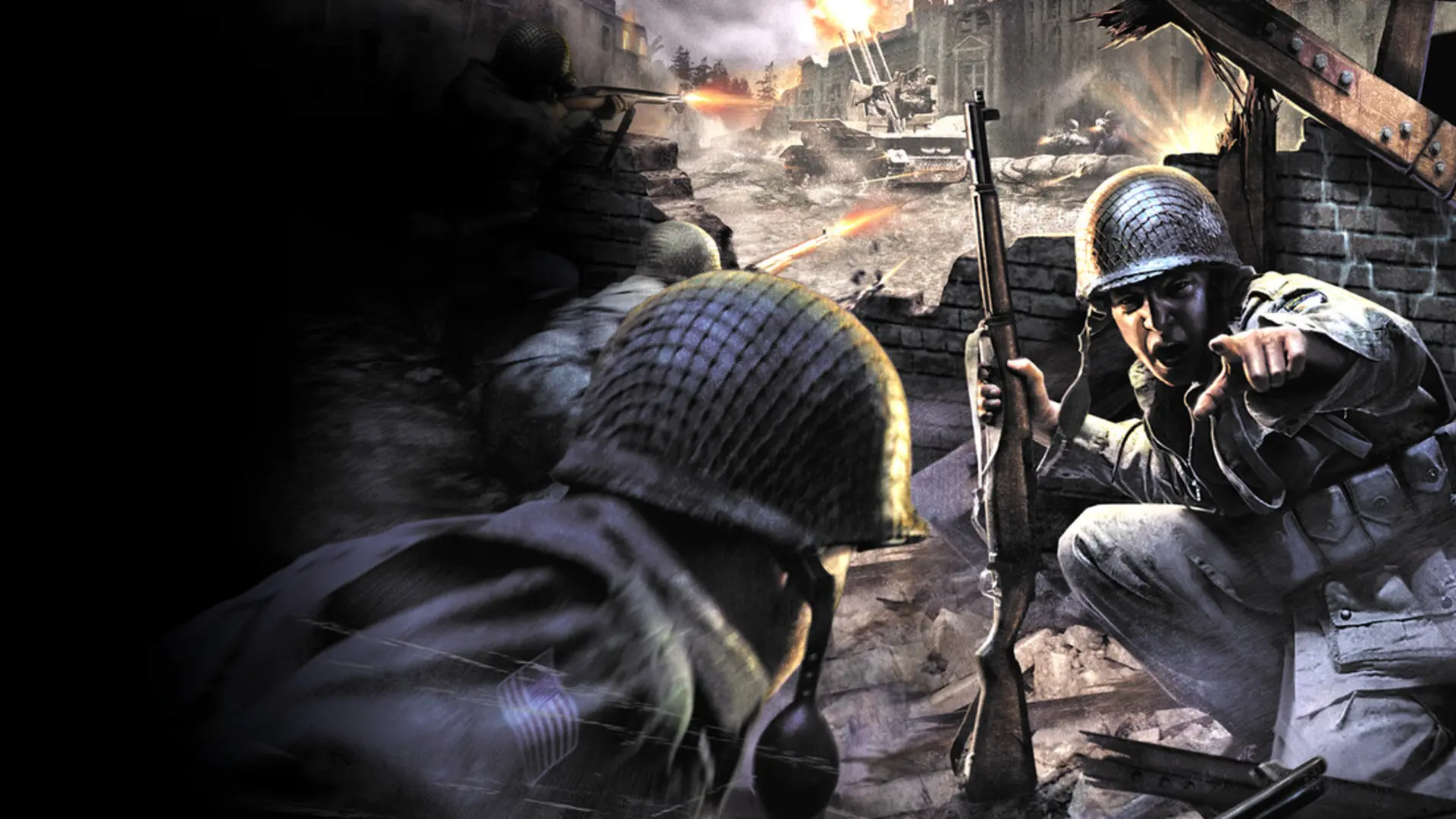
The kill cam replays the moment you died from your killer's view. Competitive servers often turn it off.
Turning The Kill Cam On Or Off
- Log in to Bropanel and select your server.
- In the sidebar, go to
Settings. - Under
Gameplay, enable or disableKill Cam. - Click
Save & Restartto apply your changes.