
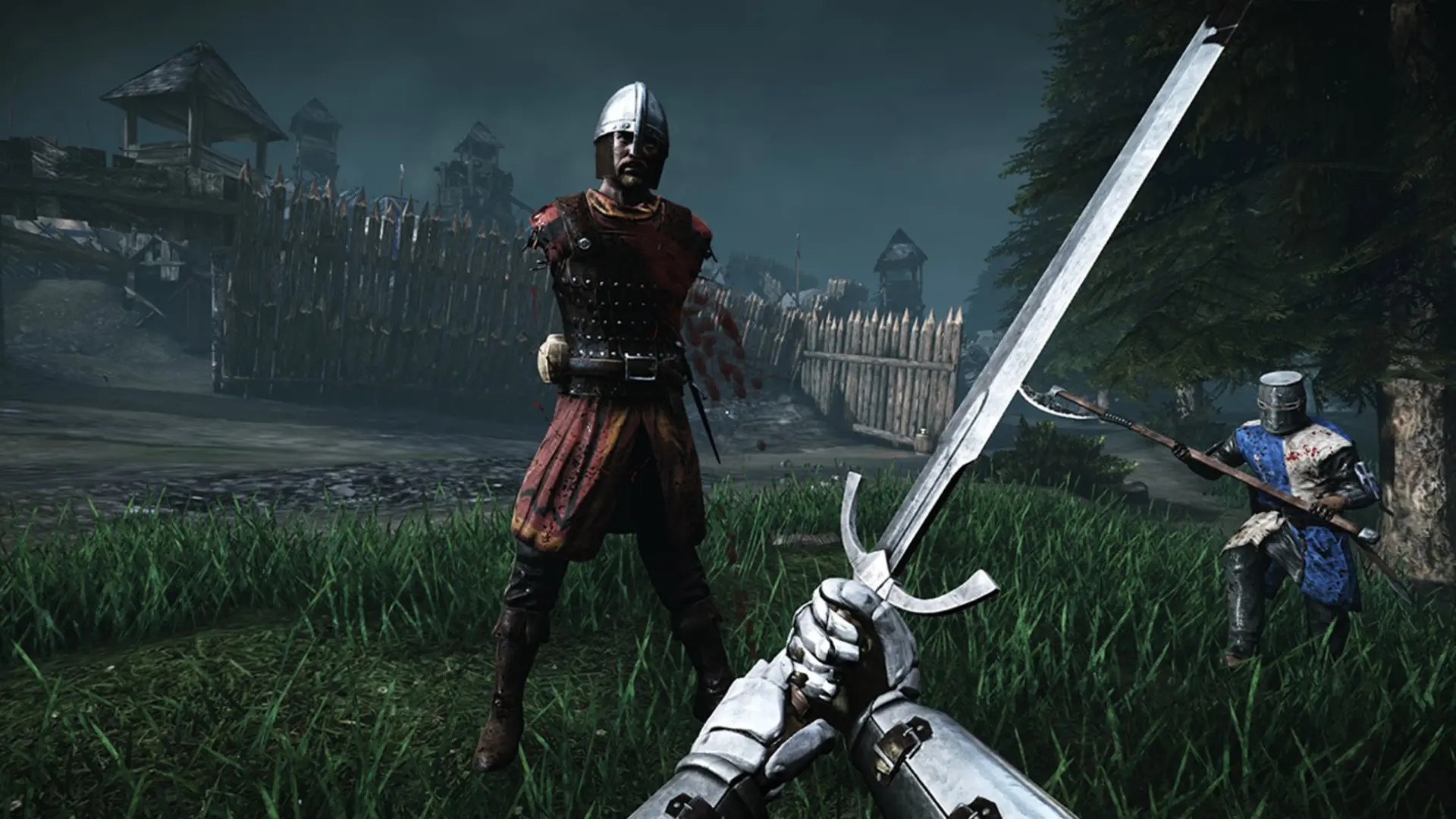
Team damage sets how much your hits hurt teammates in team modes on your Chivalry: Medieval Warfare server. The default is 50 percent.
Changing Team Damage
- 1Log in to Bropanel and select your server.
- 2In the sidebar, go to
Settings. - 3Under
Gameplay, editTeam Damageand enter a percentage from 0 to 100. - 4Click
Save & Restartto apply your changes.
Set it to 0 to turn friendly fire off, or 100 for full damage on teammates.