
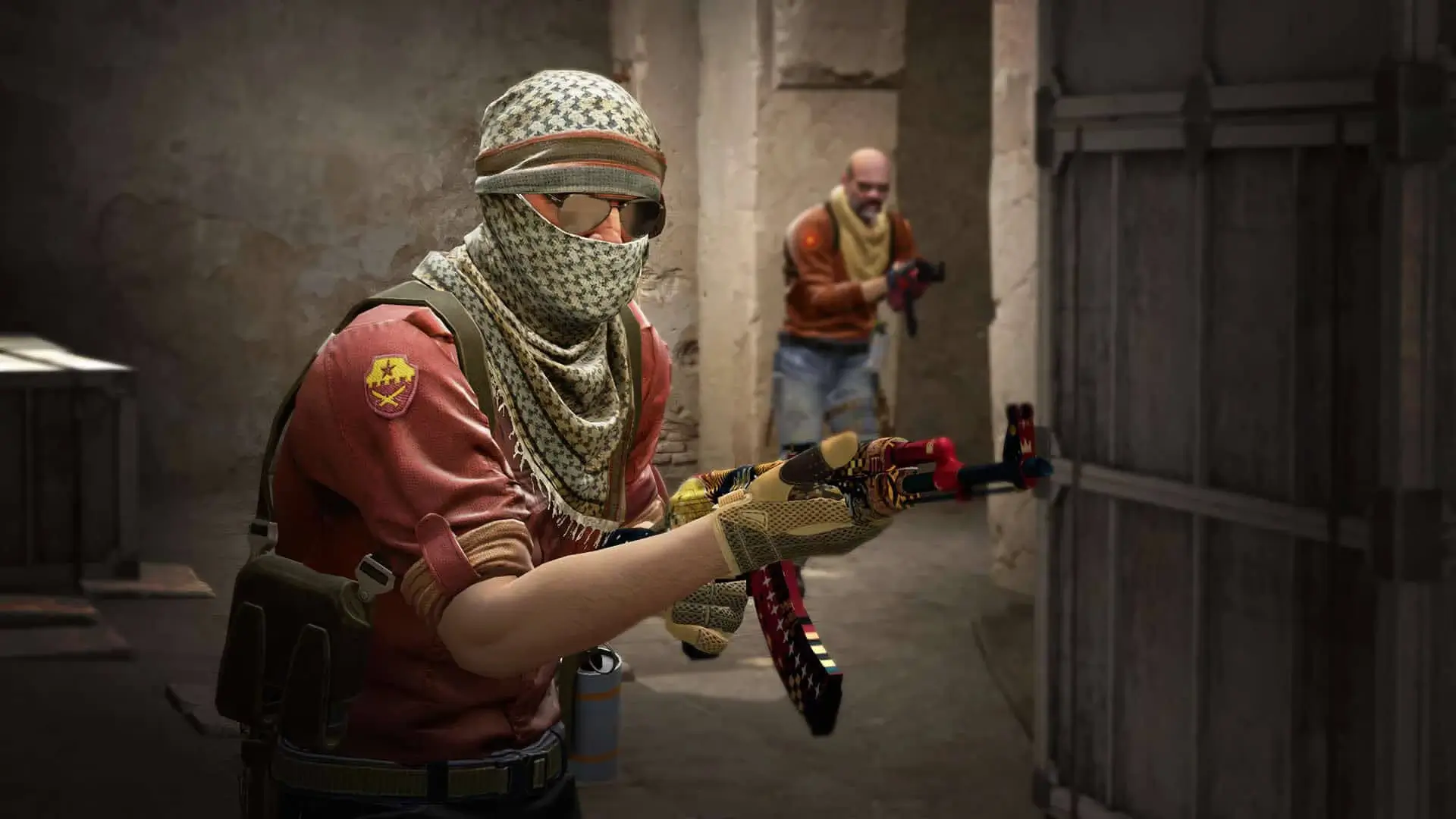
CS:GO carries close to 3,000 console variables. Most of them you will never touch, but the handful that set round time, money, warmup and game mode decide how your server actually plays.
Search the full list below, then add what you need to your CSGO server. Each entry shows the default value, what it does and whether it belongs on the server or in a player's own console.
2,998 commands in total
| Command | Default | Description |
|---|---|---|
| — | AutosaveCommandClient | |
| — | AutoSaveDangerousCommandClient | |
| — | Restarts bug reporter .dllCommandClient | |
| — | Record a demo incrementally.CommandClient | |
| — | Erases current game stats and writes out a blank stats fileCommandServerClient | |
| — | Shutdown and restart the engine.CommandServerClient | |
Default: 0 | No description is published for this one.Archived | |
Default: 0 | No description is published for this one.Cheat | |
Default: 0 | Turn on achievement debug msgs.ServerClientCheatReplicated | |
Default: 0 | Turn off achievements.ServerClientCheatReplicated | |
| — | Add an IP address to the ban list.CommandServerClient | |
Default: 0 | No description is published for this one.Archived | |
| — | No description is published for this one.CommandClient | |
| — | Clears bits set on nav links indicating link is unusableCommandServerClient | |
Default: 0 | NPC Line-Of-Sight debug mode. If 1, solid entities that block NPC LOC will be highlighted with white bounding boxes. If 2, it'll show non-solid entities that would do it if they were solid.ServerCheat | |
| — | Debug the attempted connection between two nodesCommandServerClient | |
Default: 0 | No description is published for this one.ServerClientCheatReplicated | |
| — | Bi-passes all AI logic routines and puts all NPCs into their idle animations. Can be used to get NPCs out of your way and to test effect of AI logic routines on frame...CommandServerClient | |
Default: 0 | No description is published for this one.ServerCheat | |
| — | Drop an ai_hint at the player's current eye position.CommandServerClient | |
| — | No description is published for this one.CommandServerClient | |
| — | Controls which connections are shown when ai_show_hull or ai_show_connect commands are used Arguments: NPC name or classname,CommandServerClient | |
| — | Cycles through the various hull sizes. Currently selected hull size is written to the screen. Controls which connections areCommandServerClient | |
| — | Toggles node display. First call displays the nodes for the given network as green objects. Second call displays the nodes and their IDs. Nodes are color coded as follows: Green - ground node Cyan - air node Magenta - climb node Grey - node not available for selected hull size Orange - node currently...CommandServerClient | |
Default: 0 | No description is published for this one.ServerArchived | |
| — | If NPC is stepping through tasks (see ai_step ) will resume normal processing.CommandServerClient | |
| — | Set how high AI bumps up ground walkers when checking stepsCommandServerClient | |
| — | Like ai_disable but you manually specify the state (with a 0 or 1) instead of toggling it.CommandServerClient | |
| — | Displays the allowed connections between each node for the currently selected hull type. Hulls are color code as follows: Green - ground movement Blue - jumping movement Cyan - flying movement Magenta - climbing movement Red - connection...CommandServerClient | |
| — | Displays the allowed connections between each node for the currently selected hull type. Hulls are color code as follows:...CommandServerClient | |
| — | Displays the allowed connections between each node for the currently selected hull type. Hulls are color code as follows: Green - ground movement Blue - jumping movement Cyan - flying movement Magenta - climbing movement Red - connection...CommandServerClient | |
| — | Displays the allowed connections between each node for the currently selected hull type. Hulls are color code as follows: Green - ground movement Blue - jumping movement Cyan - flying movement Magenta - climbing movement Red - connection...CommandServerClient | |
| — | Toggles graph connection display for the node that the player is looking at. Nodes that are connected to the selected node by the net graph will be drawn in red with magenta lines connecting to the selected node. Nodes that are not connected via the net graph from the selected node will be drawn in blue.CommandServerClient | |
| — | Draw a grid on the floor where looking.CommandServerClient | |
| — | Displays all hints as small boxes Blue - hint is available for use Red - hint is currently being used by an NPC Orange -CommandServerClient | |
| — | Displays the allowed hulls between each node for the currently selected hull type. Hulls are color code as follows: Green -CommandServerClient | |
| — | Highlight the specified nodeCommandServerClient | |
| — | Toggles visibility display for the node that the player is looking at. Nodes that are visible from the selected node will be drawn in red with yellow lines connecting to the selected node. Nodes that are not visible from the selected node will be drawn in blue.CommandServerClient | |
| — | NPCs will freeze after completing their current task. To complete the next task, use 'ai_step' again. To resume processing normally use...CommandServerClient | |
| — | Test AI LOS from the player's POVCommandServerClient | |
Default: 0 | No description is published for this one.ServerArchived | |
Default: 1 | No description is published for this one.ServerCheat | |
| — | Generate a report to the console.CommandServerClient | |
| — | Generate a report to the console.CommandServerClient | |
| — | Changes the density of air for drag computations.CommandServerClient | |
| — | Alias a command.CommandServerClient | |
Default: 30 | No description is published for this one.ServerClientReplicated | |
Default: 52 | No description is published for this one.ServerClientReplicated | |
Default: 12 | No description is published for this one.ServerClientReplicated | |
Default: 26 | No description is published for this one.ServerClientReplicated | |
Default: 24 | No description is published for this one.ServerClientReplicated | |
Default: 100 | No description is published for this one.ServerClientReplicated | |
Default: 35 | No description is published for this one.ServerClientReplicated | |
Default: 200 | No description is published for this one.ServerClientReplicated | |
Default: 90 | No description is published for this one.ServerClientReplicated | |
Default: 40 | No description is published for this one.ServerClientReplicated | |
Default: 100 | No description is published for this one.ServerClientReplicated | |
Default: 90 | No description is published for this one.ServerClientReplicated | |
Default: 120 | No description is published for this one.ServerClientReplicated | |
Default: 32 | No description is published for this one.ServerClientReplicated | |
Default: 3 | No description is published for this one.ServerClientReplicated | |
Default: 3 | No description is published for this one.ServerClientReplicated | |
Default: 1 | No description is published for this one.ServerClientReplicated | |
Default: 1 | No description is published for this one.ServerClientReplicated | |
Default: 3 | No description is published for this one.ServerClientReplicated | |
Default: 3 | No description is published for this one.ServerClientReplicated | |
Default: 4 | No description is published for this one.ServerClientReplicated | |
Default: 0 | Enable procedural twist bones.ServerClientCheatReplicated | |
| — | Apply a crosshair code to the current crosshair settings.CommandClient | |
| — | Accept a redirect request by the server.CommandClient | |
| — | Notify engine that we've finished building a mapCommandClient | |
| — | No description is published for this one.CommandServerClient | |
| — | No description is published for this one.CommandServerClient | |
| — | Audit the memory usage and files in the save-to-memory systemCommandClient | |
| — | Attempt to purchase items with the order listed in cl_autobuyCommandClient | |
| — | AutosaveCommandClient | |
| — | AutoSaveDangerousCommandClient | |
| — | No description is published for this one.CommandClient | |
| — | Add a user ID to the ban list.CommandServerClient | |
| — | Add an IP address to the ban list.CommandServerClient | |
| — | Ends gathering of info.CommandClient | |
| — | Shows a dialog displaying the most recent benchmark results.CommandClient | |
| — | Starts gathering of info. Arguments: filename to write results intoCommandClient | |
| — | Uploads most recent benchmark stats to the Valve servers.CommandClient | |
| — | Takes a snapshot of a particular frame in a time demo.CommandClient | |
| — | Bind a key.CommandServerClient | |
| — | Bind a key for OSX only.CommandServerClient | |
| — | Performs a bind <key> 'increment var <cvar> 0 1 1'CommandServerClient | |
| — | Record an entry into the blackboxCommandServerClient | |
| — | bot_add <t|ct> <type> <difficulty> <name> - Adds a bot matching the given criteria.CommandServerClient | |
| — | bot_add_ct <type> <difficulty> <name> - Adds a Counter-Terrorist bot matching the given criteria.CommandServerClient | |
| — | bot_add_t <type> <difficulty> <name> - Adds a terrorist bot matching the given criteria.CommandServerClient | |
| — | Allows the bots to use all weaponsCommandServerClient | |
Default: 1 | If nonzero, bots may use grenades.ServerReplicated | |
Default: 1 | If nonzero, bots may use the machine gun.ServerReplicated | |
Default: 1 | If nonzero, bots may use pistols.ServerReplicated | |
Default: 1 | If nonzero, bots may use rifles.ServerReplicated | |
Default: 1 | If nonzero, bots may occasionally go 'rogue'. Rogue bots do not obey radio commands, nor pursue scenario goals.ServerReplicated | |
Default: 1 | If nonzero, bots may use shotguns.ServerReplicated | |
Default: 1 | If nonzero, bots may use sniper rifles.ServerReplicated | |
Default: 1 | If nonzero, bots may use sub-machine guns.ServerReplicated | |
Default: 5 | Upper bound above Average Human Contribution Score that a bot must be above to change its difficultyServerClientReplicated | |
Default: -2 | Lower bound below Average Human Contribution Score that a bot must be below to change its difficultyServerClientReplicated | |
| — | Control how bots talk. Allowed values: 'off', 'radio', 'minimal', or 'normal'.ServerReplicated | |
Default: 0 | No description is published for this one.ServerCheat | |
Default: 1400 | Max distance bots can see targets (in coop) when they are idle, dormant, hiding or asleep.ServerReplicated | |
Default: 0 | Force all bots to crouch.ServerCheat | |
Default: 0 | For internal testing purposes.ServerCheatReplicated | |
Default: 0 | For internal testing purposes.ServerCheatReplicated | |
Default: 0 | If nonzero and there is a human on the team, the bots will not do the scenario tasks.ServerReplicated | |
Default: 1 | If nonzero and there is a human on the team, the bots will not get scenario items.ServerReplicated | |
Default: 1 | Defines the skill of bots joining the game. Values are: 0=easy, 1=normal, 2=hard, 3=expert.ServerReplicated | |
Default: 0 | If nonzero, bots will not fire weapons (for debugging).ServerCheatReplicated | |
Default: 0 | No description is published for this one.ServerCheat | |
| — | Sends a bot to the selected nav area (useful for testing navigation meshes)CommandServerClient | |
| — | Sends a bot to the selected nav area (useful for testing navigation meshes)CommandServerClient | |
Default: 0 | If nonzero, bots will ignore enemies (for debugging).ServerCheatReplicated | |
Default: 0 | Bots will not see non-bot players.ServerCheat | |
Default: 1 | If nonzero, bots wait until a player joins before entering the game.ServerReplicated | |
| — | Determines the team bots will join into. Allowed values: 'any', 'T', or 'CT'.ServerReplicated | |
| — | bot_kick <all> <t|ct> <type> <difficulty> <name> - Kicks a specific bot, or all bots, matching the given criteria.CommandServerClient | |
| — | bot_kill <all> <t|ct> <type> <difficulty> <name> - Kills a specific bot, or all bots, matching the given criteria.CommandServerClient | |
| — | Restricts the bots to only using knivesCommandServerClient | |
Default: 0 | bots are given these items at round startServerCheat | |
Default: -1 | Max distance bots can hear targets.ServerReplicated | |
Default: 200 | Bots will see players through smoke clouds up to this length.ServerReplicated | |
Default: -1 | Max distance bots can see targets.ServerReplicated | |
Default: 0 | Bot uses usercmd of player by index.ServerCheat | |
Default: 180 | Offsets the bot yaw.ServerCheat | |
| — | Restricts the bots to only using pistolsCommandServerClient | |
| — | bot_place - Places a bot from the map at where the local player is pointing.CommandServerClient | |
Default: 10 | Determines the total number of bots in the game.ServerReplicated | |
| — | Determines the type of quota. Allowed values: 'normal', 'fill', and 'match'. If 'fill', the server will adjust bots to keep N players in the game, where N is bot_quota. If 'match', the server will maintain a 1:N ratio of humans to bots, where N is bot_quota.ServerReplicated | |
Default: 0 | should bots ignore their prefered weapons and just buy weapons at random?ServerCheat | |
Default: 0 | Show areas where rushing players will initially meet.ServerCheat | |
Default: 0 | For internal testing purposes.ServerCheatReplicated | |
Default: 0 | Show when each nav area can first be reached by each team.ServerCheat | |
Default: 0 | Show bot patrol areas if present.ServerCheat | |
| — | Restricts the bots to only using sniper riflesCommandServerClient | |
Default: 0 | If nonzero, immediately stops all bot processing.ServerCheatReplicated | |
Default: 0 | For internal testing purposes.ServerCheatReplicated | |
Default: 0 | If bot_mimic is not in use, 0=Bots will move randomly by themselves, 1=They will not.ServerCheatReplicated | |
| — | Draw a bbox Arguments: minx miny miny maxx maxy maxz <lifetime = 10.0> <r g b a>CommandClient | |
| — | Toggle. Player takes damage but won't die. (Shows red cross when health is zero)CommandServerClient | |
Default: 30 | number of frames to look at when figuring out average frametimesArchived | |
Default: 128 | how translucent the budget panel isArchived | |
Default: 128 | how translucent the budget panel isArchived | |
Default: 16 | budget bargraph range in millisecondsArchived | |
Default: 100 | number of samples to draw in the budget history window. The lower the better as far as rendering overhead of the budget panelArchived | |
Default: 66 | budget history range in millisecondsArchived |
Or search above to jump straight to the one you need.
Values marked Server belong in your game/csgo/cfg/server.cfg. Values marked Clientare typed into each player’s own console.
How to Use CSGO Server Commands
CS:GO loads server.cfg first, then the config for the game mode you are running. That second file wins, so a value set only in server.cfg can be overwritten seconds later.
- 1Log in to Bropanel and select your CSGO server.
- 2In the sidebar, open
Files. - 3Open
game/csgo/cfg/server.cfgfor server wide settings. - 4For gameplay settings, open the matching gamemode file such as
gamemode_competitive_server.cfg. - 5Save and restart your server.
Put hostname, rcon_password and sv_downloadurl in server.cfg. Put round time, money and buy rules in the gamemode file. The config files guide lists which file goes with which mode.
Setting the CSGO Game Mode
game_type and game_mode work as a pair, and they belong on the launch line rather than in a config.
| Mode | game_type | game_mode |
|---|---|---|
| Casual | 0 | 0 |
| Competitive | 0 | 1 |
| Wingman | 0 | 2 |
| Arms Race | 1 | 0 |
| Demolition | 1 | 1 |
| Deathmatch | 1 | 2 |
| Weapons Expert | 0 | 3 |
| Training | 2 | 0 |
| Custom | 3 | 0 |
| Guardian | 4 | 0 |
| Co-op Strike | 4 | 1 |
| Danger Zone | 6 | 0 |
Most Used CSGO Server Commands
| Command | Default | What it does |
|---|---|---|
hostname | empty | Sets the server name shown in the browser. |
sv_password | empty | Locks the server behind a password. |
rcon_password | empty | Sets the admin password for rcon. |
sv_setsteamaccount | empty | Sets your game server login token. |
sv_downloadurl | empty | Points clients at your FastDL host. |
mp_timelimit | 5 | Minutes of game time per map. |
mp_maxrounds | 0 | Rounds before the server changes map. |
mp_roundtime | 5 | Round length in minutes. |
mp_freezetime | 6 | Seconds players stay frozen at round start. |
mp_warmuptime | 5 | How long warmup lasts. Changing it restarts warmup. |
mp_startmoney | 800 | Money each player gets on reset. |
mp_maxmoney | 16000 | Money cap per player. |
mp_buytime | 90 | Seconds after round start that players can buy. |
mp_c4timer | 40 | Bomb timer in seconds. |
mp_friendlyfire | 0 | Set to 1 to let teammates damage each other. |
mp_free_armor | 2 | 1 gives kevlar, 2 gives kevlar and helmet. |
mp_buy_anywhere | 0 | Set to 1 to let both teams buy outside the buy zone. |
mp_autoteambalance | 1 | 0 off, 1 forced switch, 2 ask for volunteers. |
mp_teammates_are_enemies | 0 | Set to 1 for free for all. |
mp_death_drop_gun | 1 | 0 none, 1 best, 2 current or best. |
sv_alltalk | 0 | Set to 1 so both teams hear each other. |
sv_cheats | 0 | Set to 1 to unlock cheat commands. |
bot_quota | 10 | How many bots the server keeps in the game. |
bot_difficulty | 3 | Bot skill. 0 easy, 1 normal, 2 hard, 3 expert. |
GOTV Commands
GOTV lets spectators watch without taking a player slot. These settings belong in server.cfg.
| Command | What it does |
|---|---|
tv_enable | Turns GOTV on. |
tv_port | Port GOTV listens on. Keep it clear of your game port. |
tv_delay | Broadcast delay in seconds. Stops stream sniping. |
tv_maxclients | How many spectators can watch. |
tv_name | Name GOTV shows in the browser. |
tv_password | Password spectators need to connect. |
tv_autorecord | Records every match to a demo automatically. |
How to Open the Console in CSGO
- 1Open CS:GO and go to
Settings, thenGame Settings. - 2Set
Enable Developer Console (~)toYes. - 3Press the
~key in game to open it.