
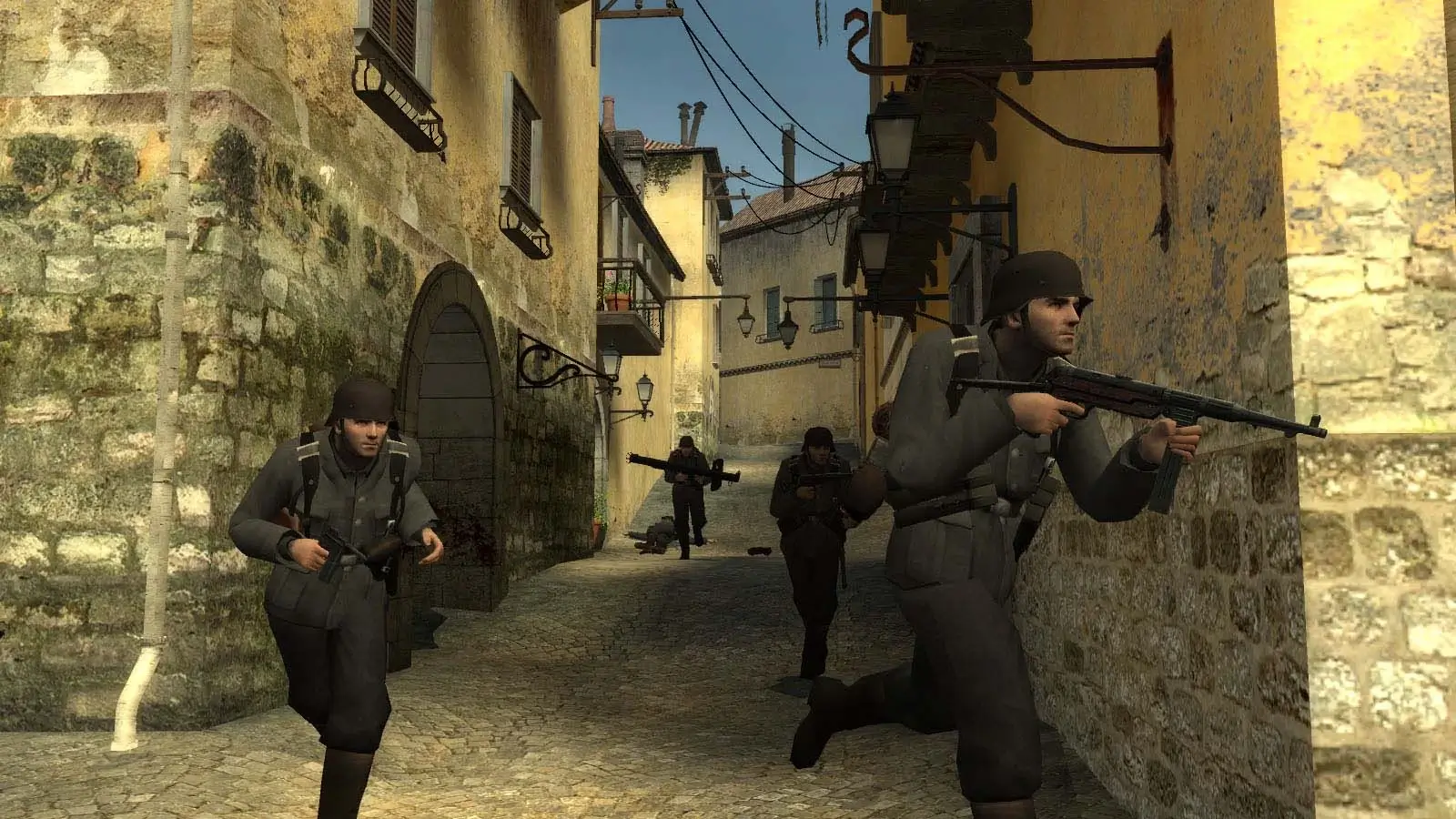
Day of Defeat: Source has two sets of commands most other Source games do not. The mp_limit_ family caps how many players can take each class per team, and the clan match commands run a proper ready up and restart flow for scrimmages.
Search the full list below, then add what you need to your Day of Defeat: Source server. Each entry shows the default value, what it does and whether it runs on the server or the client.
1,214 commands in total
| Command | Default | Description |
|---|---|---|
| — | Erases current game stats and writes out a blank stats fileCommandServer | |
| — | Shutdown and restart the engine.CommandServer | |
Default: 0 | Turn on achievement debug msgs.ServerCheatReplicated | |
| — | Add an IP address to the ban list.CommandServer | |
Default: 1 | No description is published for this one.Server | |
Default: 0 | No description is published for this one.Server | |
Default: 0 | No description is published for this one.Server | |
Default: 0 | No description is published for this one.Server | |
Default: 0 | No description is published for this one.Server | |
Default: 0 | No description is published for this one.Server | |
Default: 0 | Debug the NPC dynamic interaction system.Server | |
Default: 0 | No description is published for this one.Server | |
Default: 0 | No description is published for this one.Server | |
Default: 0 | Show random expression decisions for NPCs.Server | |
Default: 0 | No description is published for this one.Server | |
Default: 0 | No description is published for this one.Server | |
Default: 0 | No description is published for this one.Server | |
Default: 0 | NPC Line-Of-Sight debug mode. If 1, solid entities that block NPC LOC will be highlighted with white bounding boxes. If 2, it'll show non-solid entities that would do it if they were solid.ServerCheat | |
Default: 0 | No description is published for this one.Server | |
| — | Debug the attempted connection between two nodesCommandServer | |
Default: 0 | No description is published for this one.Server | |
Default: 0 | No description is published for this one.ServerCheatReplicated | |
Default: 0 | No description is published for this one.Server | |
Default: 0 | No description is published for this one.Server | |
Default: 0 | No description is published for this one.Server | |
Default: 0 | No description is published for this one.Server | |
Default: 0 | No description is published for this one.Server | |
Default: 0 | No description is published for this one.ServerCheat | |
| — | Drop an ai_hint at the player's current eye position.CommandServer | |
| — | No description is published for this one.CommandServer | |
Default: 0 | No description is published for this one.Server | |
Default: 1 | No description is published for this one.Server | |
Default: 0 | Maximum frametime to still play background expressions.Server | |
Default: 0 | Disable npc background expressions when you can't see them.Server | |
Default: 720 | No description is published for this one.Server | |
Default: 1 | No description is published for this one.Server | |
Default: 1 | No description is published for this one.Server | |
Default: 1 | No description is published for this one.Server | |
Default: 1 | No description is published for this one.Server | |
Default: 0 | No description is published for this one.Server | |
Default: 50 | frametime limit for min efficiency AIE_NORMAL (in sec's).Server | |
Default: 0 | No description is published for this one.Server | |
Default: 0 | No description is published for this one.ServerReplicated | |
Default: 0 | No description is published for this one.Server | |
Default: 0 | No description is published for this one.Server | |
Default: 0 | No description is published for this one.Server | |
Default: 0 | No description is published for this one.Server | |
Default: 8 | No description is published for this one.Server | |
Default: 0 | No description is published for this one.Server | |
Default: 0 | No description is published for this one.Server | |
Default: 0 | No description is published for this one.Server | |
Default: 0 | No description is published for this one.Server | |
Default: 0 | No description is published for this one.Server | |
Default: 0 | No description is published for this one.Server | |
Default: 1 | No description is published for this one.Server | |
Default: 1 | No description is published for this one.Server | |
Default: 1 | No description is published for this one.Server | |
Default: 0 | No description is published for this one.Server | |
Default: 512 | No description is published for this one.Server | |
Default: 0 | No description is published for this one.Server | |
Default: 0 | No description is published for this one.Server | |
Default: 1 | No description is published for this one.Server | |
Default: 0 | No description is published for this one.ServerArchived | |
Default: 0 | No description is published for this one.Server | |
| — | Set how high AI bumps up ground walkers when checking stepsCommandServer | |
Default: 0 | Shows that bones that are setup every thinkServer | |
Default: 1 | No description is published for this one.Server | |
Default: 1 | No description is published for this one.ServerReplicated | |
Default: -1 | No description is published for this one.ServerReplicated | |
Default: 0 | No description is published for this one.Server | |
Default: 1000 | No description is published for this one.Server | |
Default: 0 | No description is published for this one.Server | |
Default: 0 | No description is published for this one.Server | |
Default: 0 | No description is published for this one.Server | |
Default: 0 | No description is published for this one.Server | |
Default: 3 | No description is published for this one.Server | |
Default: 0 | No description is published for this one.Server | |
Default: 0 | No description is published for this one.Server | |
Default: 0 | No description is published for this one.Server | |
Default: 0 | No description is published for this one.Server | |
Default: 0 | No description is published for this one.Server | |
Default: 0 | No description is published for this one.ServerArchived | |
Default: 1 | No description is published for this one.Server | |
Default: 1 | No description is published for this one.Server | |
Default: 1 | No description is published for this one.Server | |
Default: 1 | No description is published for this one.Server | |
Default: 1 | No description is published for this one.Server | |
Default: 1 | No description is published for this one.ServerCheat | |
| — | Changes the density of air for drag computations.CommandServer | |
| — | Alias a command.CommandServer | |
Default: 1 | Toggle the 3-way animation blending code.ServerReplicated | |
Default: -1 | Show the (client) animation state for the specified entity (-1 for none).ServerCheatReplicated | |
Default: 0 | 1 to output anim_showstate to Msg(). 2 to store in AnimState.log. 3 for both.ServerCheatReplicated | |
Default: 1 | Allow AsyncBegin/EndRead()Server | |
Default: 0 | Set the async filesystem mode (0 = async, 1 = synchronous)Server | |
| — | No description is published for this one.CommandServer | |
Default: 0 | Force async reads to serialize for profilingServer | |
Default: 0 | Simulate a delay of up to a set msec per file operationServer | |
| — | No description is published for this one.CommandServer | |
Default: 0 | No description is published for this one.Server | |
Default: 2160 | No description is published for this one.Server | |
| — | Add a user ID to the ban list.CommandServer | |
| — | Add an IP address to the ban list.CommandServer | |
| — | Ends gathering of info.CommandServer | |
| — | Starts gathering of info. Arguments: filename to write results intoCommandServer | |
| — | Bind a key.CommandServer | |
| — | Bind this key but only on Mac, not win32CommandServer | |
| — | Performs a bind <key> 'increment var <cvar> 0 1 1'CommandServer | |
| — | bloodCommandServer | |
| — | Add a bot.CommandServer | |
Default: 0 | Shoot!Server | |
Default: 0 | Forces the specified bot to change class (e.g. bot_changeclass bot01 soldier).Server | |
Default: 0 | Force all bots to crouch.Server | |
Default: 0 | Set to a team number, and that team will all keep their combat shields raised.Server | |
Default: 0 | If nonzero, bots use no CPU for AI. Instead, they run around randomly.Server | |
Default: 0 | When firing, use attack2.Server | |
Default: 0 | When firing, don't tap fire, hold it down.Server | |
Default: 0 | Force bots with the specified weapon to fire.Server | |
Default: 0 | Bot uses usercmd of player by index.Server | |
Default: 0 | Offsets the bot yaw.Server | |
Default: 0 | Forces bots to send the specified command.Server | |
Default: 0 | If bot_mimic is not in use, 0=Bots will move randomly by themselves, 1=They will not.Server | |
Default: 0 | No description is published for this one.Server | |
Default: 1 | No description is published for this one.Server | |
| — | Toggle. Player takes damage but won't die. (Shows red cross when health is zero)CommandServer | |
| — | Turn a budget group on/offCommandServer | |
| — | Automatically swaps the current weapon for the bug bait and back again.CommandServer | |
| — | cache_print [section] Print out contents of cache memory.CommandServer | |
| — | cache_print_lru [section] Print out contents of cache memory.CommandServer | |
| — | cache_print_summary [section] Print out a summary contents of cache memory.CommandServer | |
| — | Start a vote on an issue.CommandServer | |
| — | Tests hull collision detectionCommandServer | |
| — | Tests collision detectionCommandServer | |
| — | Spawn airboat in front of the player.CommandServer | |
| — | Spawn jeep in front of the player.CommandServer | |
| — | changelevel <mapname> :Multiplayer change level.CommandServer | |
| — | Immediately changes to the next map in the map rotation for the server.CommandServer | |
| — | Transition to the specified map in single playerCommandServer | |
Default: 450 | No description is published for this one.ServerCheatReplicated | |
Default: 1 | Enable/disable clock correction on the client.Cheat | |
Default: 200 | Sets the maximum number of milliseconds per second it is allowed to correct the client clock. It will only correct this amount if the difference between the client and server clock is equal to or larger than cl_clock_correction_adjustment_max_offset.Cheat | |
Default: 90 | As the clock offset goes from cl_clock_correction_adjustment_min_offset to this value (in milliseconds), it moves towards applying cl_clock_correction_adjustment_max_amount of adjustment. That way, the response is small when the offset is small.Cheat | |
Default: 10 | If the clock offset is less than this amount (in milliseconds), then no clock correction is applied.Cheat | |
Default: 999 | Force clock correction to match the server tick + this offset (-999 disables it).Cheat | |
Default: 0 | Show debugging info about the clock drift.Cheat | |
Default: 150 | Maximum number of milliseconds the clock is allowed to drift before the client snaps its clock to the server's.Cheat | |
Default: 0 | Maximum number of milliseconds the clock is allowed to drift before the client snaps its clock to the server's.Cheat | |
Default: 450 | No description is published for this one.ServerCheatReplicated | |
Default: 6 | Delay in seconds before the client will resend the 'connect' attemptServer | |
Default: 0 | Show console messages about ignored connectionless packets on the client.Server |
Or search above to jump straight to the one you need.
Values marked Server belong in your dod/cfg/server.cfg. Values marked Clientare typed into each player’s own console.
How to Use DoD:S Server Commands
The server reads dod/cfg/server.cfg on startup and on every map change.
- 1Log in to Bropanel and select your DoD:S server.
- 2In the sidebar, open
Files. - 3Open
dod/cfg/server.cfg. - 4Add one command per line, such as
mp_timelimit 30. - 5Save the file and restart your server.
Class Limit Commands
Every class has its own cap per team. Set a number to limit it, or -1 to leave it unlimited.
| Command | What it caps |
|---|---|
mp_limit_allies_rifleman | Allied Rifleman |
mp_limit_allies_assault | Allied Assault |
mp_limit_allies_support | Allied Support |
mp_limit_allies_sniper | Allied Sniper |
mp_limit_allies_mg | Allied Machine Gunner |
mp_limit_allies_rocket | Allied Rocket |
mp_limit_axis_rifleman | Axis Rifleman |
mp_limit_axis_assault | Axis Assault |
mp_limit_axis_support | Axis Support |
mp_limit_axis_sniper | Axis Sniper |
mp_limit_axis_mg | Axis Machine Gunner |
mp_limit_axis_rocket | Axis Rocket |
All of them default to -1, meaning no limit. mp_combinemglimits 1 merges the mg34 and mg42 caps into a single shared pool.
Clan Match Commands
| Command | Default | What it does |
|---|---|---|
mp_clan_readyrestart | 0 | Restarts the game once each team gives the ready signal. |
mp_clan_restartround | 0 | Restarts the round after the given number of seconds. |
mp_restartwarmup | 0 | Set to 1 to start or restart the warmup period. |
mp_warmup_time | 0 | Warmup length in seconds. |
mp_winlimit | 0 | Score one team can reach before the map changes. |
mp_tickpointinterval | 30 | Delay between point captures scoring. |
Most Used DoD:S Server Commands
| Command | Default | What it does |
|---|---|---|
hostname | empty | Sets the server name shown in the browser. |
sv_password | empty | Locks the server behind a password. |
rcon_password | empty | Sets the admin password for rcon. |
sv_downloadurl | empty | Points clients at your FastDL host. |
mp_timelimit | 0 | Minutes of game time per map. |
mp_friendlyfire | 0 | Set to 1 to let teammates damage each other. |
mp_limitteams | 2 | Player difference allowed between teams. 0 disables. |
mp_allowspectators | 1 | Set to 0 to turn off spectator mode. |
mp_forcecamera | 1 | Restricts what dead players can spectate. |
dod_bonusround | 1 | Lets the round winners keep attacking during the intermission. |
sv_alltalk | 0 | Set to 1 so both teams hear each other. |
sv_cheats | 0 | Set to 1 to unlock cheat commands. |
sv_gravity | 800 | World gravity. |
How to Open the Console in DoD:S
- 1Open Day of Defeat: Source and go to
Options. - 2Select the
Keyboardtab and clickAdvanced. - 3Tick
Enable developer console (~). - 4Click
OK, then press the~key in game.