
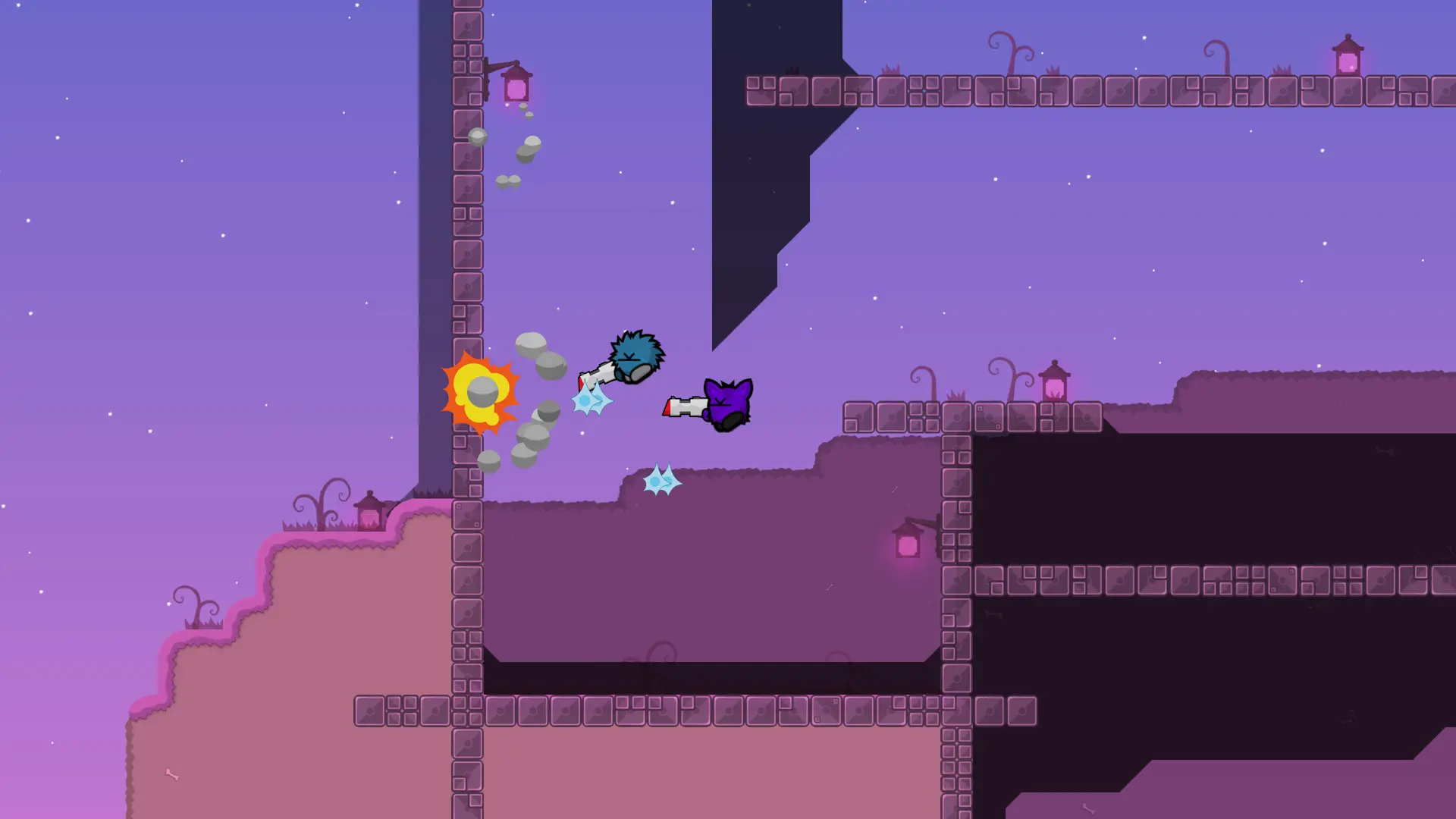
In DDNet, players can join a team with /team and race a map together without other players getting in the way. Here's how to choose how teams work on your server.
Changing Team Mode
- 1Log in to Bropanel and select your server.
- 2In the sidebar, go to
Settings. - 3Under
Gameplay, editTeamsand pick a mode. - 4Click
Save & Restartto apply your changes.
| Mode | What it does |
|---|---|
Optional | Players can form teams with /team or play together on team 0. This is the DDNet default. |
Off | No teams, everyone plays together. |
Required | Players must join a team to race. |
Solo | Every player is put in a team of their own. |
Note
Some map packs set their own rules when a map loads. Solo maps, for example, are always played alone.