
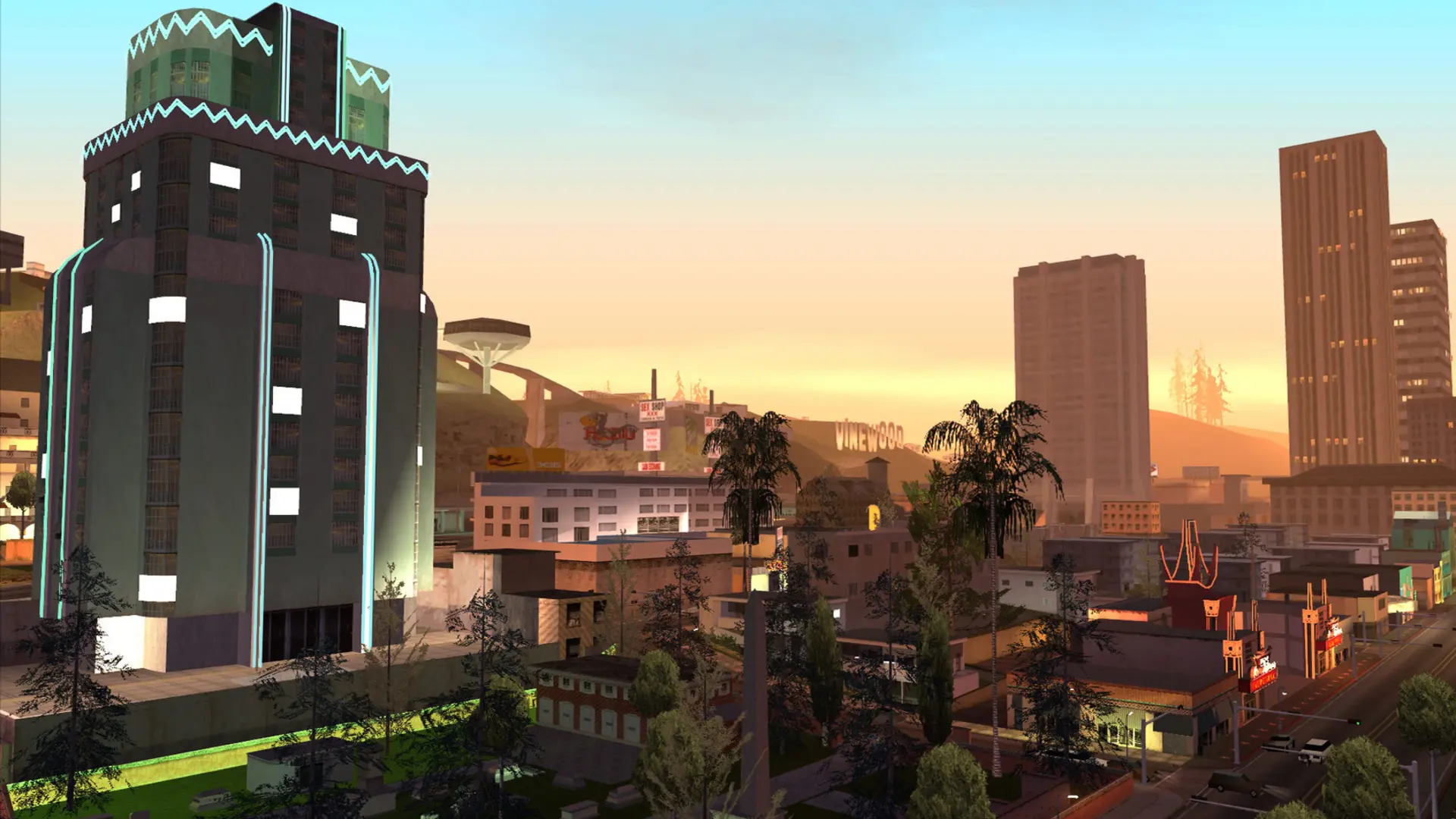
Here is how you can join your GTA San Andreas multiplayer server.
| What you need | Why |
|---|---|
| GTA San Andreas for PC | The multiplayer client runs on top of the game |
| The free open.mp launcher or the SA-MP 0.3.7 / 0.3.DL client | It adds multiplayer, and the launcher has the server list |
Multiplayer needs GTA San Andreas version 1.0. The Steam and Rockstar Launcher versions are newer, so they need downgrading to 1.0 first.
Connecting With the IP Address
- 1Log in to Bropanel and select your server.
- 2Copy the server IP address and port from the
Overviewpage, for example123.45.67.89:7777. - 3Open the open.mp launcher or SA-MP client and add a server, pasting the IP address and port.
- 4Select your server in the list and click
PlayorConnect. If you set a server password, enter it when asked.
Finding Your Server in the open.mp Launcher
Your server also lists itself in the open.mp server list. In the open.mp launcher, search for your server name in the Internet tab. It can take a few minutes for a new server to appear.
The old SA-MP client's server browser no longer works, so with that client, connect with the IP address instead.