
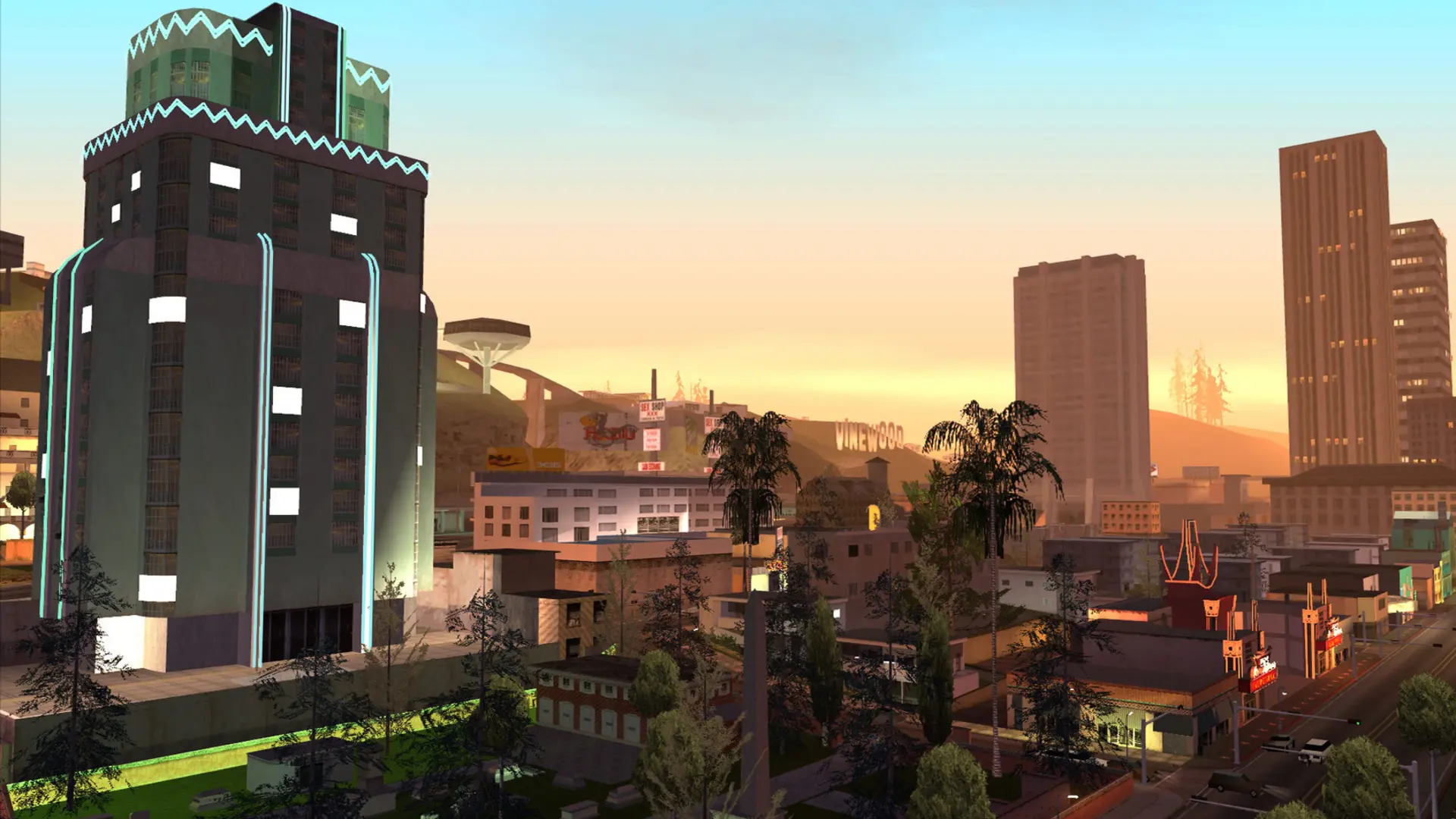
The gamemode decides how your server plays, from roleplay to deathmatch. Your server comes with three example gamemodes: gungame, derby and simpletdm.
Uploading Your Own Gamemode
- 1Compile your gamemode to an
.amxfile with Pawno, Qawno or the Pawn compiler. - 2Log in to Bropanel and select your server.
- 3In the sidebar, go to
Filesand open thegamemodesfolder. - 4Upload your
.amxfile.
Choosing the Gamemode
- 1Log in to Bropanel and select your server.
- 2In the sidebar, go to
Settings. - 3Under
Gameplay, findGamemodeand type the file name without.amx, for examplegungameormyroleplay. - 4Click
Save & Restartto apply your changes.
If the console says the gamemode was not found, check that the name matches the .amx file in gamemodes exactly, including upper and lower case.
Gamemodes made for SA-MP 0.3.7 work as they are. Settings such as weather, time and chat radius can be changed in config.json in Files.