
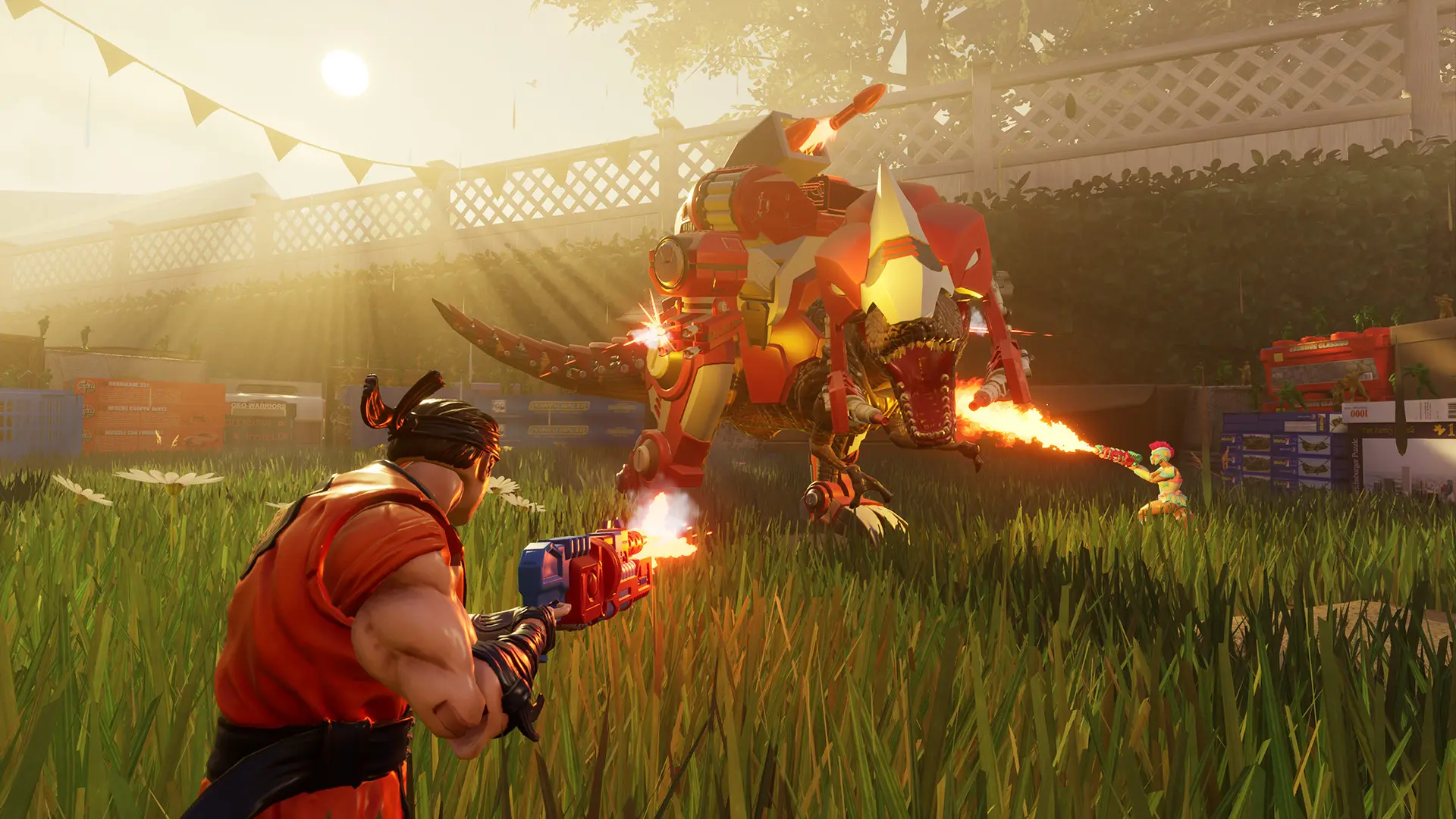
Here is how you can join your HYPERCHARGE: Unboxed dedicated server. You need HYPERCHARGE: Unboxed on Steam.
Note
Your game must be on the same version as the server. The server installs the newest update when it restarts (see Automatic Updates), and Steam updates your game for you.
Connecting From The Server List
- 1Open HYPERCHARGE: Unboxed and click
Servers. - 2Select the server list you want to view and click
Refresh Server List. - 3Select your server in the list and click
Join.
Connecting With The IP Address
- 1Log in to Bropanel and select your HYPERCHARGE: Unboxed server.
- 2Copy the server IP address and port from the
Overviewpage, for example123.45.67.89:7777. - 3Open HYPERCHARGE: Unboxed and click
Join Friend. - 4Enter your IP address and port, then click
Join.
Connecting With An Invite Code
Your server prints a six character invite code in the console every time it starts, in a line like InviteCode(AB12CD).
- 1Log in to Bropanel and select your server.
- 2In the console, find the latest
InviteCode(...)line and copy the code. - 3Open HYPERCHARGE: Unboxed and click
Join Friend. - 4Enter the invite code instead of an IP address, then click
Join.
The invite code changes when the server restarts, so share the new one with your friends after a restart.