
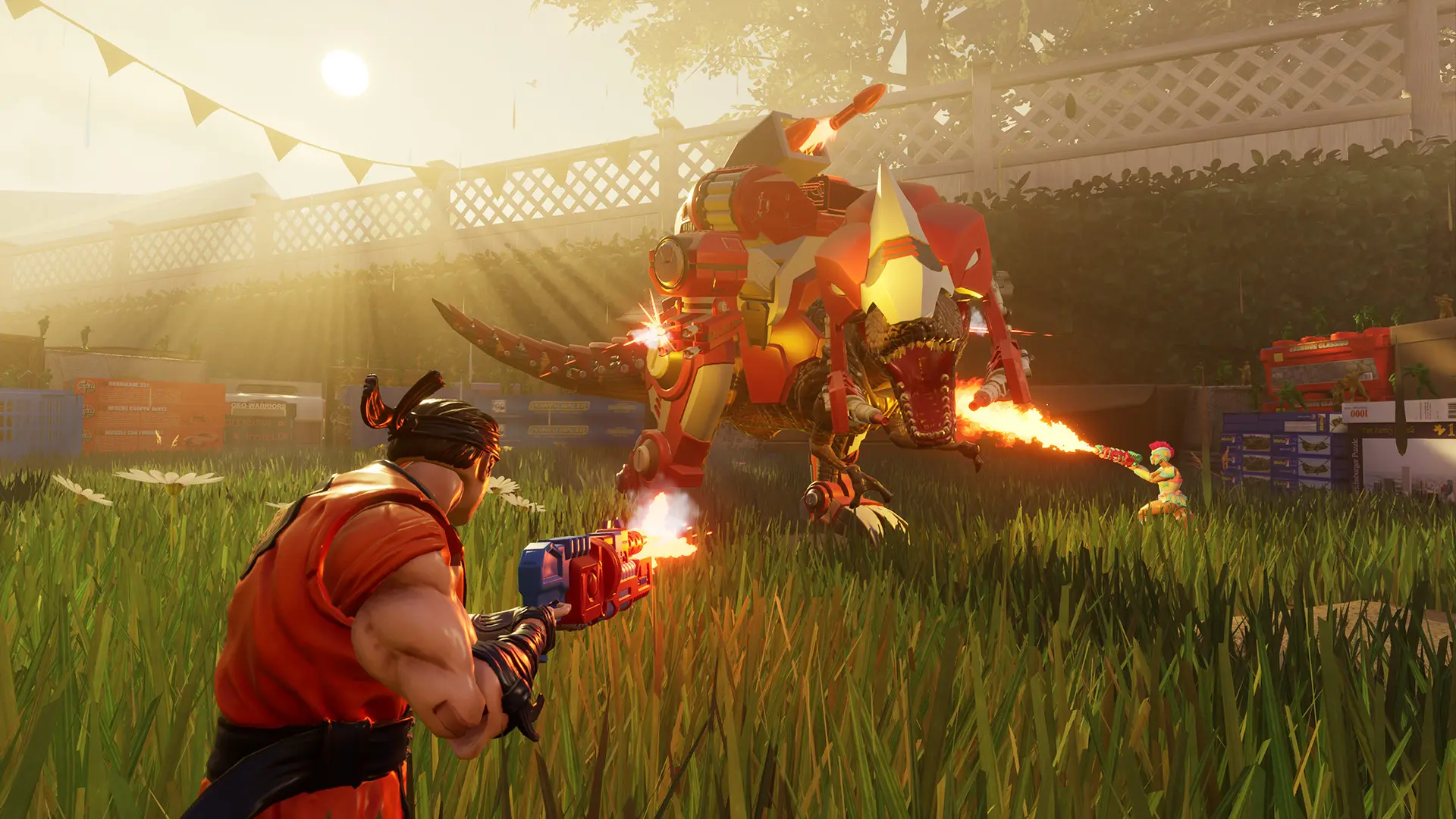
The map rotation is the list of maps your server plays after the starting map. Leave it empty to play every map that has your game mode.
Changing The Map Rotation
- 1Log in to Bropanel and select your server.
- 2In the sidebar, go to
Settings. - 3Under
Gameplay, editMap Rotation. Enter the map names separated by commas, for exampleGarage,Kitchen,Shed. - 4Click
Save & Restartto apply your changes.
Map names must be written exactly as they are listed in Starting Map. Maps your game mode does not have are skipped, and Airhockey_Shuffle only works in Co-op Waves and Free Roam.