
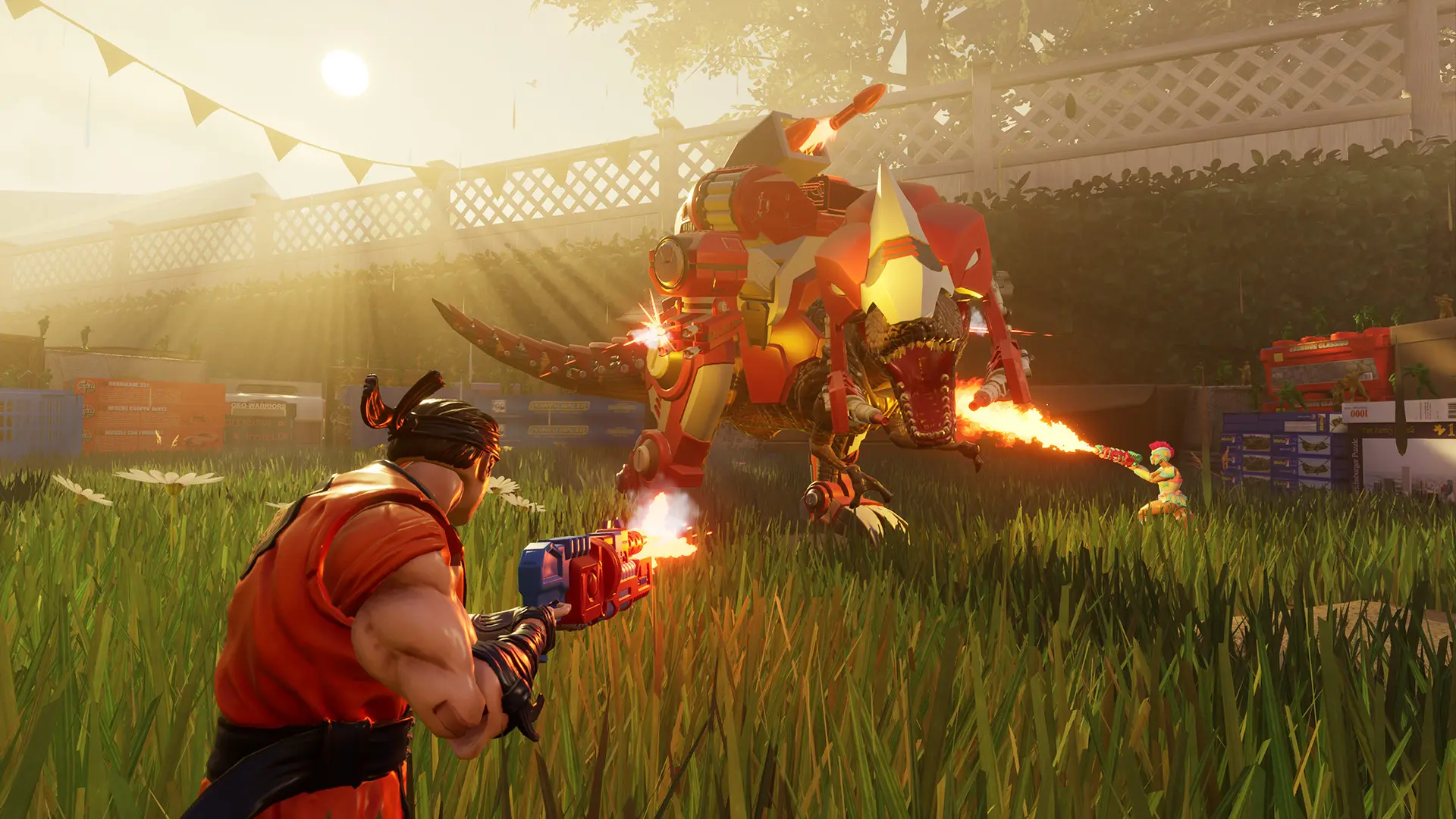
The starting map is the first map your server plays after it starts. The default is KidsBedroom. The maps are KidsBedroom, Garage, Garden, ToyPalace, Hallway_Simple, Hallway_Hard, Attic_Daytime, Bathroom, Kitchen, Shed, Playground and Airhockey_Shuffle.
Changing The Starting Map
- 1Log in to Bropanel and select your server.
- 2In the sidebar, go to
Settings. - 3Under
Gameplay, choose aStarting Map. - 4Click
Save & Restartto apply your changes.
Note
Airhockey_Shuffle only has Co-op Waves and Free Roam. If you pick a map that isn't in your Map Rotation for the current game mode, the server starts on the first map of the rotation instead.