
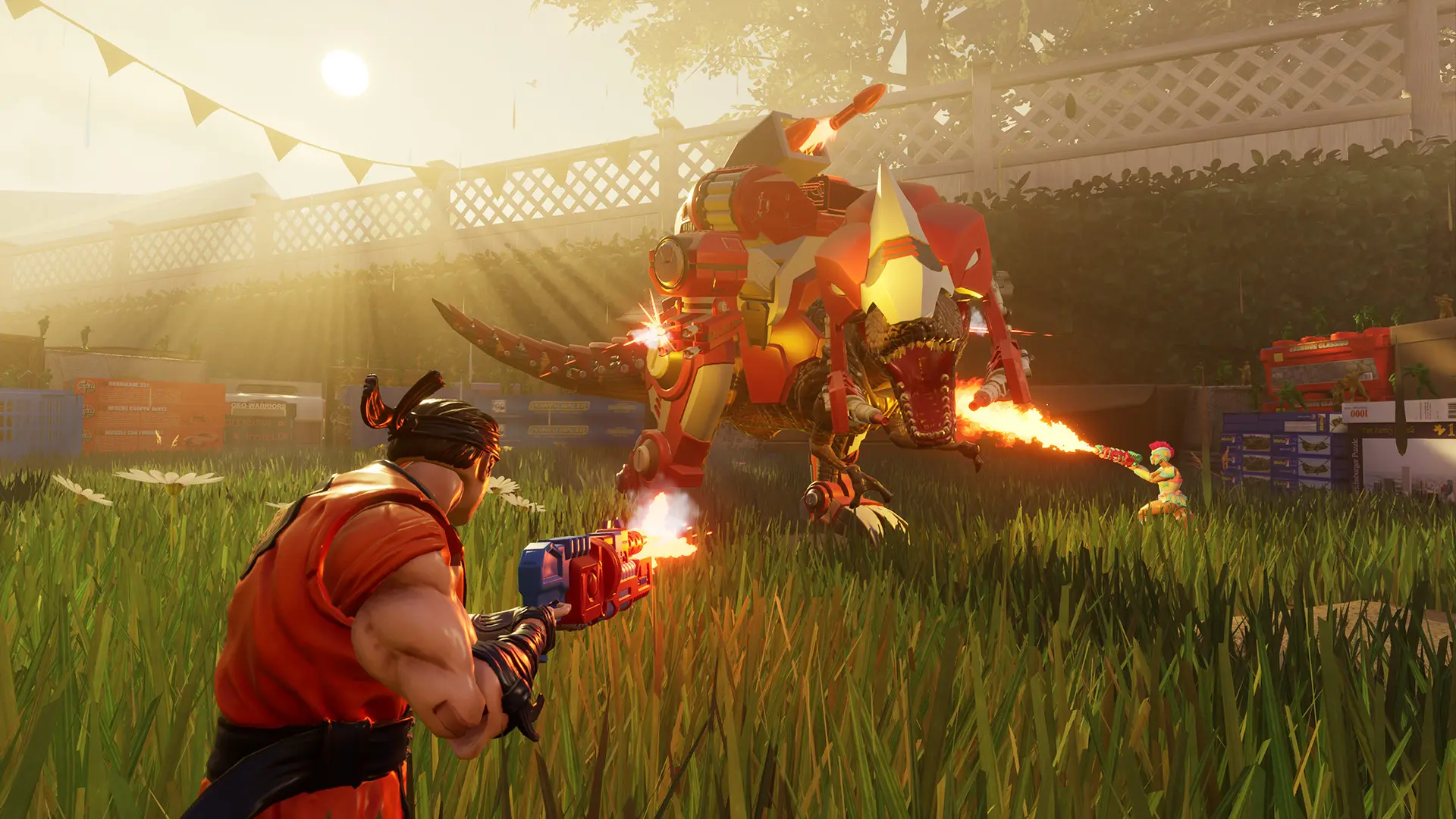
The game mode decides how your server plays.
| Game Mode | What you get |
|---|---|
Co-op Waves | Defend the Hypercore against waves of toys with up to 4 players. Default. |
Survival | Co-op survival mode with up to 4 players. |
Free Roam | Explore the maps together with up to 4 players. |
Deathmatch | Every player for themselves, with up to 8 players. |
Team Deathmatch | Deathmatch in two teams. |
Plague | PvP infection mode with up to 8 players. |
Changing The Game Mode
- 1Log in to Bropanel and select your server.
- 2In the sidebar, go to
Settings. - 3Under
Gameplay, choose aGame Mode. - 4Click
Save & Restartto apply your changes.
The co-op modes use the Difficulty setting. Deathmatch, Team Deathmatch and Plague use Weapon Types and the Time Limit, and Deathmatch modes also use the Score Limit.