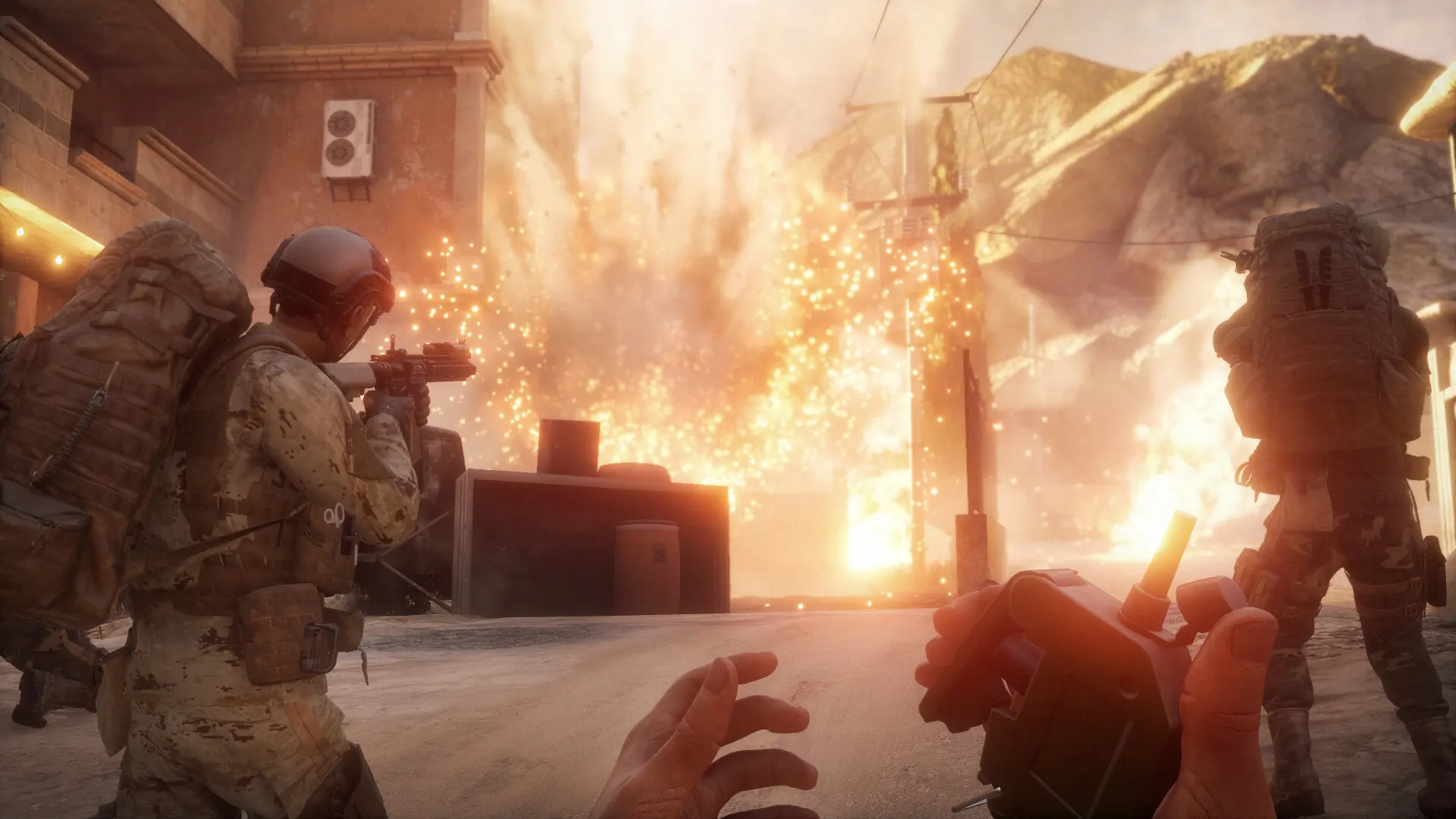
Here's how to change the number of bots on your Insurgency: Sandstorm server. Bot counts and AI difficulty live in Game.ini, which you edit through the Bropanel file manager. These settings apply to co-op scenarios such as Checkpoint, Outpost and Survival.
Changing Your Insurgency: Sandstorm Bot Counts
- 1Log in to Bropanel and
Stopyour server. - 2In the sidebar, go to
Files. - 3Navigate to
Insurgency/Saved/Config/LinuxServer/and openGame.ini. If the file doesn't exist, create a new file namedGame.ini. - 4Add the
[/Script/Insurgency.INSCoopMode]section with the values you want:[/Script/Insurgency.INSCoopMode] AIDifficulty=0.5 FriendlyBotQuota=4 MinimumEnemies=6 MaximumEnemies=12 - 5Save the file and start your server.
Insurgency
Saved
Config
LinuxServer
Game.ini
Insurgency: Sandstorm Bot Settings
| Setting | Description |
|---|---|
AIDifficulty | AI difficulty factor from 0 to 1. Default: 0.5 |
FriendlyBotQuota | Number of friendly bots on your team in co-op. Default: 4 |
MaximumEnemies | Maximum number of enemy bots. Default: 12 |
MinimumEnemies | Minimum number of enemy bots. Default: 6 |
The server scales the enemy count between MinimumEnemies and MaximumEnemies depending on how many players are connected. Max Players on co-op servers only counts humans, see our max players guide.