
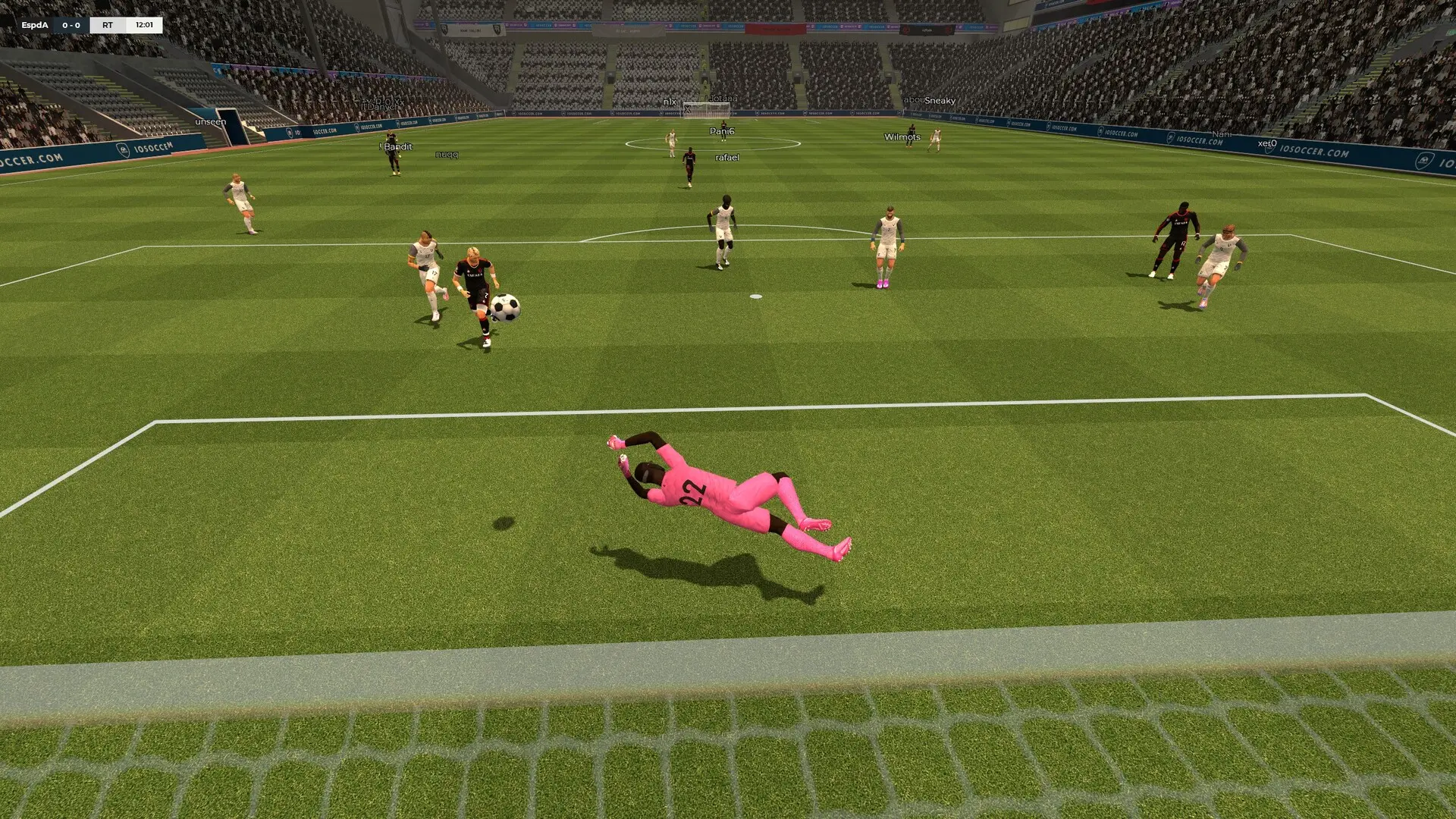
The map sets the pitch your IOSoccer server plays on, and its name tells you the team size it is built for, such as 4v4_indoor or 8v8_vienna. Here's how to change it.
Changing the Start Map
- 1Log in to Bropanel and select your server.
- 2In the sidebar, go to
Settings. - 3Under
Basic, editMapand type the map name without.bsp, for example8v8_london. - 4Click
Save & Restartto apply your changes.
If the name doesn't match a map on your server, the server starts on 8v8_vienna instead.
Maps Included With IOSoccer
| Team size | Maps |
|---|---|
| 4v4 | 4v4_arena, 4v4_indoor, 4v4_rooftop, 4v4_samba |
| 5v5 | 5v5_night_academy |
| 6v6 | 6v6_peacock_park, 6v6_south |
| 8v8 | 8v8_coral, 8v8_court_hey, 8v8_dayfall, 8v8_glasgow, 8v8_london, 8v8_nightfall, 8v8_stanley_park, 8v8_vienna |
| 11v11 | 11v11_north |
New IOSoccer updates can add maps. You can see every map on your server in iosoccer/maps on the Files page, and add your own with FastDL.
Changing the Map While the Server Runs
In the Console page of Bropanel, type changelevel 8v8_london with the map you want and press Enter. This lasts until the server restarts, when it goes back to the Map setting. Admins can do the same in game with RCON.