
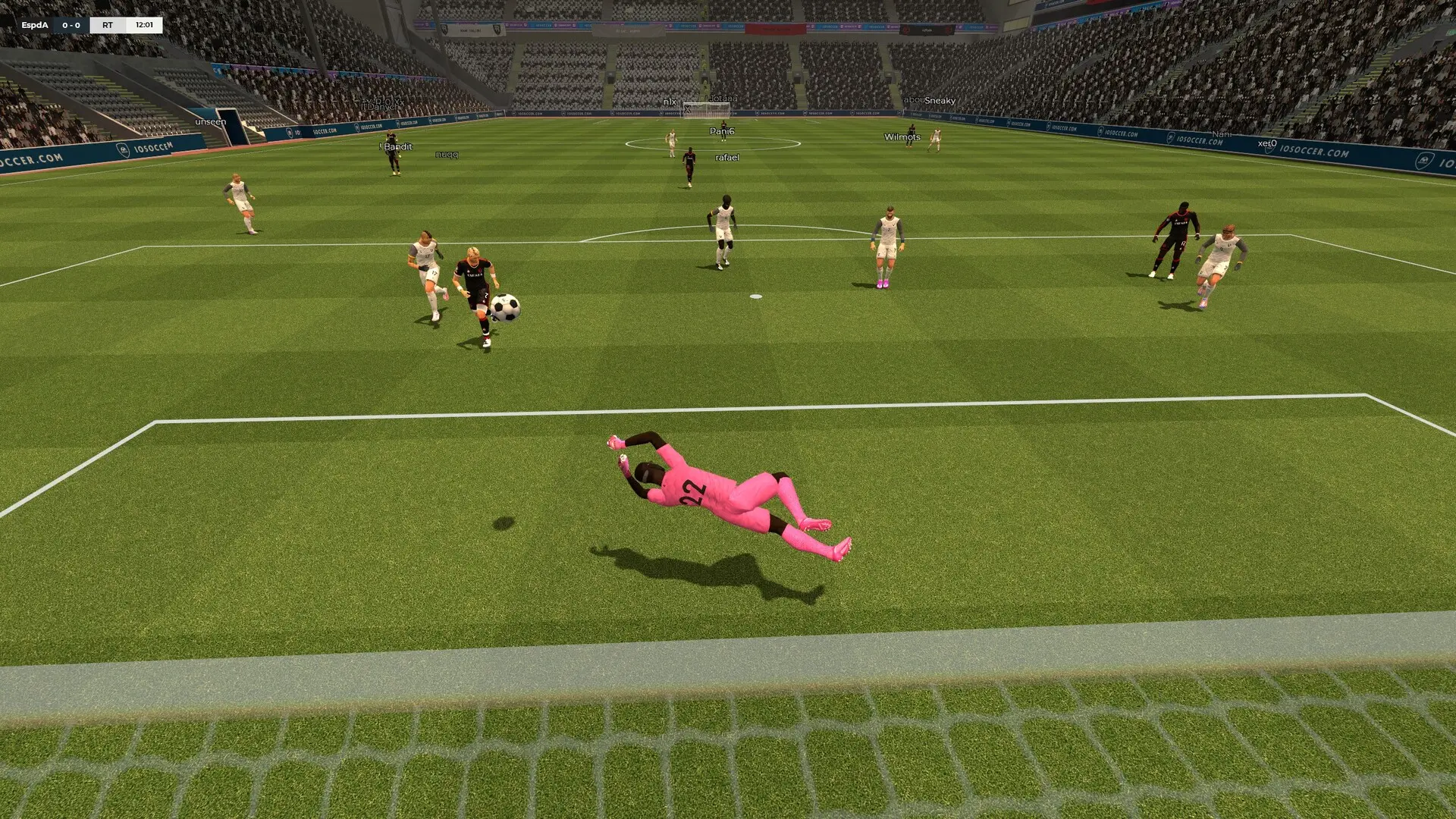
FastDL lets players download your custom maps and files over the web, which is much faster than downloading them from the game server. Game Host Bros IOSoccer servers set it up for you, so all you need to do is upload your content.
How FastDL Works
- When your server starts, files in these
iosoccerfolders are published to FastDL:maps,materials,models,sound,particlesandresource. - Players who are missing a file download it from FastDL when they join.
- Files you delete from those folders are removed from FastDL on the next start.
Adding a Custom Map
To play the new map, change the map to its name.
Using Your Own FastDL
If you already host your files on your own web server, point the server at it instead:
- 1Log in to Bropanel and select your server.
- 2In the sidebar, go to
Settings. - 3Under
Modding, editDownload Redirect URLand enter your web address, for examplehttps://fastdl.example.com/iosoccer. - 4Click
Save & Restartto apply your changes.
Your web server needs the same folder layout as the iosoccer folder, for example maps/yourmap.bsp. Clear Download Redirect URL to go back to the built-in FastDL.