
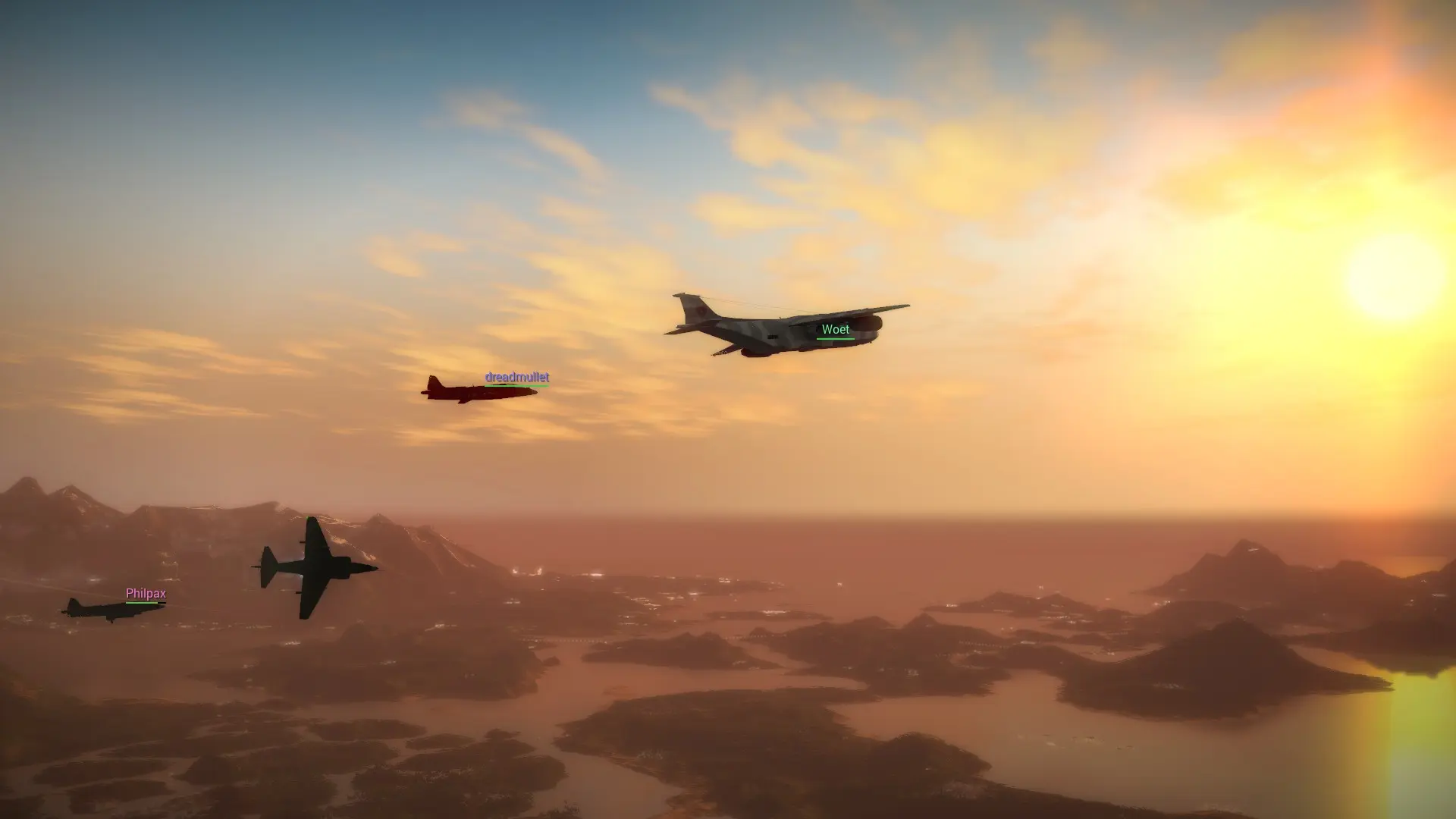
Everything players do on a JC2-MP server, from freeroam to races, comes from Lua scripts. Your server starts with the scripts that ship with JC2-MP: freeroam, Racing, derby, help, killfeed, nametags, playerlist and speedometer. Here's how to add your own or remove the ones you don't want.
Adding a Script
The console shows Module <name> loaded successfully for every script that starts.
Removing a Script
- 1Log in to Bropanel and
Stopyour server. - 2In the sidebar, go to
Files. - 3Open the
scriptsfolder and delete the script's folder. - 4Start your server.
Tip
A clean copy of every stock script is kept in the default_scripts folder, so you can copy one back into scripts at any time.