
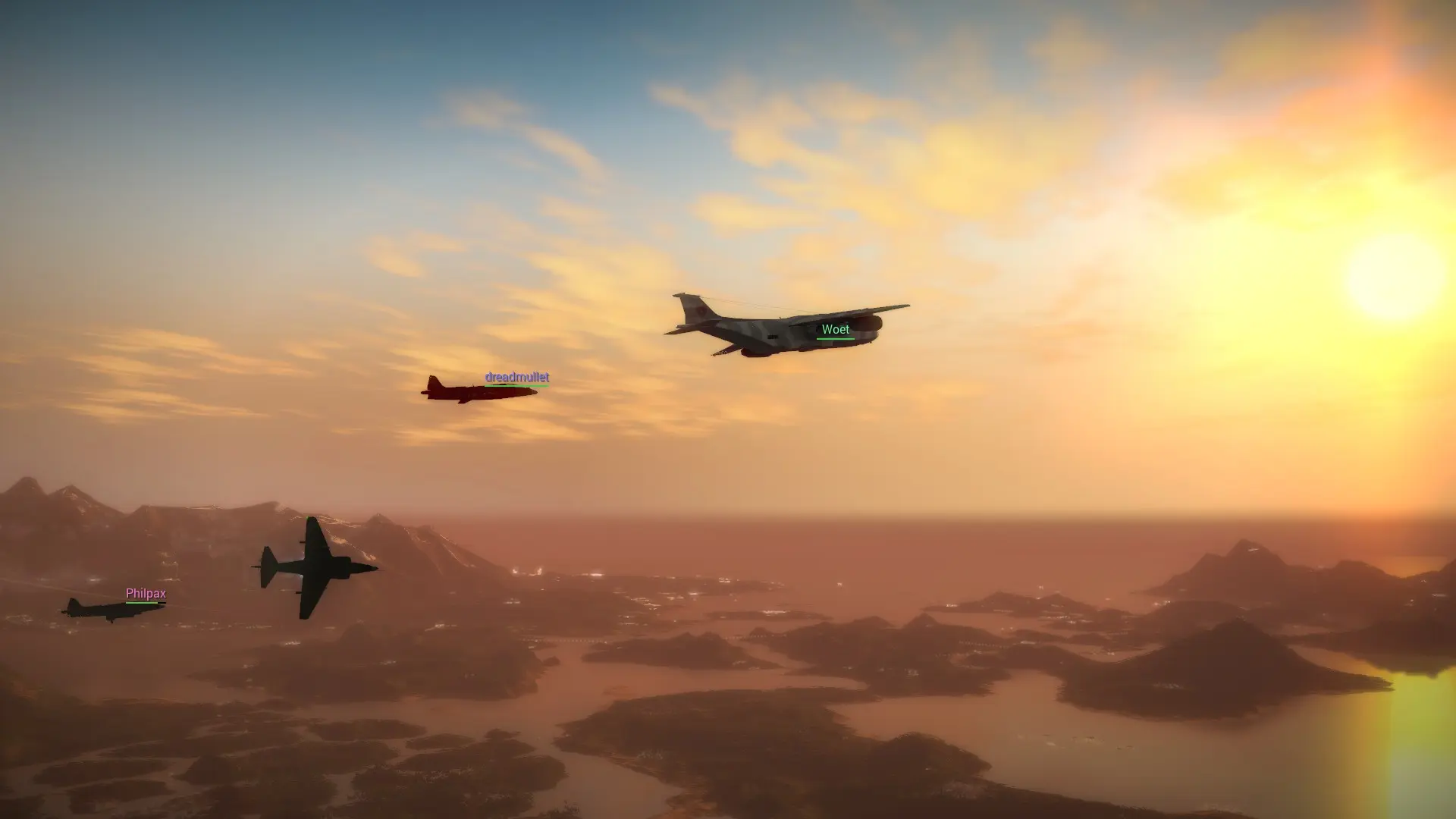
Advanced options for your Just Cause 2 Multiplayer server, such as how far away players and vehicles stay visible, vehicle respawn times and the time of day, live in config.lua. Here's how to edit it.
Editing config.lua
- 1Log in to Bropanel and
Stopyour server. - 2In the sidebar, go to
Files. - 3Open
config.luaand change the values you want. Each option has a comment above it that explains it and lists its default. - 4Click
Save. - 5Start your server.
Note
The server name, description, password and max players come from Settings and are written into config.lua every time the server starts, so change those in Settings instead.