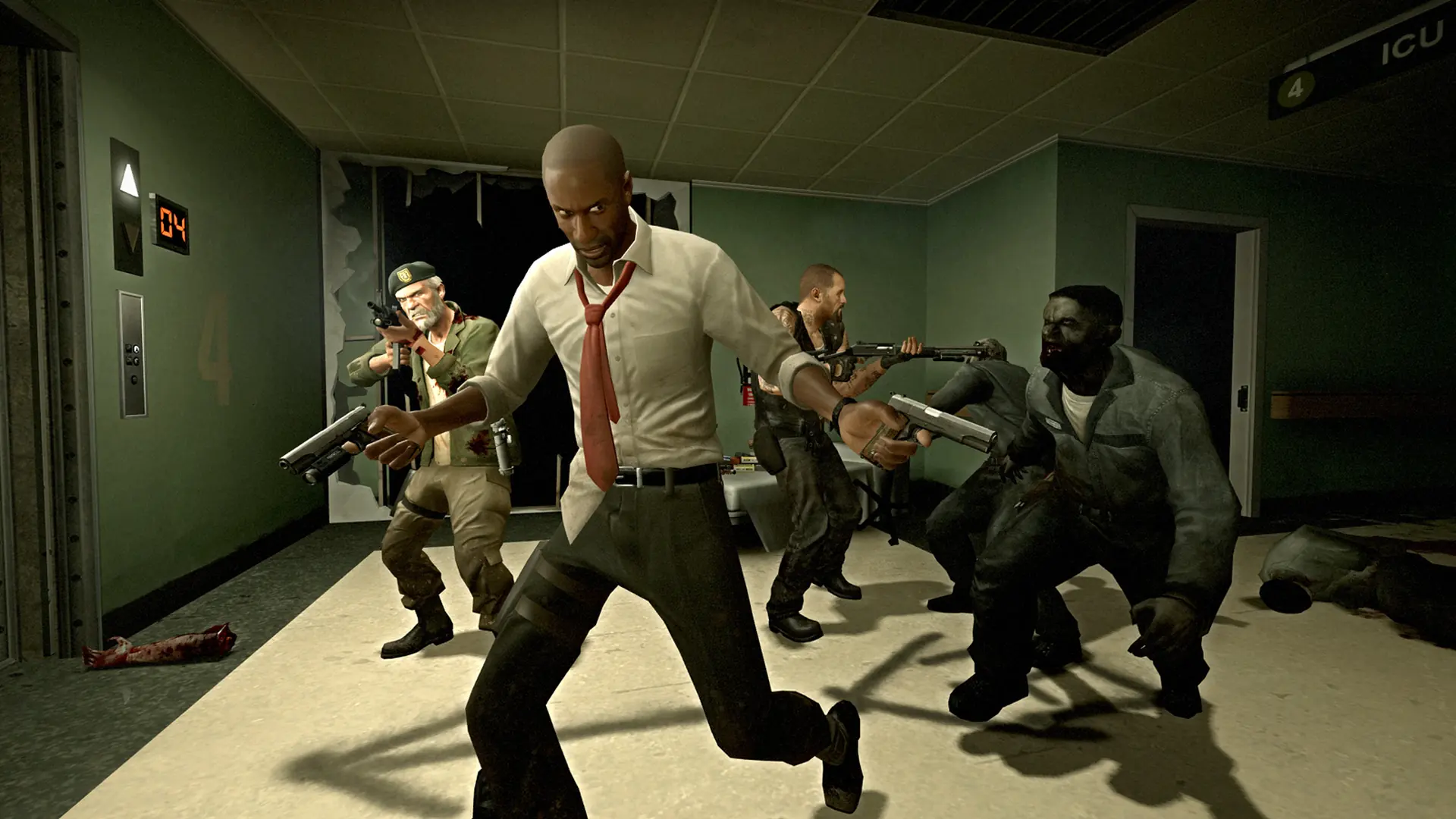
Here's how to change the map on your Left 4 Dead server.
Changing Your Left 4 Dead Server Default Map
- 1Log in to Bropanel and select your Left 4 Dead server.
- 2In the sidebar, go to
Settings. - 3Find the
Default Mapsetting and enter your desired map. - 4Click
Save & Restartto apply your changes.
Maps are located in the /left4dead/maps folder on your server. To set l4d_airport02_offices.bsp as the default map, set l4d_airport02_offices in Settings.