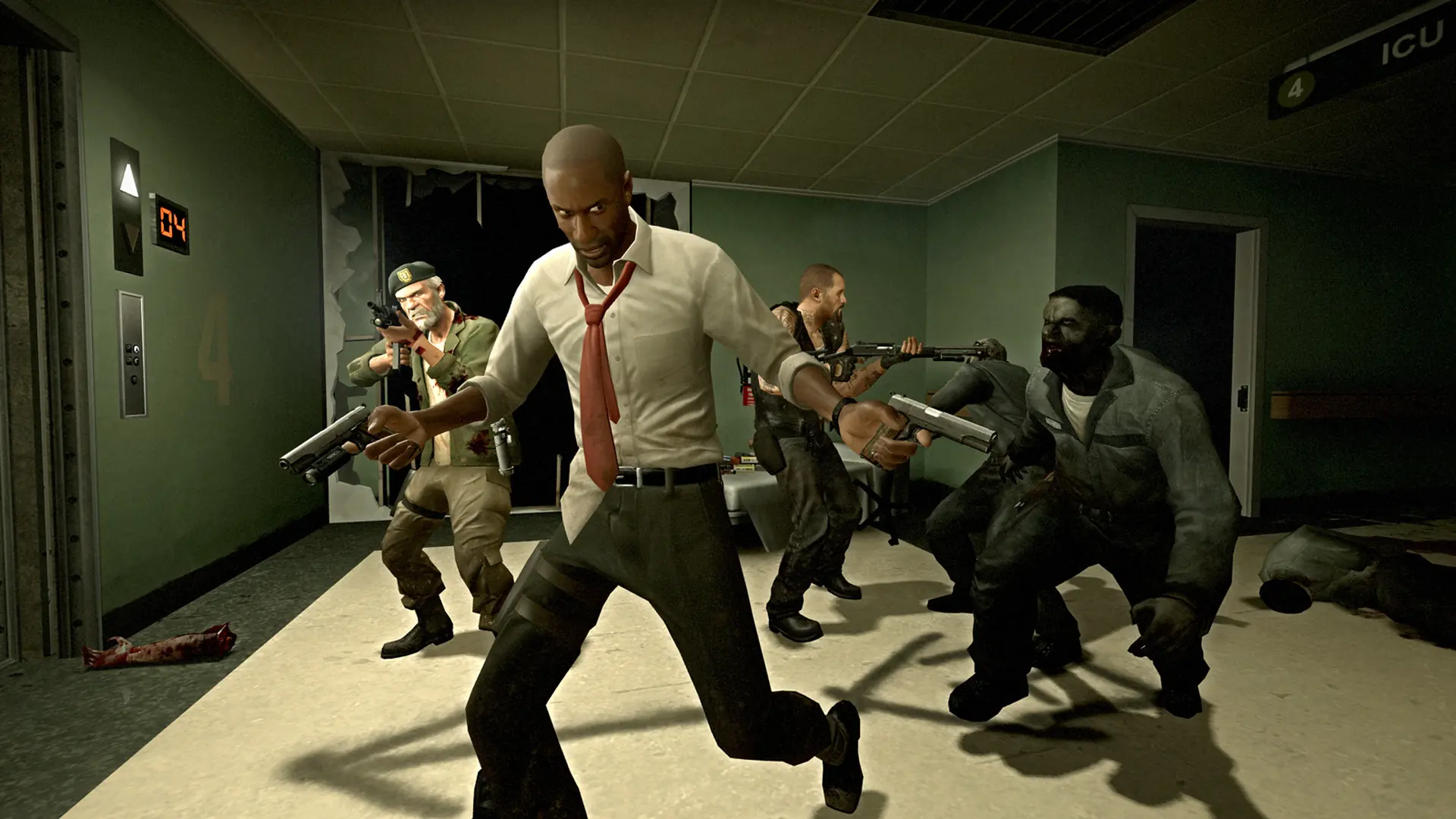
Here's how to change your server name on your Left 4 Dead server, also referred to as a hostname. This is what's displayed to players in the server browser.
Changing Server Name
- Log in to Bropanel.
- Select your server.
- In the sidebar, go to
Settings. - Find the
Server Namesetting and enter your desired server name. - Click
Save & Restartto apply your changes.