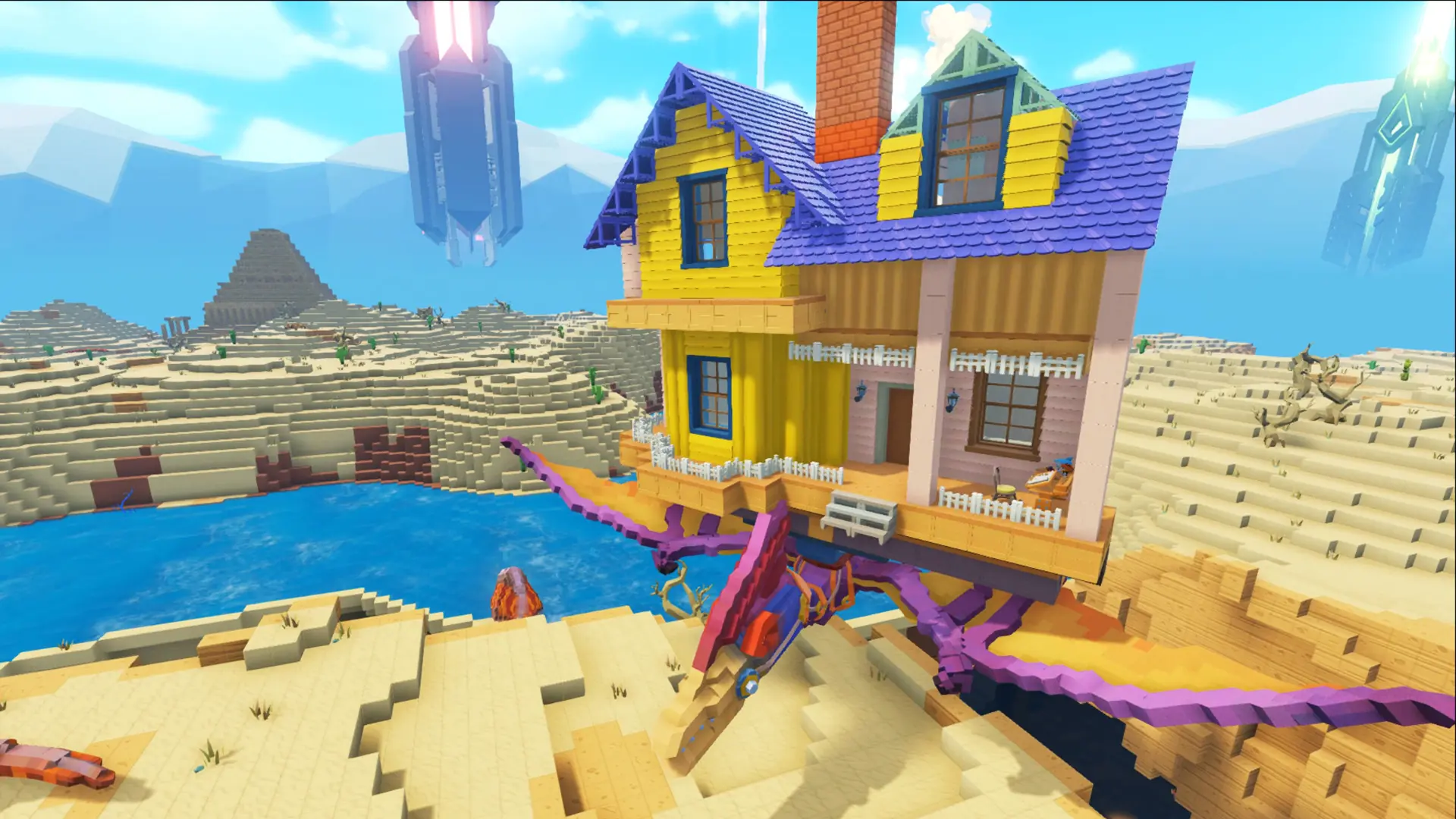
Here's how to change which world your PixARK server runs, including the Skyward and Terracrypt expansion maps.
Danger
This will not transfer your existing data. Each map has its own save files, so switching will generate a fresh world.
Changing Your PixARK Map
- 1Log in to Bropanel and select your server.
- 2In the sidebar, go to
Settings. - 3Set
World Mapto the map you want to run. - 4Click
Save & Restartto apply your changes.
PixARK Maps
| Map | Map ID | Description |
|---|---|---|
| Cube World | CubeWorld_Light | The base game world. Default |
| Skyward | SkyPiea_Light | The free Skyward expansion, a world of floating sky islands. |
| Terracrypt | Underground_Light | The paid Terracrypt expansion. |
Note
Every player who wants to join a DLC map must own it, and will be prompted to buy the DLC when connecting if they don't.
Because each map keeps its own saves, you can switch back at any time by setting World Map to its previous value, save files are stored at ShooterGame/Saved/CubeServers/[Map] on your server.