
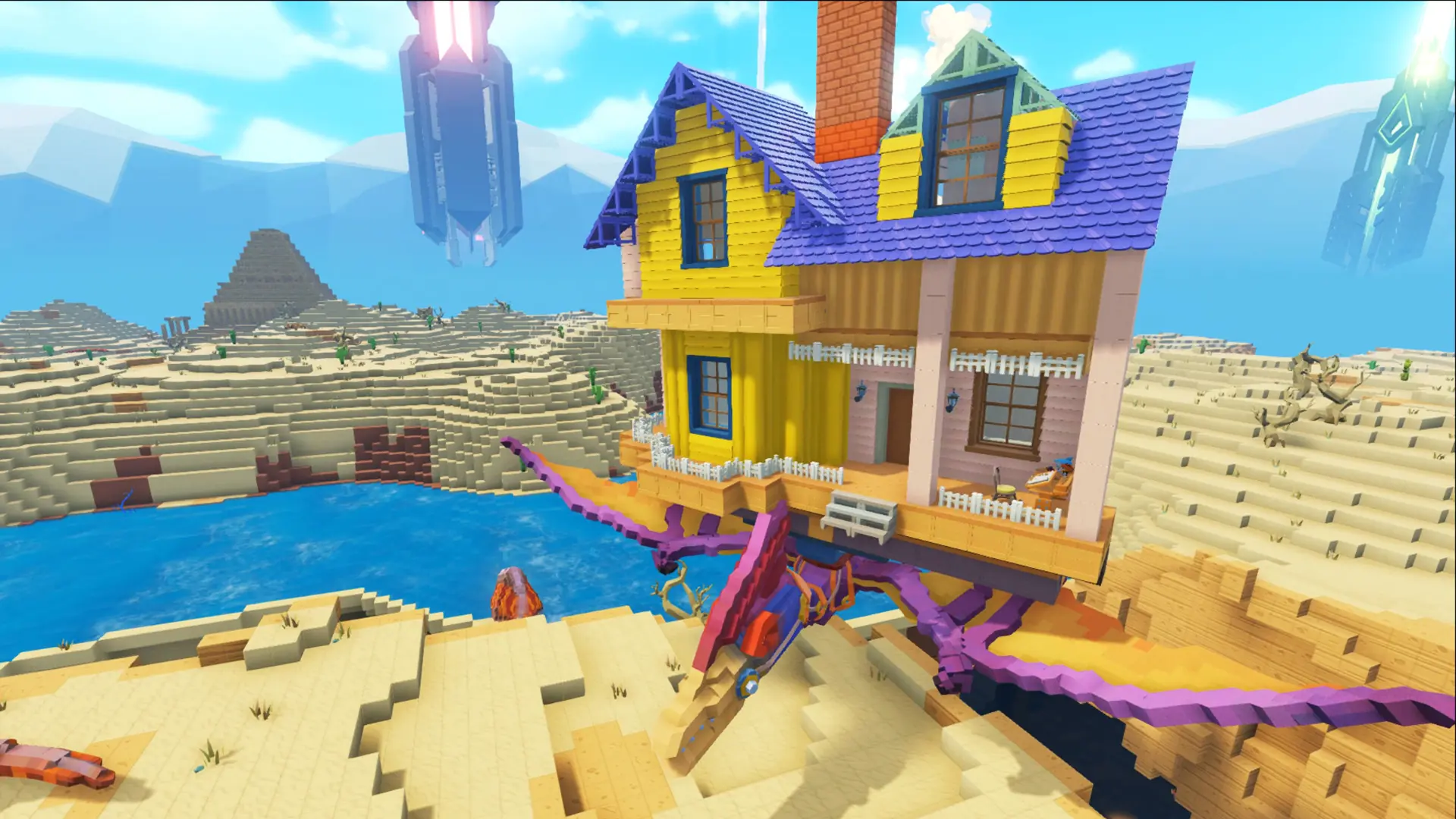
At Game Host Bros, we've integrated PixARK settings directly into our game panel. Here's how to quickly and easily configure your new PixARK server.
Configuring Your PixARK Server
- 1Log in to Bropanel and select your server.
- 2In the sidebar, go to
Settings. - 3Edit the settings you'd like to change.
- 4Click
Save & Restartto apply your changes.
PixARK Server Settings List
| Setting Name | Description |
|---|---|
| Server Password | Makes your server private, players need the password to join. Leave it blank for a public server, see our password guide. Default: none |
| Admin Password | The password for admin access. Enter it in the in-game console to use administrator commands. Default: randomly generated |
| Max Players | The maximum number of players that can join your server. Default: 10 |
| Server Name | The name players see in the server browser. Default: Hosted By Game Host Bros |
| Message Of The Day | A message shown to players when they join. Use \n for a line break, or leave it blank for none. Default: none |
| MOTD Duration | How many seconds the message of the day stays on screen. Default: 20 |
| World Seed | The seed your world is generated from. Only applies when generating a new world. Default: 12345 |
| Ore Seed | The seed ore distribution is generated from. Only applies when generating a new world. Default: 1234 |
| Difficulty Offset | Controls wild dino levels. Higher values spawn higher-level dinos (5 = up to level 120). Default: 10 |
| Day Cycle Speed | How fast a full day/night cycle passes. Higher is faster. Default: 1 |
| Day Time Speed | How fast the daytime portion of the day passes. Higher is faster. Default: 1 |
| Night Time Speed | How fast the nighttime portion of the day passes. Higher is faster. Default: 1 |
| Harvest Amount Multiplier | How many resources you get when harvesting. Default: 1 |
| Resource Respawn Multiplier | How quickly trees, bushes and other resources grow back. Lower is faster. Default: 1 |
| Repair Time Multiplier | How long it takes to repair structures and items. Lower is faster. Default: 1 |
| Craft Time Multiplier | How long it takes to craft items. Lower is faster. Default: 1 |
| Resource Drop Quantity Multiplier | How many resources are dropped. Default: 1 |
| Structure Resource Prevention Radius | The radius around structures where resources won't respawn. Lower lets resources respawn closer to buildings. Default: 1 |
| Player Food Drain Multiplier | How quickly players get hungry. Lower is slower. Default: 1 |
| Player Water Drain Multiplier | How quickly players get thirsty. Lower is slower. Default: 1 |
| Kill XP Multiplier | How much XP is earned from combat. Default: 1 |
| Harvest XP Multiplier | How much XP is earned from harvesting. Default: 1 |
| Generic XP Multiplier | How much XP is earned passively over time. Default: 1 |
| Hardcore Mode | Wipes your character on death. Default: Disabled |
| Allow Third Person | Lets players use the third-person camera. Default: Disabled |
| Hit Markers | Shows hit markers. Players can still disable them on their end. Default: Enabled |
| Floating Damage Text | Shows damage numbers over players and dinos. Default: Disabled |
| Show Player Location On Map | Shows each player their own location on the map. Default: Disabled |
| Force Structure Locking | Forces all items and structures to be locked. Default: Disabled |
| Offline Player Starvation | Lets offline players below level 20 starve to death, cleaning up abandoned early-game characters. Default: Disabled |
| PvP Attacks | Whether players can attack each other while war time is active. Default: Enabled |
| PvP War Start Time | When weekly war time (PvP) begins. Keep the exact format shown, changing only the day and time values. Default: (PVPAttackDayOfWeek=Saturday,PVPAttackHour=0,PVPAttackMinute=0,PVPAttackSecond=0) |
| PvP War Stop Time | When weekly war time (PvP) ends. Keep the exact format shown, changing only the day and time values. Default: (PVPAttackDayOfWeek=Sunday,PVPAttackHour=23,PVPAttackMinute=59,PVPAttackSecond=59) |
| PvP Respawn Delay (seconds) | How long players wait to respawn during war time. Default: 30 |
| PvP Respawn Delay Multiplier | Multiplies the PvP respawn delay on consecutive deaths. Default: 1 |
| Passive Defenses Damage Riderless Dinos | Whether passive defenses (like plant turrets) damage dinos without riders. Default: Enabled |
| Wild Dino Count Multiplier | Higher values spawn more wild dinos. Default: 1 |
| Max Tamed Dinos | The server-wide cap on tamed dinos. Default: 5000 |
| Max Tamed Dinos Per Tribe | How many dinos each tribe can tame. Default: 35 |
| Egg Lay Interval Multiplier | How often dinos lay eggs. Lower is more often. Default: 1 |
| Raid Dino Food Drain Multiplier | How quickly raid dinos consume food. Default: 1 |
| PvE Dino Decay Multiplier | How quickly dinos decay and become claimable in PvE. Default: 1 |
| Autosave Interval | Minutes between automatic world saves. Default: 15 |
| Kick Idle Players Period | How many seconds before idle players are kicked. Default: 3600 |
| Platform Max Structures Multiplier | How many structures can be placed on platform saddles and rafts. Default: 1 |
| Gameplay Logging | Logs gameplay events like tribe activity, kills and tames to the server game log. Default: Enabled |
| World Save Name | The world save to load. Setting it to a new name generates a fresh world, your old world stays on disk. Default: world |