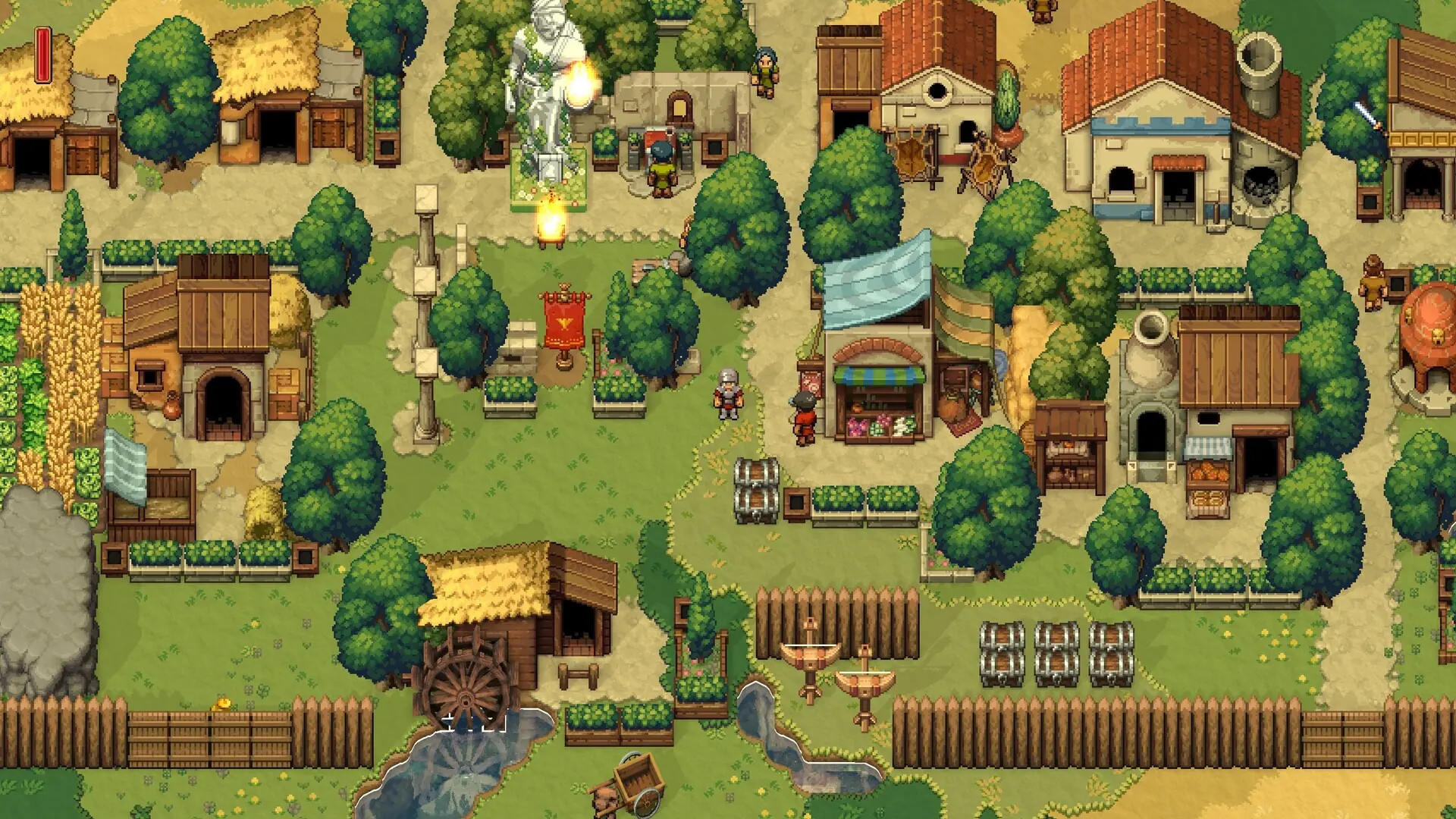
Here's how to connect to your Romestead server using the in-game multiplayer menu.
Connecting To Your Server
- Log in to Bropanel and copy your server's IP address and port from the
Overviewpage. - Open Romestead and click
Multiplayer → Join Multiplayer. - Select your character.
- Click
Advanced/LANand enter your server's IP address and port into their separate fields. - Click
Connect.
Example: If your server shows as 198.137.11.11:27015, it should look like this:
198.137.11.11
27015
If you get stuck at any time, you can reach out to us on Discord.