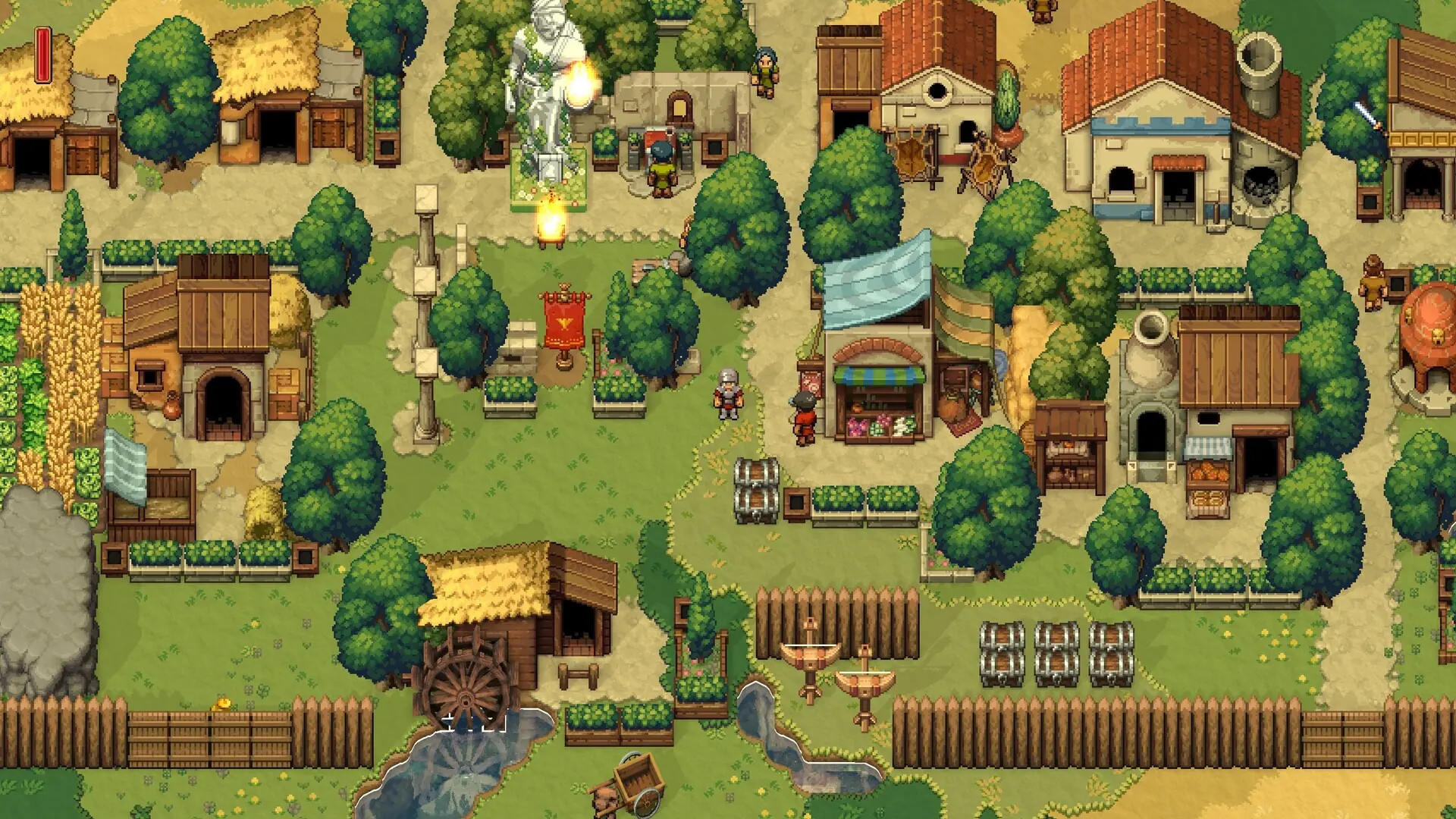
Here is how you can create a new world on your Romestead server.
Creating A New World
- Log in to Bropanel and select your Romestead server.
- In the sidebar, go to
Settings. - Under
Map, set yourWorld Name. - Under
Map, choose yourWorld Size(Small,Standard, orLarge). - (Optional) Under
Map, enter aWorld Seedto generate a specific world. Leave this blank for a random seed. - Click
Save & Restartto apply your changes.
If you'd rather fully wipe your server instead, follow our Reset Server guide.