
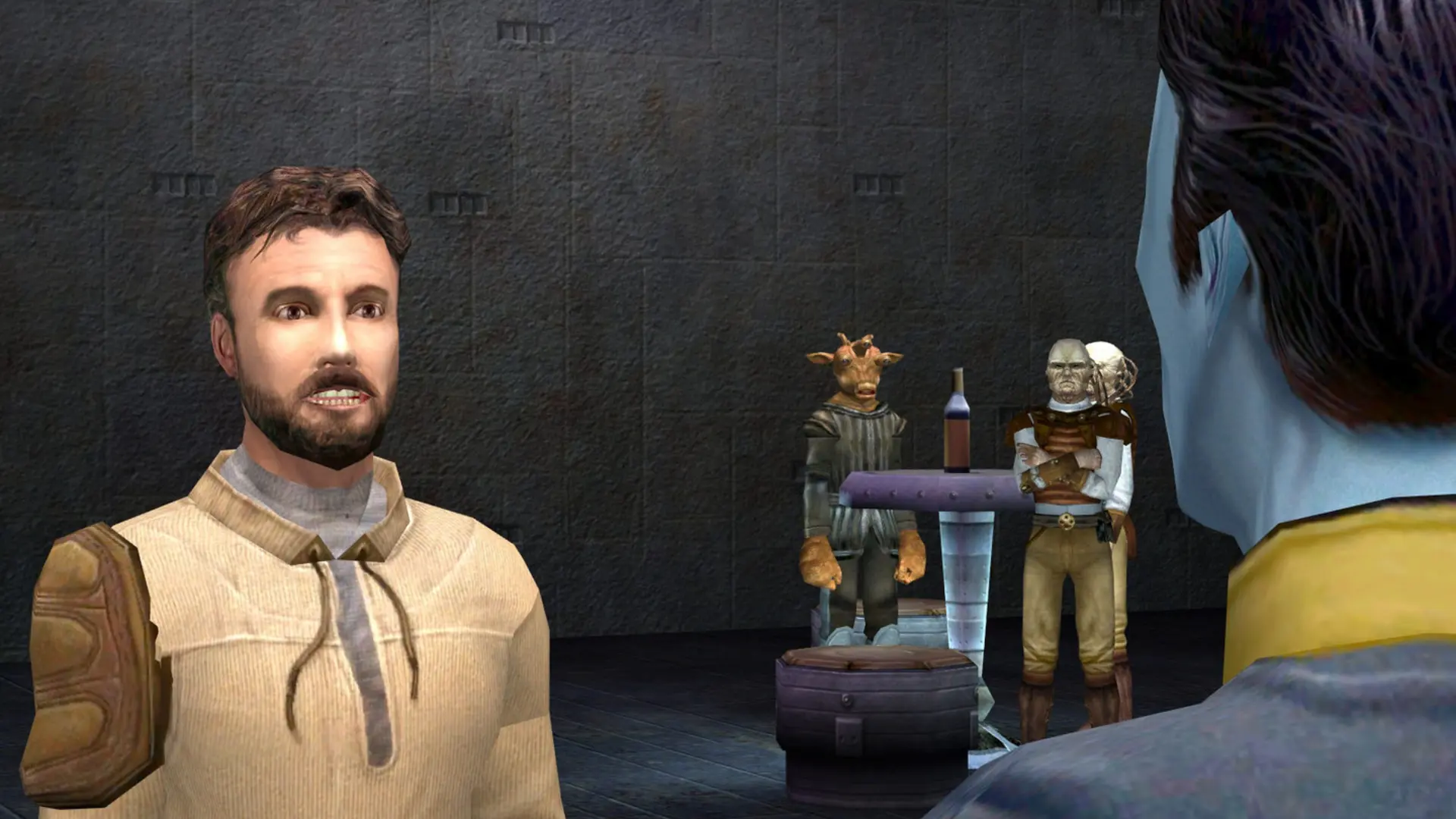
Here is how you can join your Jedi Outcast dedicated server. Players need the PC version of Jedi Outcast on the same version as your server's Game Version, which is 1.04 unless you changed it. The Steam version is 1.04. Players who use JK2MV can join a server on any version.
Connecting From the Server Browser
- 1Start Jedi Outcast multiplayer.
- 2Click
Join Game. - 3Set the source to
Internet, clickRefreshand find your server name in the list. - 4Select your server and click
Join. If you set a server password, enter it when asked.
Note
It can take a few minutes for a new server to appear in the server browser after it starts. Joining by IP always works.
Connecting With the IP Address
- 1Log in to Bropanel and select your Jedi Outcast server.
- 2Copy the server IP address and port from the
Overviewpage, for example123.45.67.89:28070. - 3Start the game and press
Shift+~to open the console. - 4Type
/connect 123.45.67.89:28070with your own IP and port, then pressEnter.
If your server has a password, type /password yourpassword in the console before you connect.