
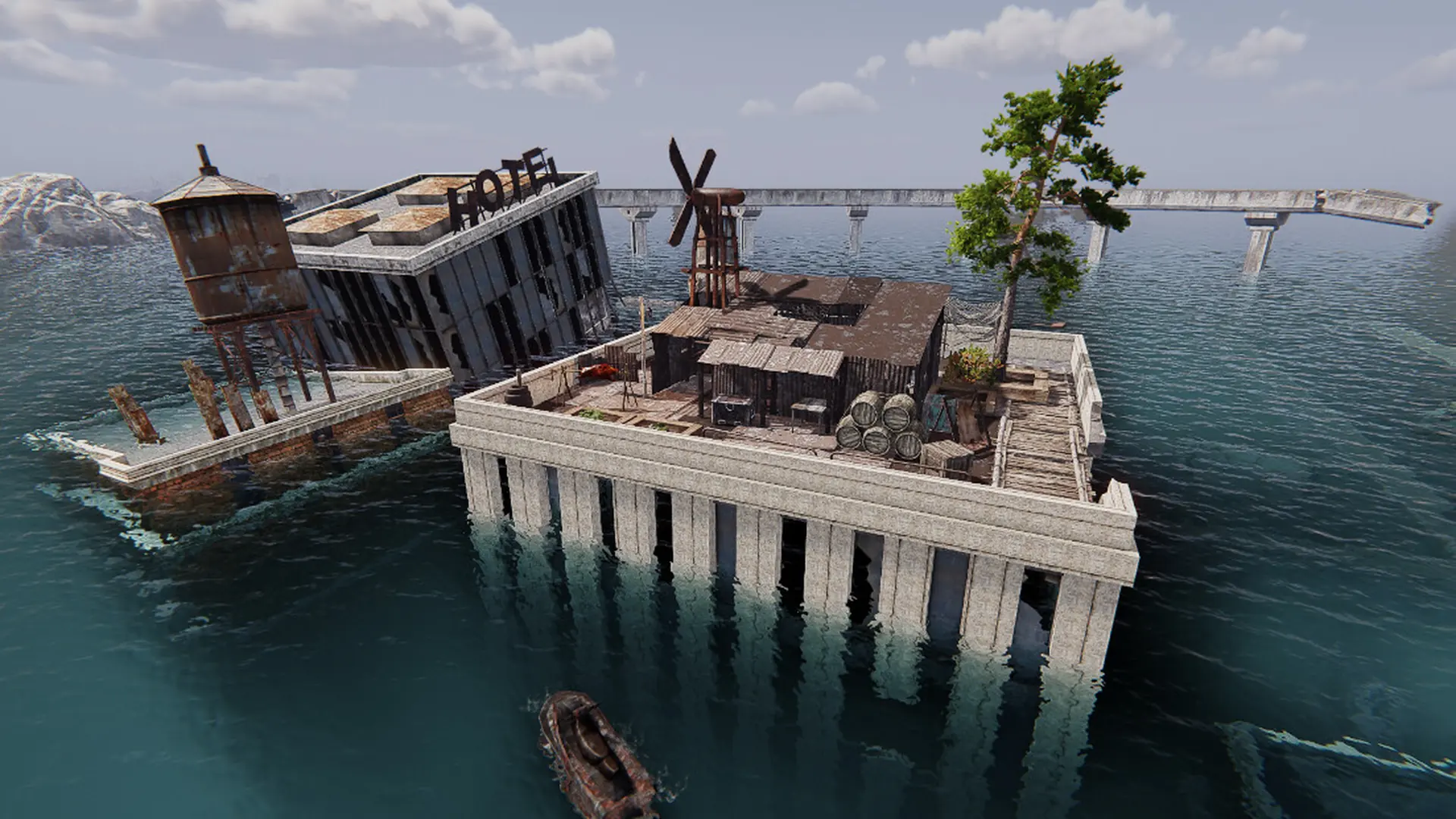
Here is how you can join your Sunkenland dedicated server. You need Sunkenland on Steam for Windows, on the same version as the server. No mods are needed.
Connecting From The Server List
- 1Start Sunkenland and click
Start. - 2Select your character, or click
New Characterto make one. - 3Click
Join Server. - 4Select
Dedicated Server(notPlayer As Host). - 5Set
Server Regionto your server's region. - 6Search for your server name and select your server.
- 7If you set a server password, enter it, then join.
Note
Servers only show up in the region they are listed in. If you can't find your server, check that Server Region matches the Region in your server's Settings, turn off HIDE WITH PASSWORD and Show Steam friend servers only, then click Refresh.
Tip
The first start creates your world, so it can take a few minutes before the server shows in the list. Watch the console for Server Start Complete, Ready for Clients to Join.