
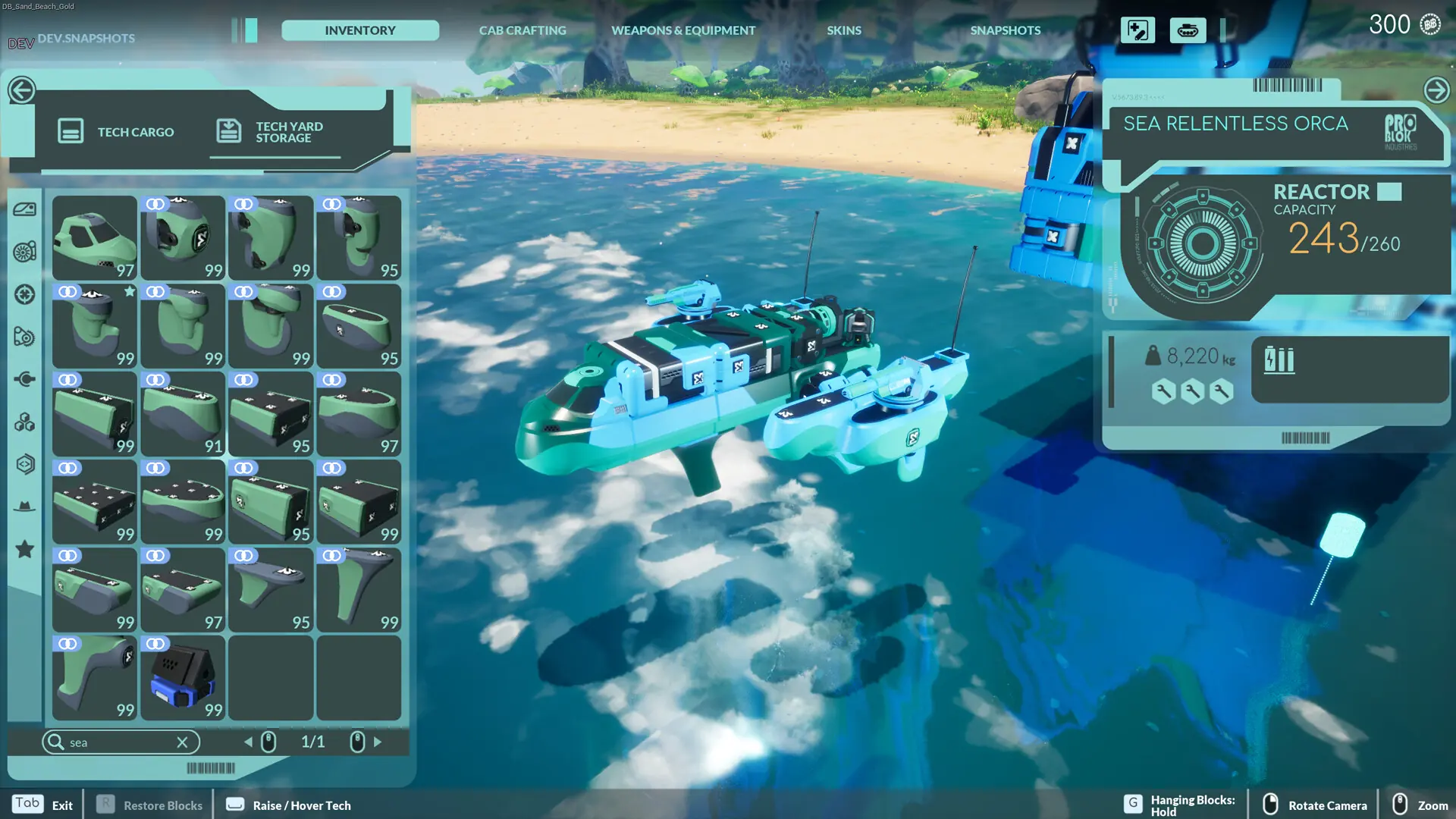
Here is how you and your friends join your TerraTech Worlds server. Everyone needs TerraTech Worlds on Steam, updated to the latest version.
Connecting With Your Server Address
- 1Log in to Bropanel and select your server.
- 2Copy the server IP address and port from the
Overviewpage. - 3Open TerraTech Worlds and select
Join Dedicated Server. - 4In
Host Address, paste your server's IP address and port, for example203.0.113.10:7777. - 5Click
Launch. If you set a server password, enter it when you join.
Note
While Auto Update is on (the default), your server installs the newest TerraTech Worlds version every time it restarts. If players can't join right after a game update, restart your server so it matches their version. See Update Your Server.