
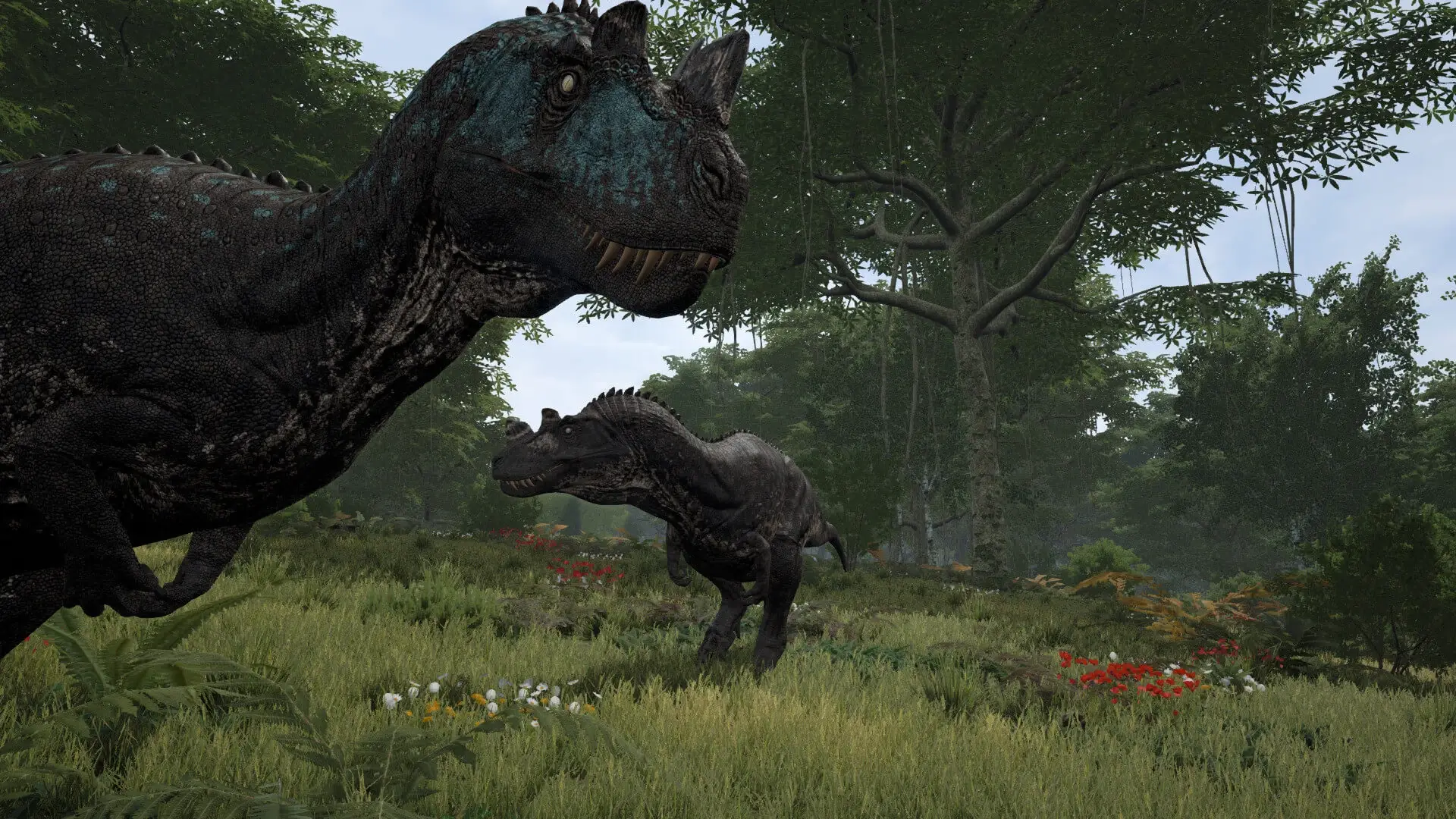
At Game Host Bros, our The Isle Evrima servers include both Linux or Windows server type compatibility. You can switch between them at any time on your The Isle Evrima server using the Server Software Type toggle under Advanced in Settings.
Choosing Windows Server adds support for UE4SS modding.
Caution
Switching server types is experimental, we officially recommend remaining on the native Linux Server type. Configuration files for Windows Servers are located at Isle/Saved/Config/WindowsServer/.
Changing Server Type
- 1Log in to Bropanel and
Stopyour server. - 2In the sidebar, go to
Settings. - 3Under
Advanced, edit theServer Software Typefield and set it to eitherLinux ServerorWindows Server. - 4Click
Reinstallin the top-right. - 5Select
Format (keep settings), then confirm and wait for the install to finish. - 6Start your server.