
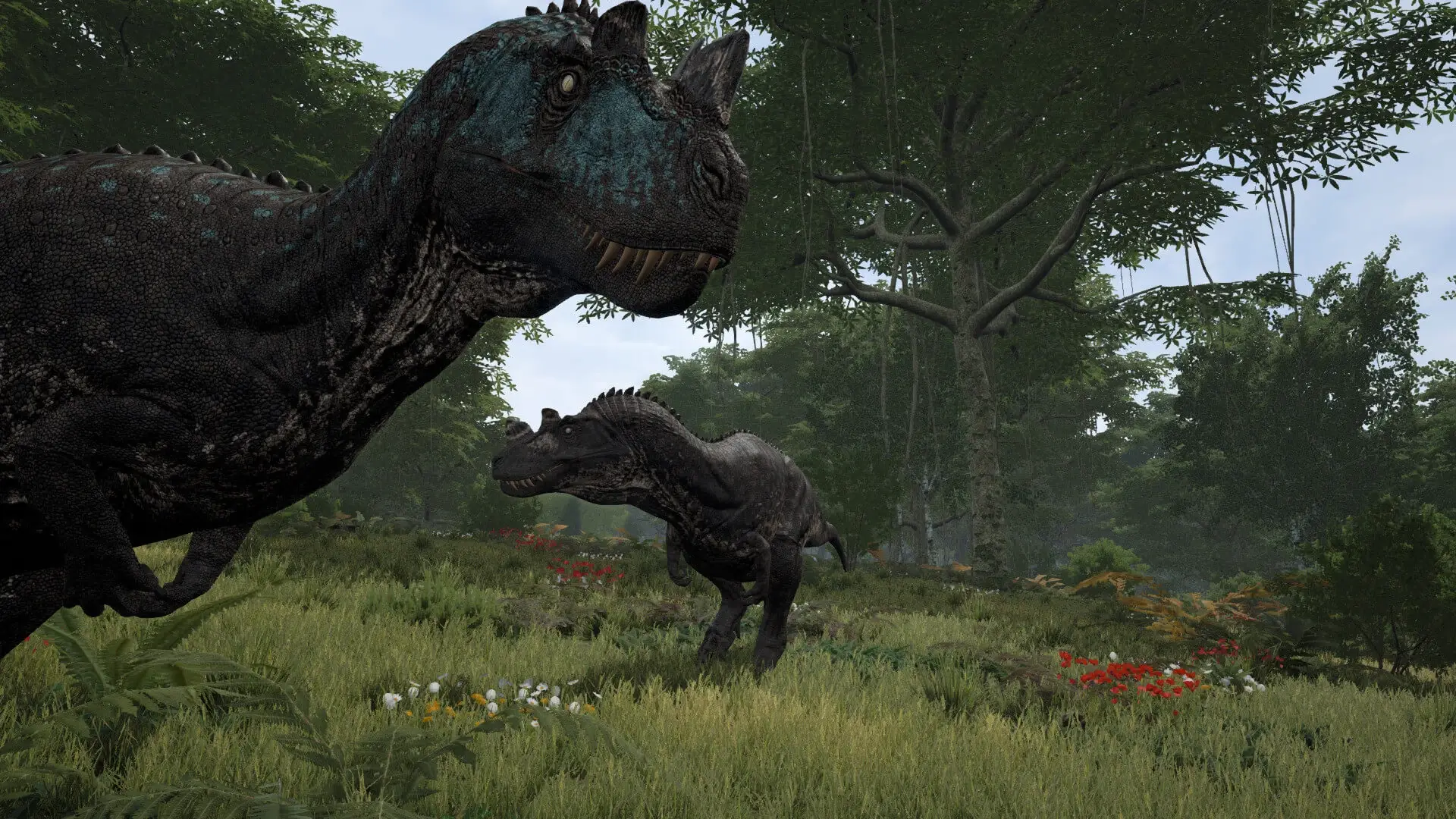
This guide shows you how to use spectator mode as an Admin on your The Isle Evrima server. Spectator mode allows you to observe gameplay without participating, perfect for monitoring players on your server.
Entering Spectate Mode
- 1Become an admin on your The Isle Evrima server.
- 2Connect to your server.
- 3On your keyboard, press
Del(delete key) to enter spectator mode.
While in spectator mode, you can press Page Up and Page Down to toggle different spectator display modes.
Note
You can check your own Admin mode keybinds in the Settings > Controls menu in-game.