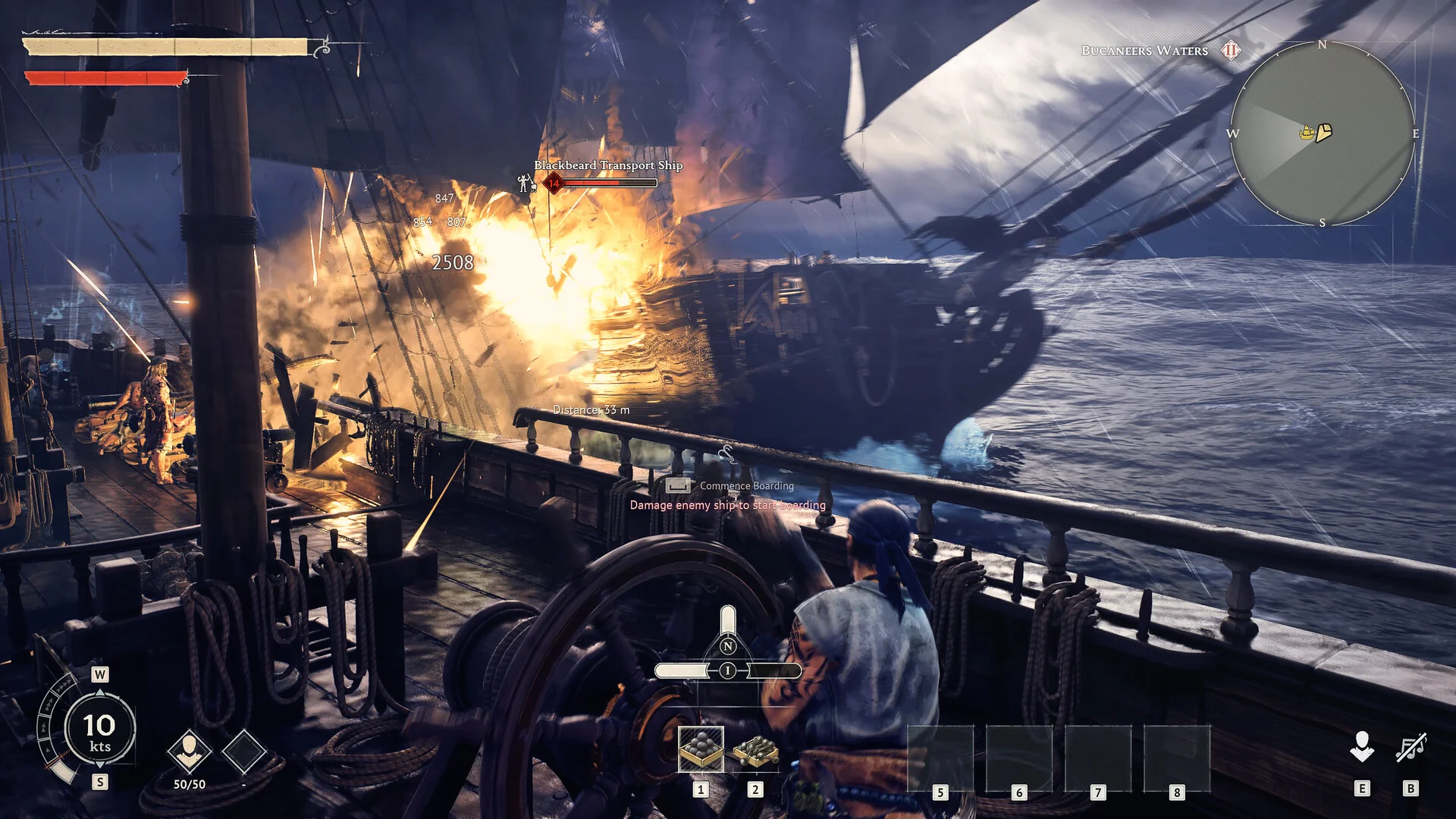
If you're looking to mod your Windrose server, here's how to do it. This guide covers installation for most .pak, .lua and UE4SS mods. You can find plugins and mods from sites like Nexus Mods.
Danger
Windrose is early access, and modding is experimental. Always back up your world manually before installing any mods!
Windrose mod sites list client and server mods side by side, so read each mod's description carefully - it will normally detail whether the mod works server side. Another good way to tell is by checking the comments.
Here are some things to consider before installing mods.
-
Make sure they're compatible with servers (UE4SS mods, .pak or .lua). Client mods are NOT the same as server mods.
-
Only install one mod at a time and test it to make sure it works. If it doesn't then remove the files from your server.
-
Make sure the mod is compatible with the correct server version.
-
Some mods are required to be installed on the SERVER and CLIENT. This means you would need the mod installed locally on all your players games (including UE4SS) as well as the server itself. Refer to the mod documentation.
Installing UE4SS
- 1Log in to Bropanel and
Stopyour server. - 2Download the latest Windrose UE4SS release from Nexus Mods.
- 3Extract the downloaded
.zipfile on your PC. - 4Upload the extracted UE4SS files to
R5/Binaries/Win64/. - 5Start your server.
If installed correctly, you should see a UE4SS.log file created in the R5/Binaries/Win64/ue4ss folder after starting your server.
Installing Mods
- 1Download the mods you want from Nexus Mods. (Make sure they're server side mods!)
- 2Extract the downloaded
.zipfile on your PC. - 3Upload your extracted mod folder to the location as specified by the mod author.
- UE4SS mods go in
R5/Binaries/Win64/ue4ss/Mods. Whereas for pak modsR5/Content/Paks/LogicModsorR5/Content/Paks/~mods, again refer to the mods documentation.
- UE4SS mods go in
- 4Restart your server.
Danger
R5/Binaries/Win64/ue4ss/Mods and R5/Content/Paks/~mods are the most common folders, however some Windrose mods may require a different location. Please check the documentation for the mods you're downloading.
Lua Mod Installation Example
Lua mods are mods that come in folders and typically contain the following file structure:
Pak Mod Installation Example
Note
Always follow the mod author's instructions. If a .pak mod says it needs to be installed into the LogicMods folder, place it there instead. ~mods is a folder made to keep your mods organized.