
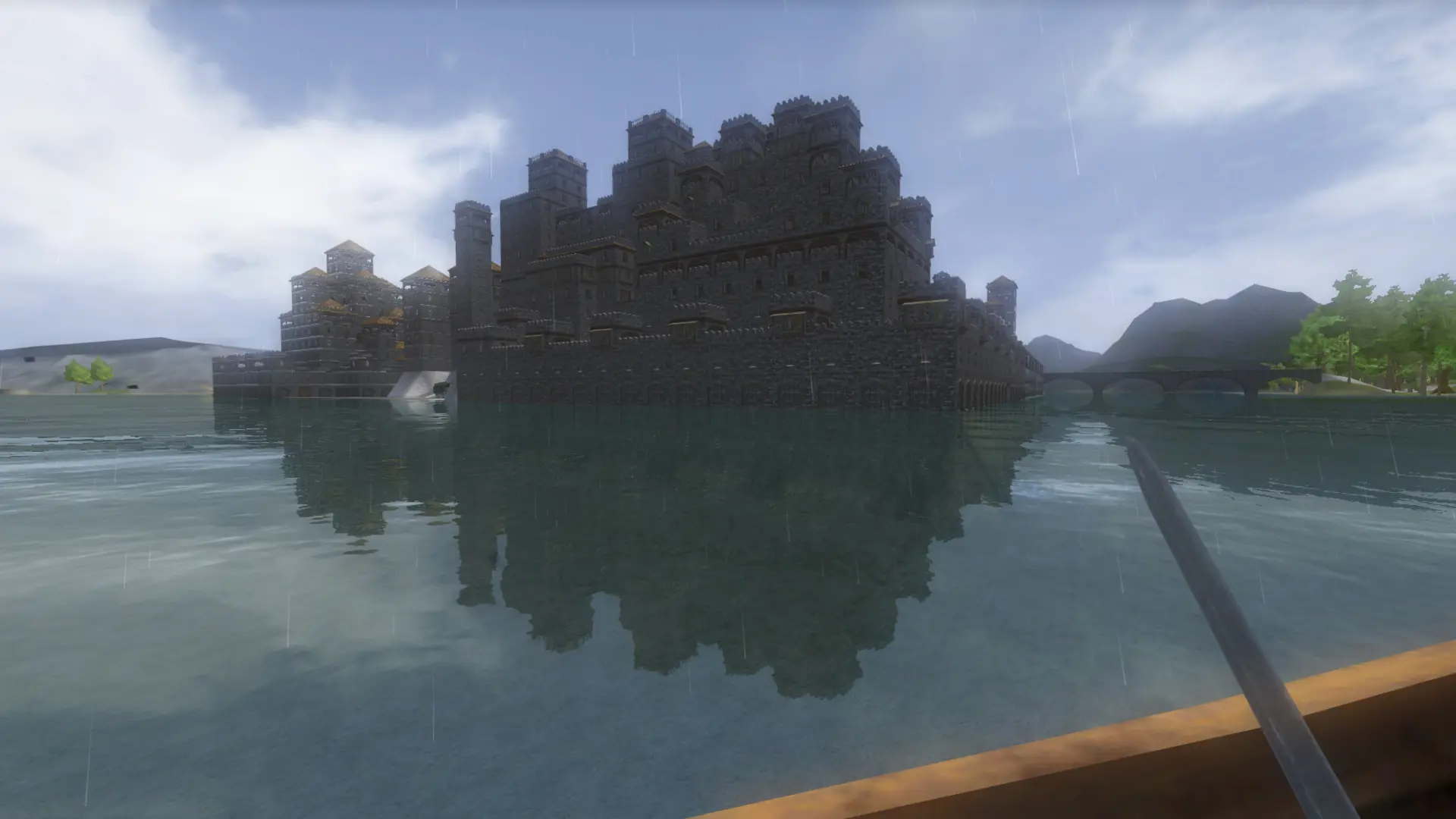
Wurm Unlimited players join dedicated servers through the in-game server browser. You need Wurm Unlimited on Steam, updated to the latest version. No mods are needed to join.
Joining Your Server
- 1Log in to Bropanel and check that your server shows as online.
- 2Start Wurm Unlimited from Steam and open the server browser.
- 3Search for your server name and select it.
- 4Join the server. If it has a password, enter it when asked.
Tip
A new server can take a few minutes to appear in the browser after its first start. If you can't see it, clear any filters and refresh the list.
Your character is created the first time you join. Each game mode is its own world, so players start a new character when you switch.