
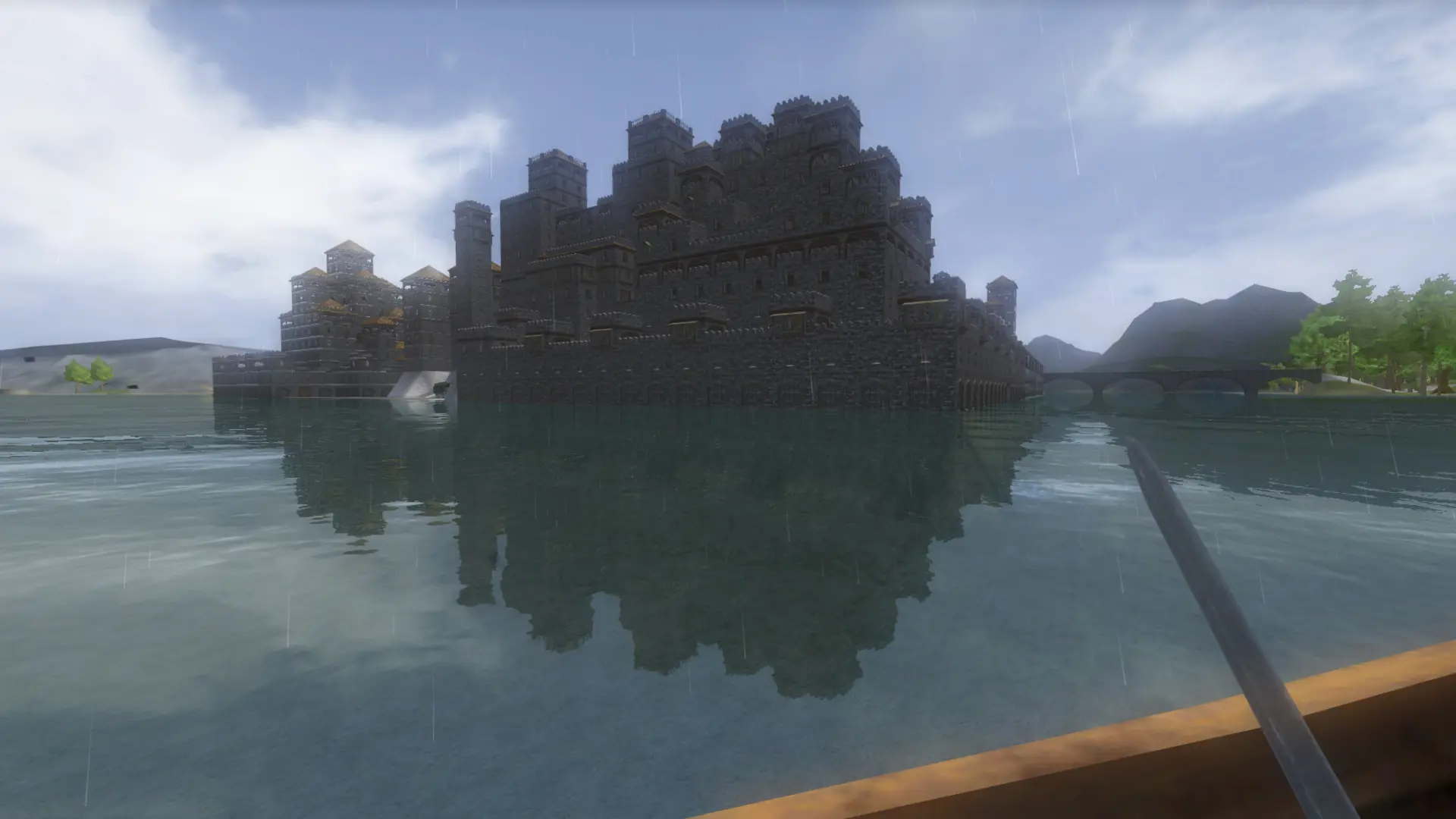
Wurm Unlimited comes with two worlds. Creative is the default sandbox, built for freely building and terraforming. Adventure is a harsher world with more dangerous creatures, closer to the original Wurm Online.
Changing The Game Mode
- 1Log in to Bropanel and select your server.
- 2In the sidebar, go to
Settings. - 3Under
Gameplay, editGame Mode (Read Info)and chooseCreativeorAdventure. - 4Click
Save & Restartto apply your changes.
Each game mode is its own world with its own characters, buildings and Game Masters. Switching starts the other world, or picks it up where you left it; the world you switch away from is kept, so you can switch back at any time.