
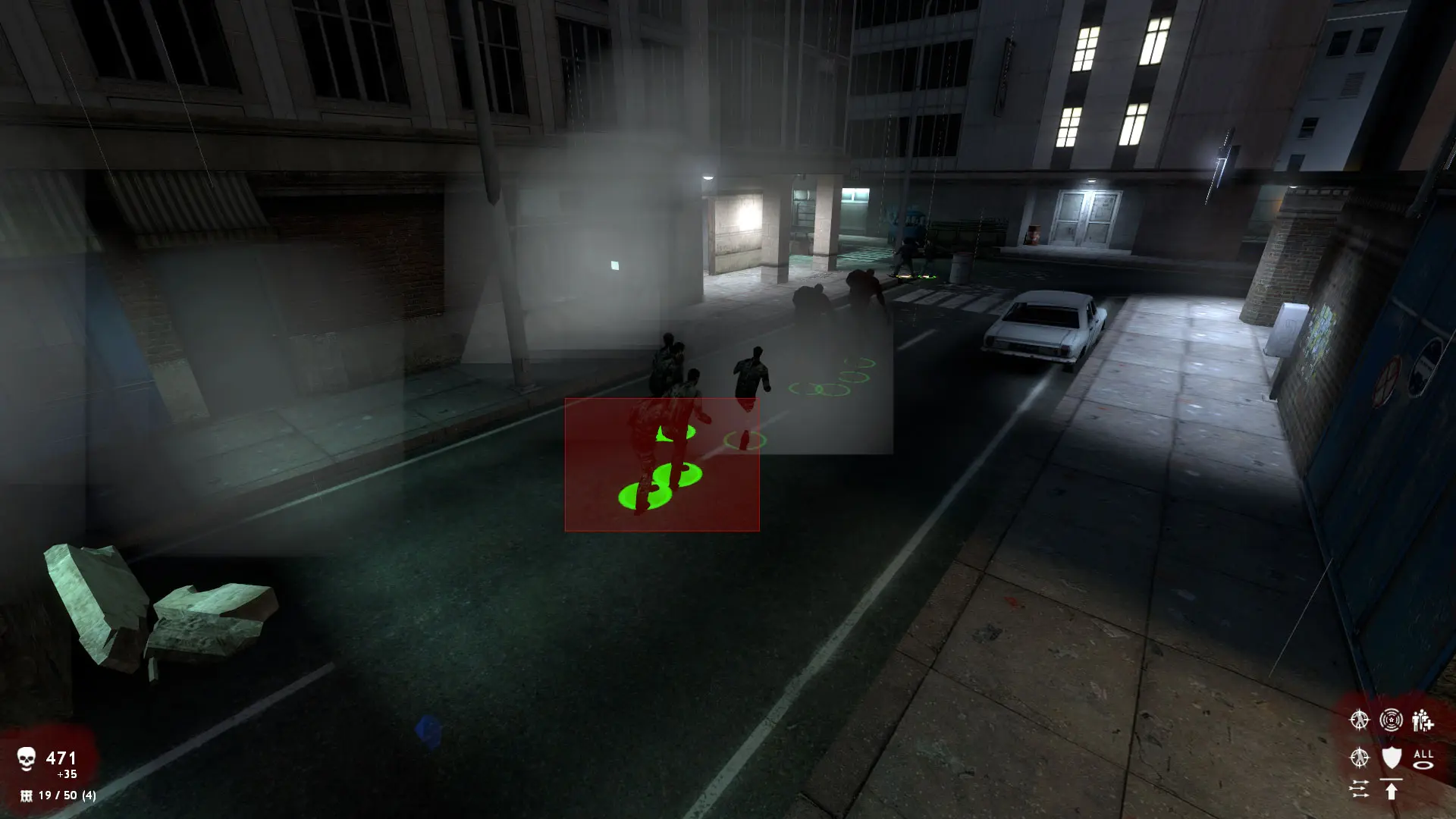
Community maps are .bsp files. Upload them to your server and players download them automatically through FastDL when they join.
Uploading A Map
- 1Log in to Bropanel and
Stopyour server. - 2In the sidebar, go to
Files. - 3Open the
zombie_master_reborn/mapsfolder. - 4
- 5Start your server.
If the map came with materials, models or sound folders, upload them into the zombie_master_reborn folder so they merge with the folders already there.
To play the map, set it as your Starting Map or change to it with RCON, for example rcon changelevel mymap. To add it to the map cycle, create zombie_master_reborn/cfg/mapcycle.txt with one map name per line (copy mapcycle_default.txt to start from the stock list).