
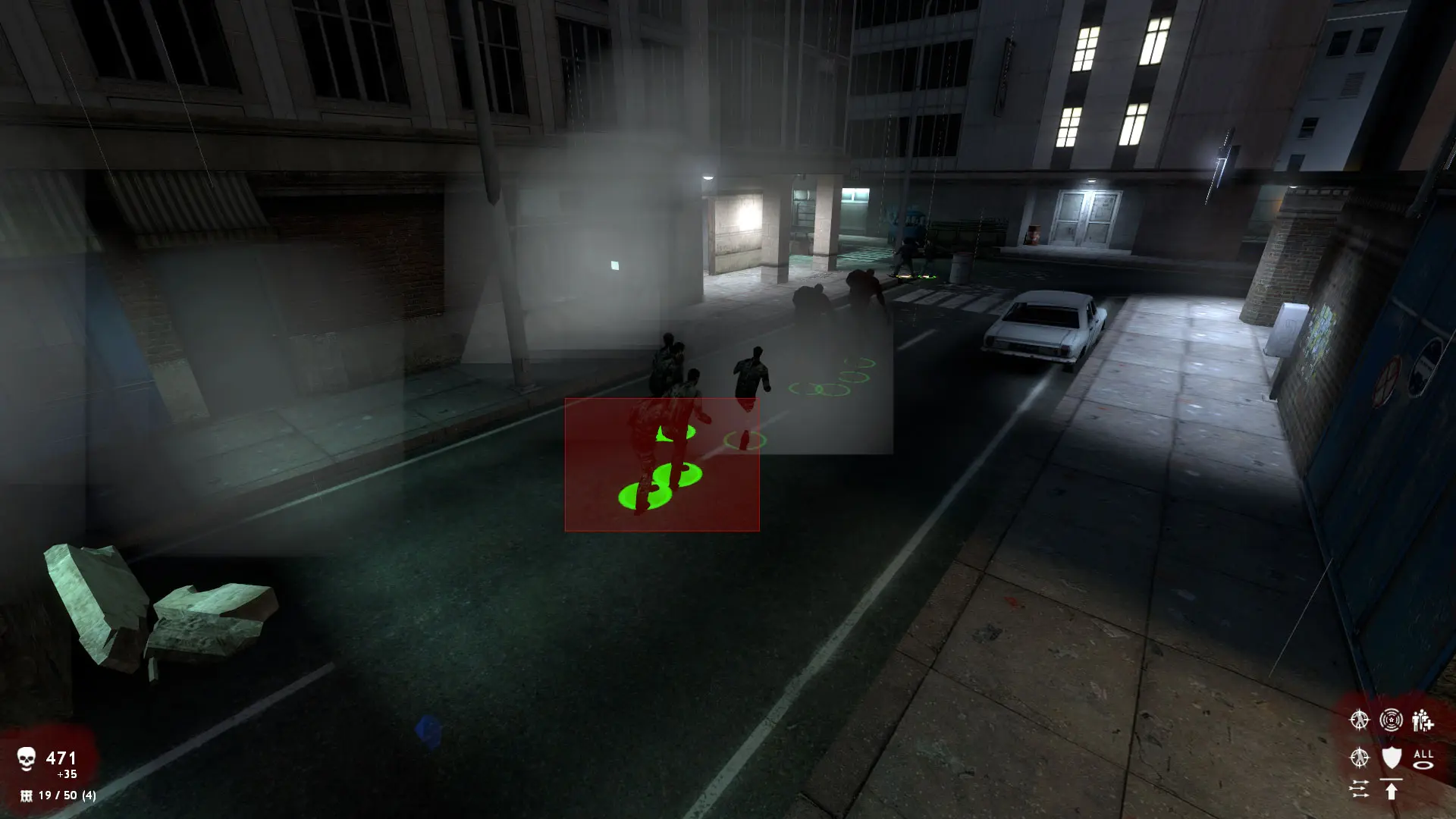
Players need Zombie Master: Reborn Beta 6 installed, which is free from zombiemaster.dev, plus the free Source SDK Base 2013 Multiplayer from the Tools section of their Steam library, switched to its previous2021 branch. Without that branch, players can't see or join Zombie Master: Reborn servers.
Switching Source SDK Base 2013 Multiplayer To previous2021
- 1In your Steam library, open
Toolsand right-clickSource SDK Base 2013 Multiplayer, then selectProperties. - 2Go to
Betasand selectprevious2021from theBeta Participationlist. - 3Wait for Steam to finish downloading, then start Zombie Master: Reborn.
Connecting With The IP Address
- 1Log in to Bropanel and select your Zombie Master: Reborn server.
- 2Copy the server IP address and port from the
Overviewpage, for example123.45.67.89:27015. - 3Open Zombie Master: Reborn and press the
~key to open the console. - 4Type
connect 123.45.67.89:27015with your own IP and port, then pressEnter.
Tip
If the console doesn't open, turn on Enable Developer Console in the game's keyboard options first.
If your server has a password, type password yourpassword in the console before you connect.
Connecting From Steam
- 1In Steam, open
Viewand selectGame Servers. - 2Go to the
Favoritestab and click the+button. - 3Enter your server IP and port, for example
123.45.67.89:27015, and clickAdd this address to favorites. - 4Select your server and click
Connect.