
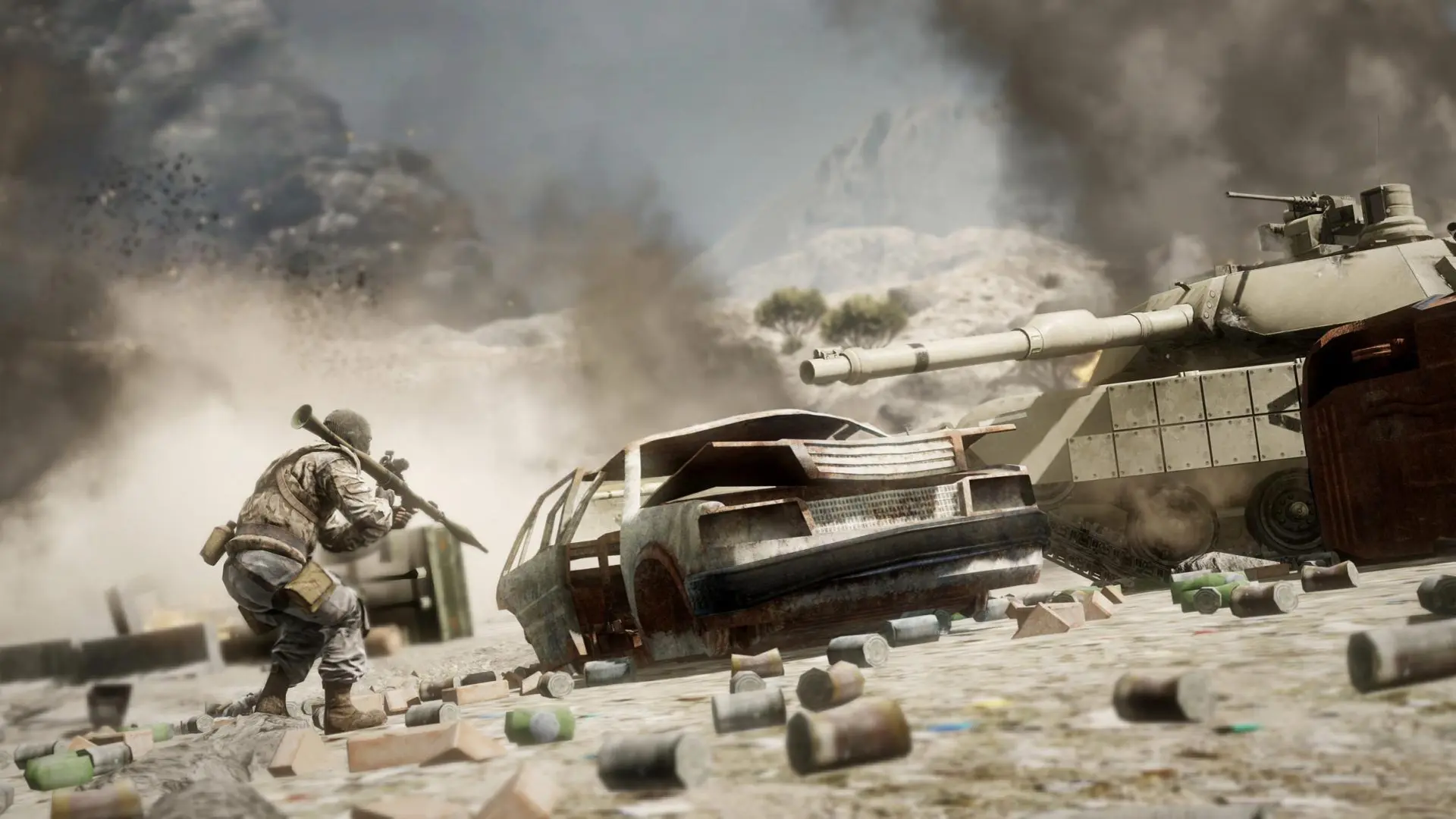
This is what you do if you want to change hardcore mode on your Bad Company 2 server.
Changing Hardcore
- 1Log in to Bropanel and select your server.
- 2In the sidebar, go to
Settings. - 3Under
Gameplay, turnHardcoreon or off. - 4Click
Save & Restartto apply your changes.
Hardcore lowers player health, hides most of the HUD and turns friendly fire on. Hardcore servers show with a yellow skull in the server browser.